User
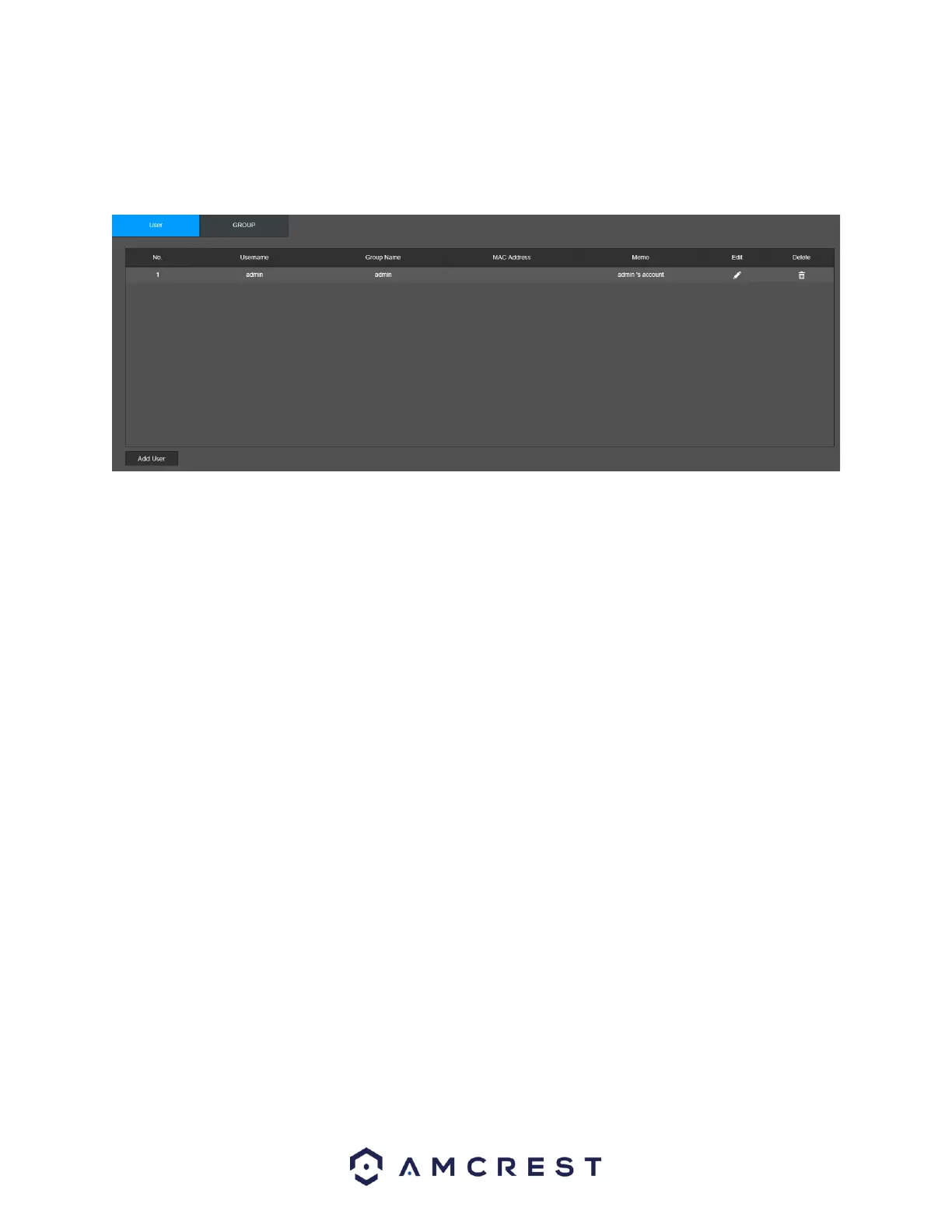
This screen is used to configure User account settings. Below is a screenshot of the User Account
settings screen:
Below is an explanation of the fields on the User screen:
Number: This number indicates how many users are in the system. Each line item has a number to
signify its place in the list.
Username: This column indicates an account's username.
Group Name: This column shows which group the username belongs to.
Edit: This column has a button that allows for the account's properties to be edited.
Delete: This column has a button that allows for the account's properties to be deleted.
Status: The status of the user in the system.
MAC address: The MAC address in which the user’s credentials are associated.
Memo: This column provides a brief description of the account’s status in the NVR.
Add User: This button allows the user to add another user account.
Below is a screenshot of the Add User screen.



 To Next Page