An overload may result in NVR damage. Please refer to the following relay specifications for detailed
information.
Alarm relay specifications
Audio Ports
Device-end to PC-end
Device Connection
Connect an RCA microphone to the “Audio In” port on the back of the device. If using an audio out device,
such as an RCA speaker, plug the speaker into the “Audio Out” port on the back of the device.
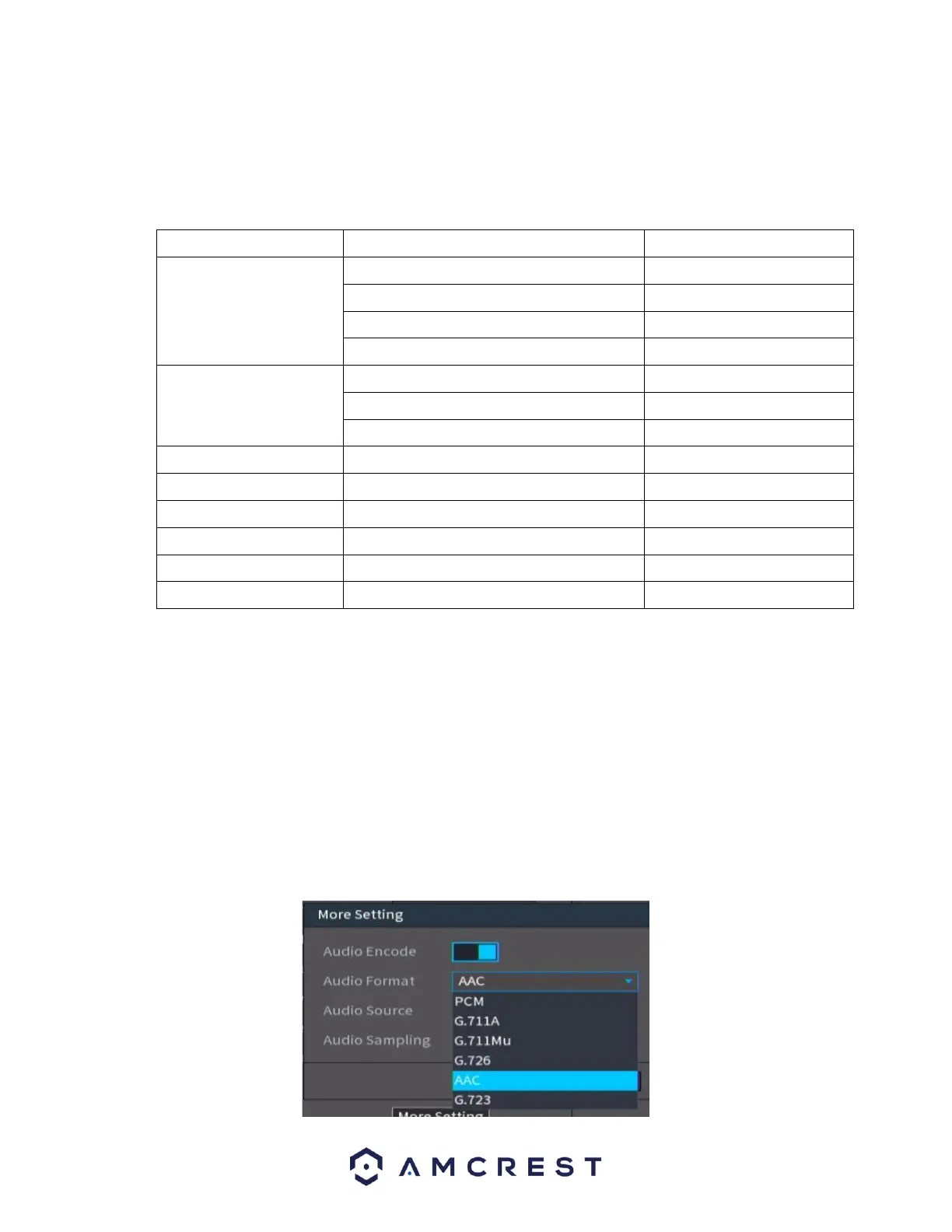
Most audio codecs will use ACC as a default audio codec. To adjust audio settings, log into your NVR and
access the Encode menu for the specific device and click on “More Setting” (Camera > Encode > More
Setting). Verify the codec and settings are correct and click Save to save the audio settings.



 To Next Page