Note: Click on the Watermark option to verify the watermark information assigned to the downloaded
file.
Display
This menu allows the user to configure resolution and display setting outputs as well as setup a display
tour if multiple displays are being used.
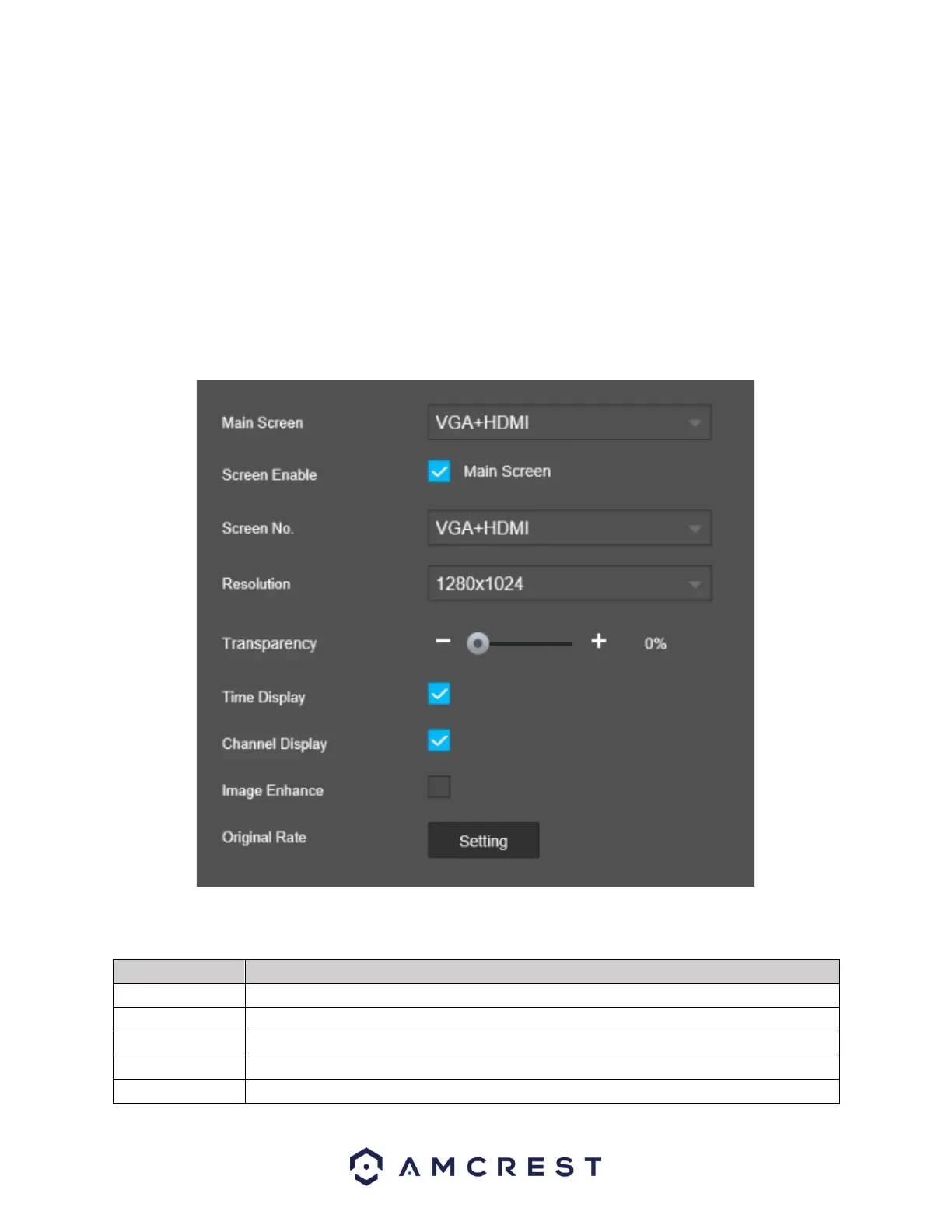
Display
This menu provides you with quick access to your display and output information associated with your
NVR. You can configure the display effects such as, resolution, time delays, channel titles, etc.
For more information on the settings provided in this menu, refer to the table provided below.



 To Next Page