Live
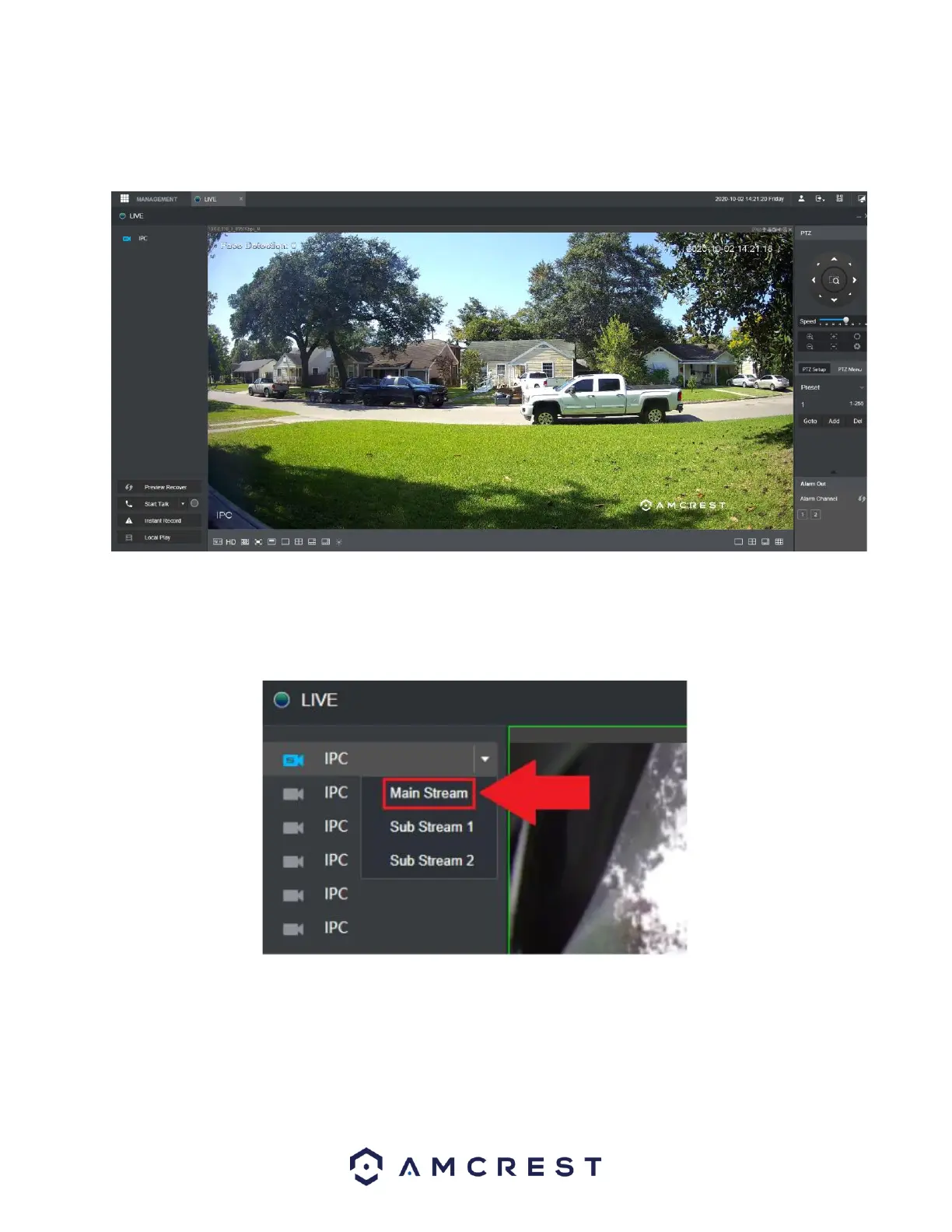
The live view interface provides a real-time viewing of a connected device.
Note: If using Google Chrome or other mainstream web browsers the sub stream for the device may be
displayed in the interface by default. Please note, some older computers may not be able to support
H.265 compression which may result in a corrupted file. To change the live view to mainstream, click on
the stream selection dropdown menu and select Main Stream.
Below is a description of the options in this menu:
Preview Recover: Refreshes the live view interface to its default format.
Start Talk: Enables two-way audio if an external and microphone and speaker are connected.
Instant Record: Instantly starts recording video (a hard drive must be installed).
Local Play: Pulls a downloaded video that is locally stored.



 To Next Page