Click the Refresh button to refresh the interface. To confirm settings, click the Save button.
Register
The Register menu allows the user to register to a proxy to the system which allows the user to access
the NVR via a specified proxy. Please note, this section only supports, IPv4 server IP addresses.
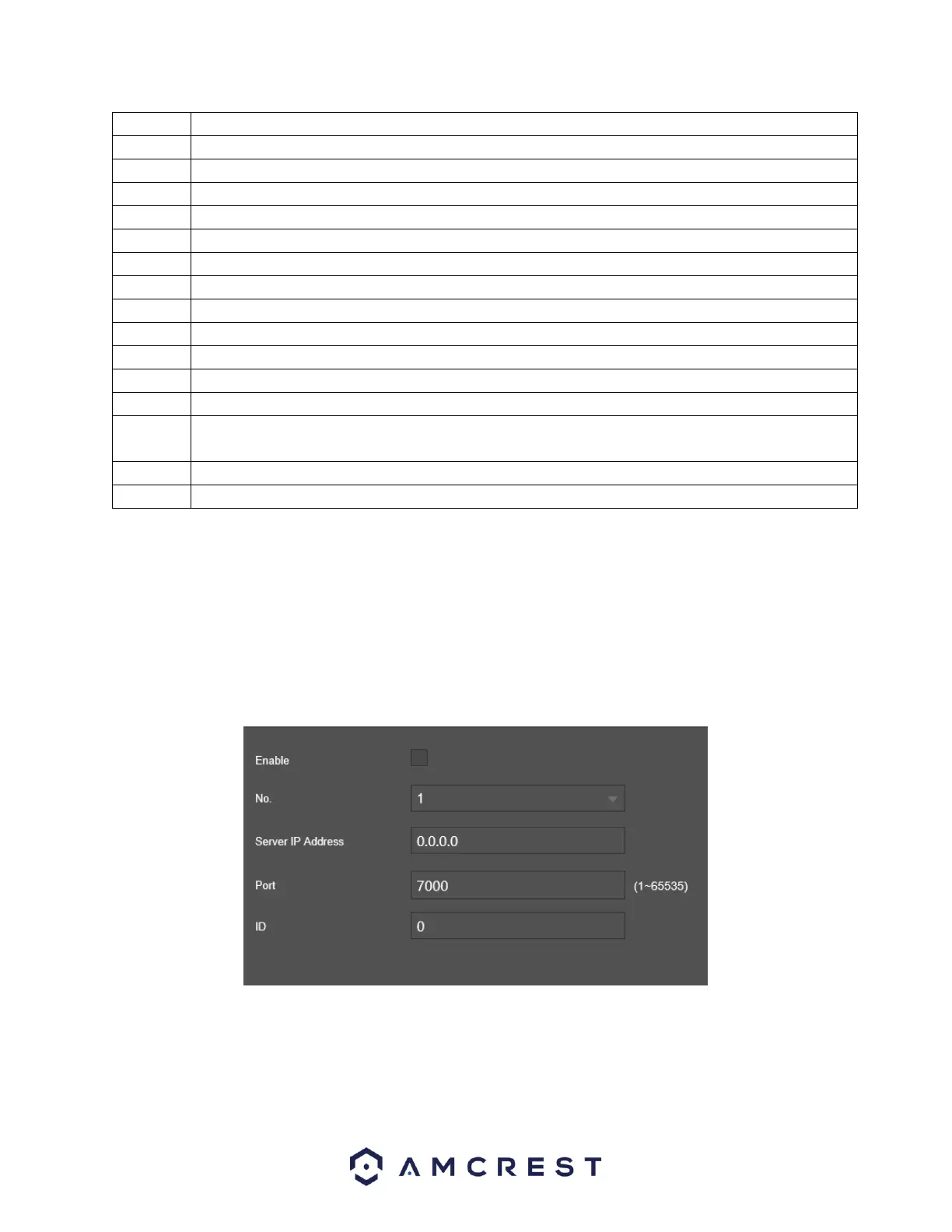
Below is a screenshot of the Register menu:
Enable: This option is used to enable the register function.
No: The number applied to the proxy in the system.
Server IP Address: Enter the IP address of the server being used.
Port: The port number used when setting up the proxy address.



 To Next Page