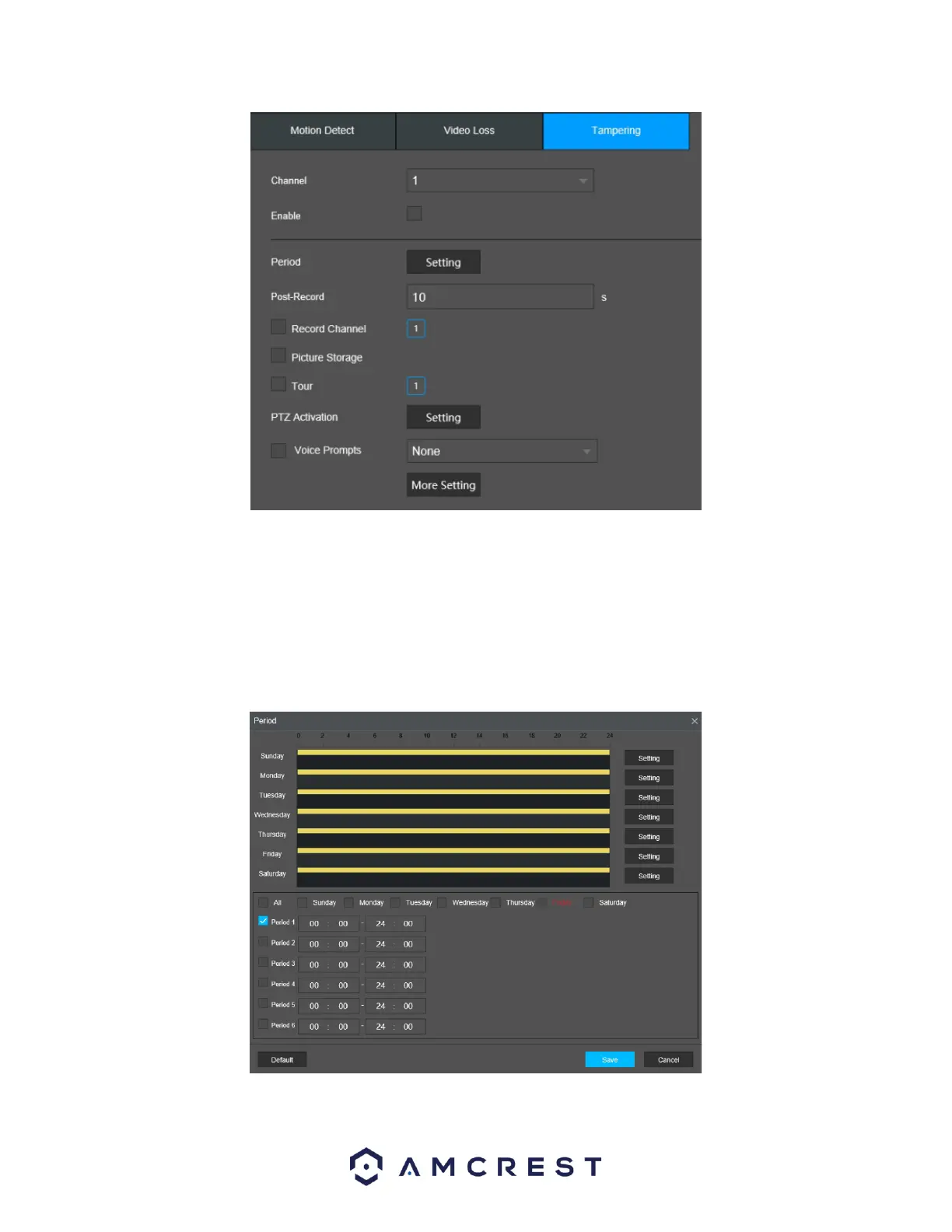
Below is a description of the fields on the Tampering settings page:
Channel: The channel dropdown menu is used to select which channel you would like to use to set your
motion detection.
Enable: This checkbox allows the user to enable the detection function for a specific channel. To select a
channel, click on the drop-down menu provided on the right.
Period: This setup button takes the user to the detection period settings screen. Below is a screenshot
of the motion detection period settings screen.



 To Next Page