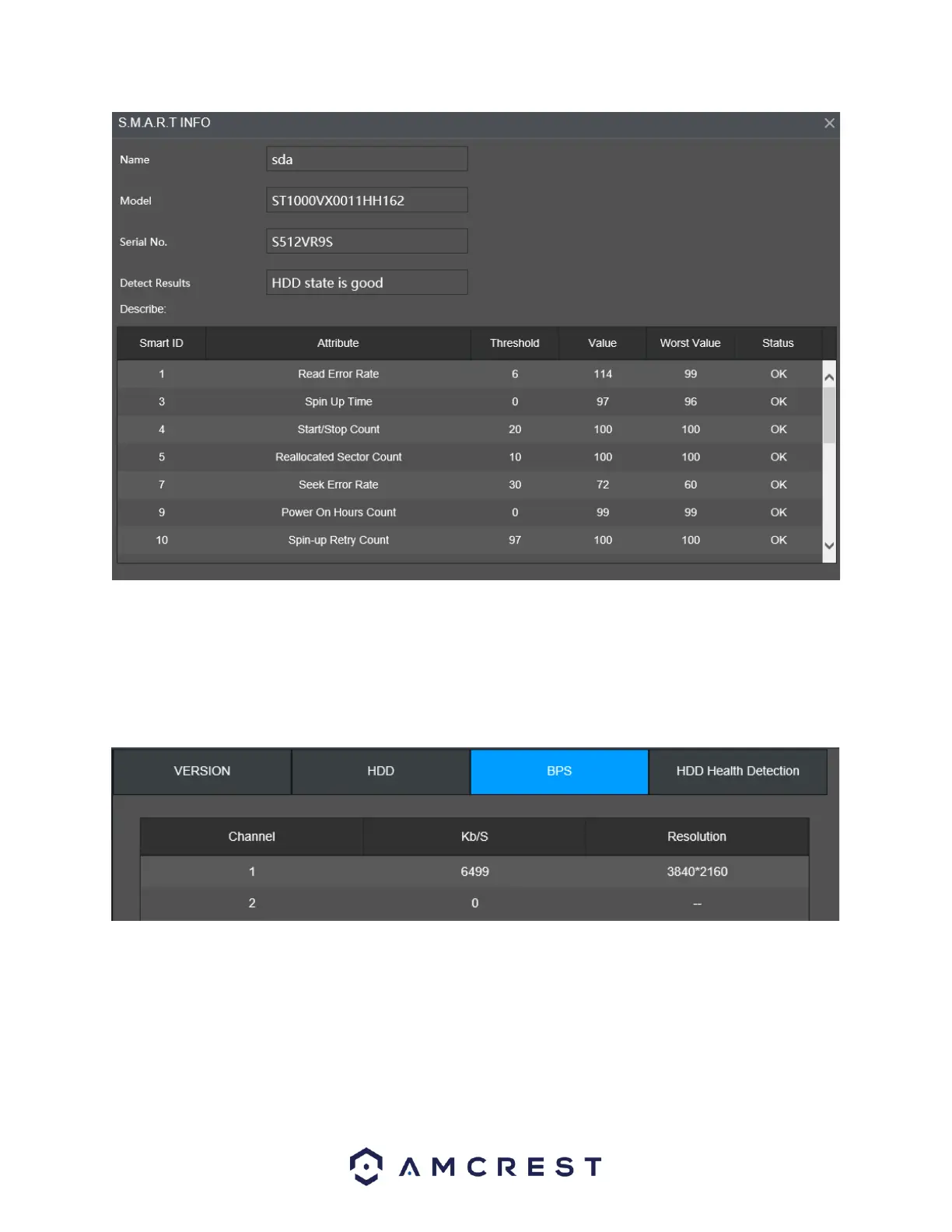
Running Status: Displays if the hard drive is active or inactive.
BPS
The BPS tab allows the user to view current video bit rate (kb/s) and resolution provided for each
connected channel.
The menu will show the current channel and resolution of that specific channel. The kb/S section
denotes the amount of kb/S used by that channel and the Wave menu shows, in wave format, the
amount of kb/S used by that specific channels output.
HDD Health Detection



 To Next Page