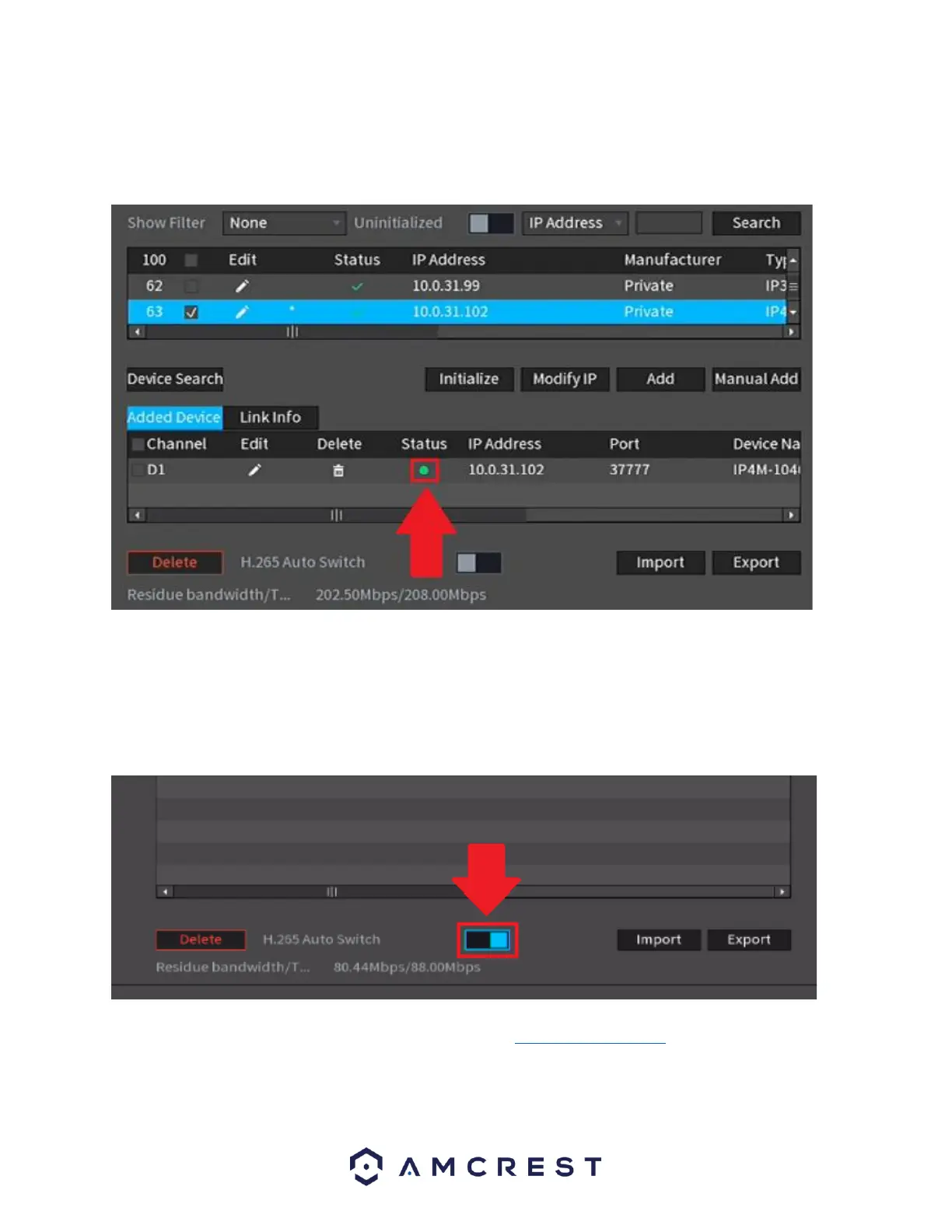
Note: If this is a new device and a password has not been added the password will be admin.
Once the password has been properly set the Status indicator will turn green indicating the
camera has been properly added.
As previously stated, our H.265 compatible products will come factory defaulted to H.264
compression, but for increased performance, the camera's settings can be automatically
switched to H.265 compression. Switching to H.265 compression reduces bandwidth without
sacrificing frames per second or resolution. To activate H.265 compression, click on the H.265
Auto Switch.
For more information on H.265 compression, please visit: amcrest.com/support
Click on Next to proceed.



 To Next Page