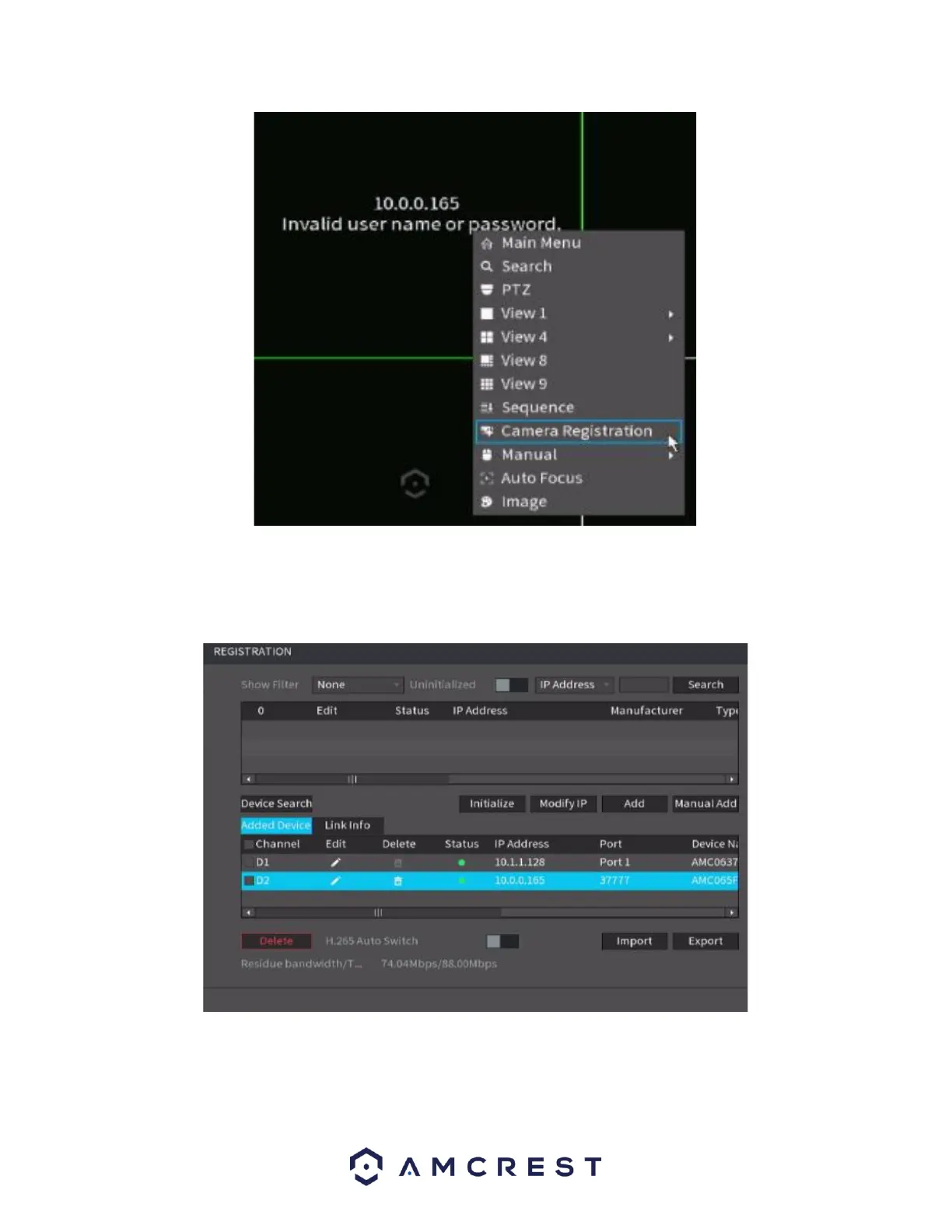
In the registration screen, click on the Edit icon (pencil) and ensure the username and password are
correct and click Connect. Once this is verified click Save. The status indicator for the camera should
turn green, indicating the camera has been added successfully.
Note: For maximum compatibility when accessing your camera in a web browser or third party
applications, our H.265 compatible products will be factory defaulted to H.264 but for increased
performance, the camera's settings can be upgraded to H.265 compression. H.265 provides a



 To Next Page