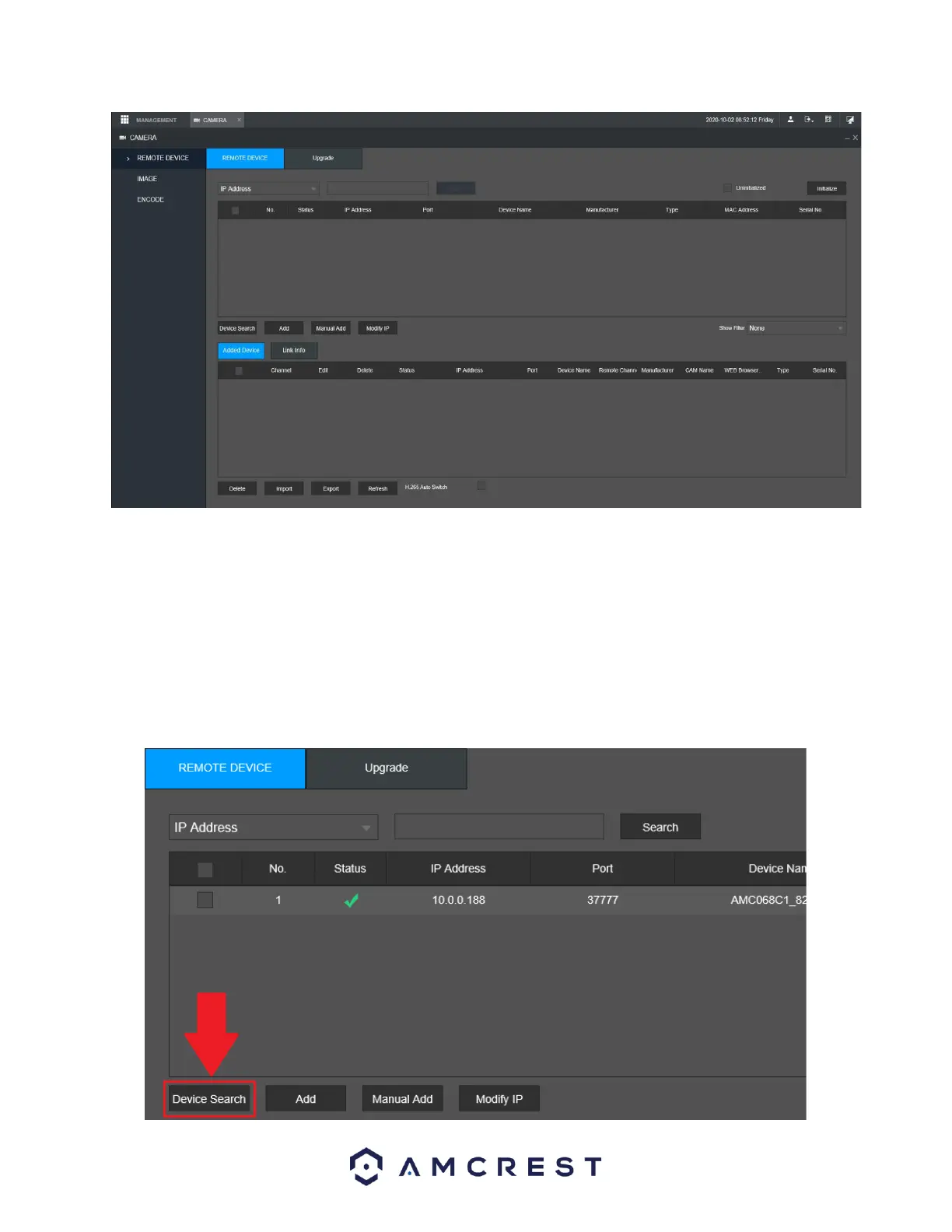
Camera Registration
This may be labeled as “Remote Device” in some models. Please ensure the camera is on the same
network segment as the NVR when registering a camera. Please note, if a camera is plugged directly to a
PoE port on the back of your device the camera will be automatically registered. However, please ensure
the password for the camera is registered properly in the system to function. The default password for
most Amcrest IP cameras is “admin.
To begin registering a camera, click on Device Search.



 To Next Page