3
AMS-1000 Hard Drive Shredder Manual 2016 v.1
Your new Ameri-Shred shredder has been secured to a pallet for shipping. Please inspect equipment
immediately for shipping damage.
Using a li truck with a minimum capacity of 2500 lbs., remove the machine from the carrier and transport to
operaon site. Remove pallet and discard responsibly. The feed table and output conveyor are located on
top of the shredder pallet.
Ameri-Shred Hard Drive Shredders are equipped with casters for ease of handling.
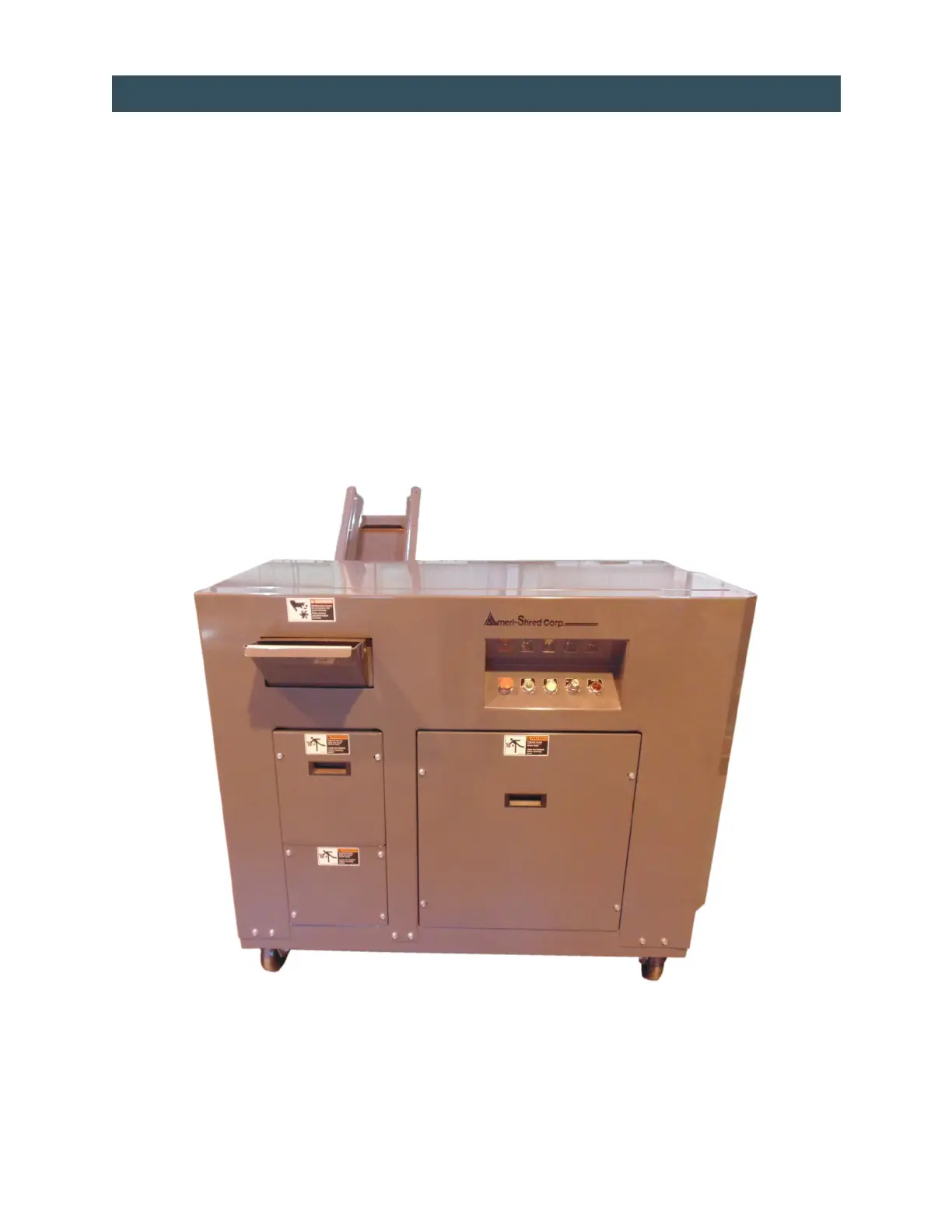
Remove all guards (see gure 1, below) and inspect interior of machine for shipping damage. Check oil level
in reducer. Add oil if necessary. See lubricaon secon on pages 11 and 12.
Aer inspecon, reinstall all guards including feed table.
If an oponal discharge conveyor was ordered with your machine, then you must install it before beginning
to shred. Be sure belt is tracking properly aer installaon (see page 13 and diagram on page 21).
IMPORTANT: Check tracking aer rst 20 hours of run me. Belts do stretch aer break in period.
UNLOADING/UNPACKING
TOP
Figure 1
RIGHT LEFT
FRONT


 To Next Page