2
1 IntroductionandFeatures
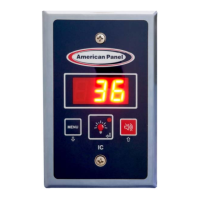
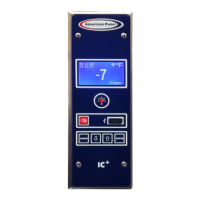
IntelligentControllerIC+wasdesignedbyAmericanPanelCorporationtocontrolvariouswalk‐indoordevicesandtomonitorthe
temperatureofthewalk‐incabinet.
IC+features:
TemperatureMonitoring
TemperatureAlarms
PanicAlarm(Optional)
DoorOpenAlarm
DoorandWindowFrameHeaterControl
ElectronicallyControlledLightSwitchandAutomaticLightOff
HACCPRecording
Wi‐FiConnectivityandRemoteNotification
IntuitiveUserInterface
BatteryBackup
AdaptiveSettings
2 TemperatureMonitoring
IC+monitorsthewalk‐incabinettemperatureviaaprobemountedinthewarmestpartofthecabinetwhichisnearthedoor.The
alarmdelaywillensurethatthealarmdoesnotgooffduringnormaldooropenings.
Foranaccurateairtemperaturereadingdonotrestricttheairflowoverthetemperatureprobe.Tomonitortheairtemperatureata
differentlocationanextendedtemperatureprobeisavailableforpurchase.
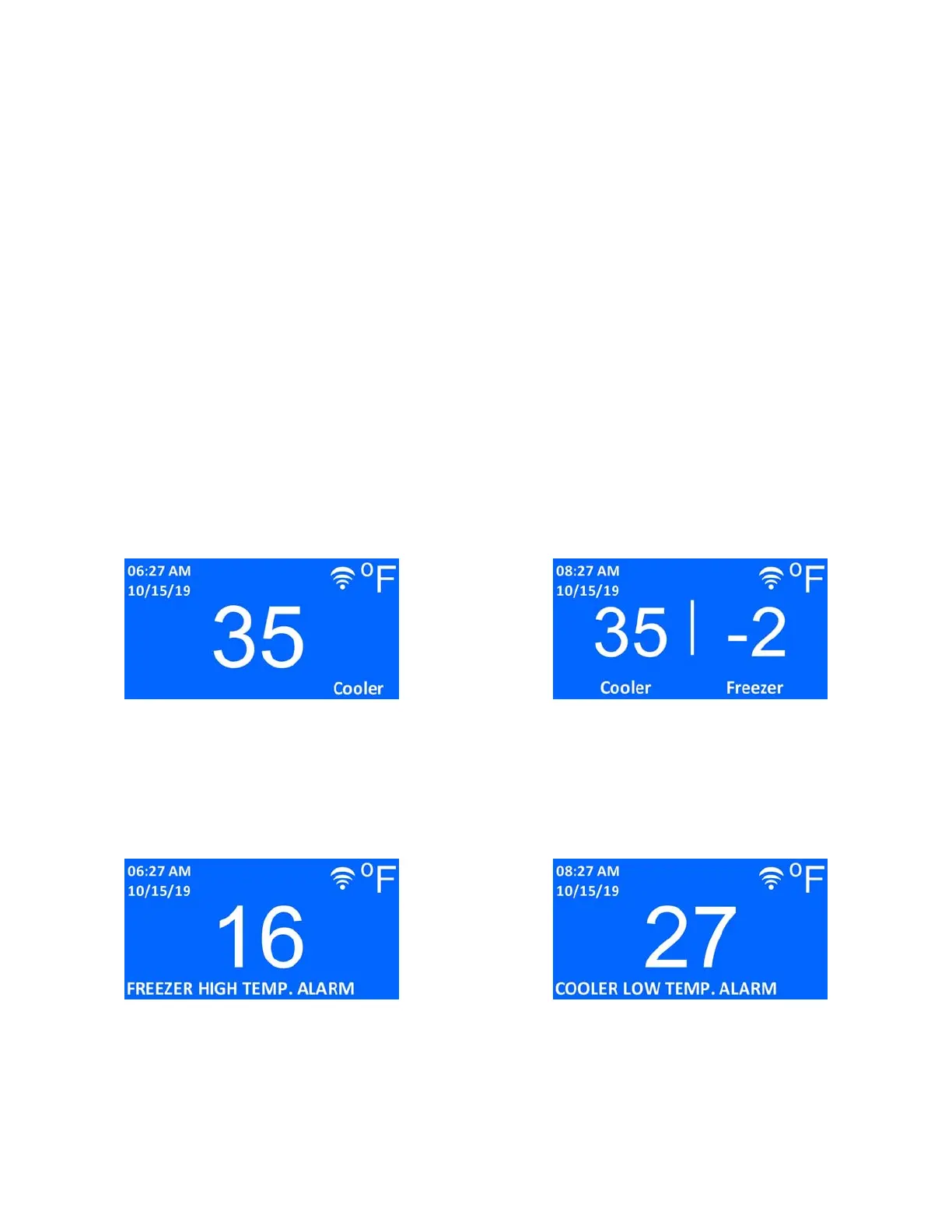
Ifequippedwithanextratemperatureprobe,IC+willmonitorthetemperatureattwolocationsorthetemperatureoftwodifferent
cabinets
Oneprobedisplay Twoprobesdisplay
3 TemperatureAlarms
Ifthetemperatureinsidethewalk‐incabinetgoesabovethehighalarmthresholdorbelowthelowalarmthreshold,the
temperaturereadingonthedisplaywillblinkindicatingthatthealarmtimedelayhasbeentriggered.Ifthetemperaturedoesnot
returntonormallimitswithinthedelaytime,thebuzzerwillgooffandthedisplaywillshowthealarmmessagealternatingwiththe
temperaturereading.IfIC+isconnectedtothelocalWi‐Finetwork,itwillsendanalarmmessageviae‐mail.
Hightemperaturealarm Lowtemperaturealarm
Thebuzzercanbesilencedbypressingthealarmmutebutton.
Thealarm’ssetpointsanddelaytimesarefullyprogrammabletouser’sneeds.


 To Next Page