4
ON
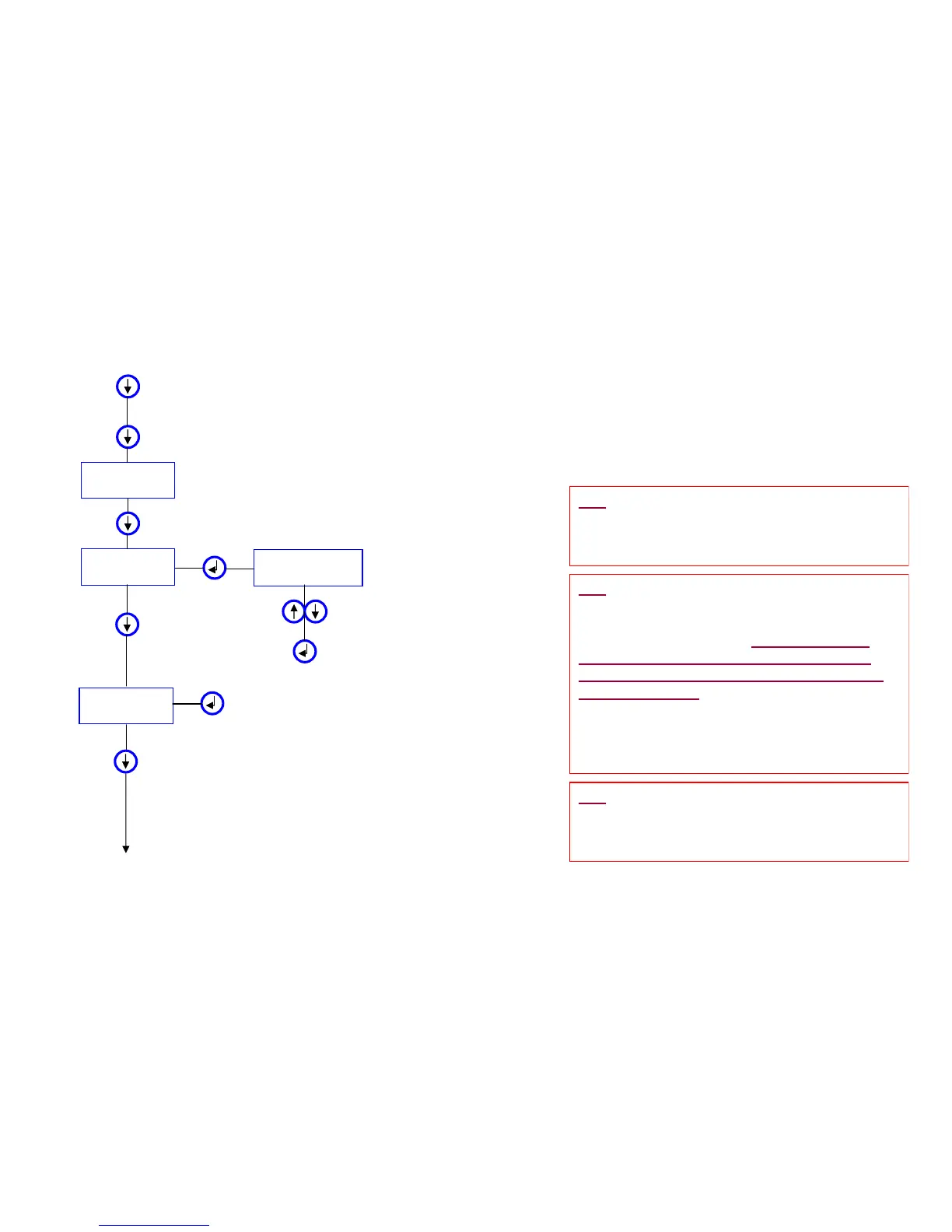
MENU 1
CLEANING
MENU 2
DISINFECTION
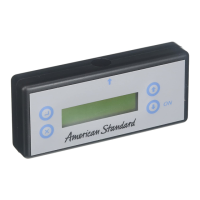
Press to activate the menus
Press to turn on the programmer
DISINFECTION
DURATION :114min
Press up or down to adjust time
Align the programmer with the sensor and press to
transmit the signal to sensor to activate the
DISINFECTION cycle for the selected period of time
MENU 3
DIAGNOSTIC
Align the programmer with the sensor and press to
transmit the signal to sensor to activate the
DIAGNOSTIC feature. NOTE: Use the up and down
arrow keys to scroll through the current settings
Press to go to MENU 2
Press to go to MENU 3
Press to go to MENU 4
To MENU 4
¾ Start
¾ Cleaning
¾ Disinfection
¾ Diagnostics
TIP: Cleaning – Use this mode to disable the
sensor for 1 minute. This is sometimes used by
the cleaning crew to keep the faucet “off” while
cleaning the fitting and or fixture.
TIP: Disinfection – This is typically used in
healthcare facilities that conduct periodic high
temperature or high anti-bacterial chemical
purging of the water lines. The maintenance
person should activate this mode and stay
present to avoid any users from exposure to
the purged water. This ‘mode’ can be activated
while in any function (hand-wash faucet, urinal
flush valve, etc.). The duration (run time) can be
programmed from 1 minute to 120 minutes in 1
minute intervals.
TIP: Diagnostics – Use this mode to determine
the settings of the faucet or flush valve. NOTE:
this feature will only work with products made
2008 or newer.






 To Next Page