3
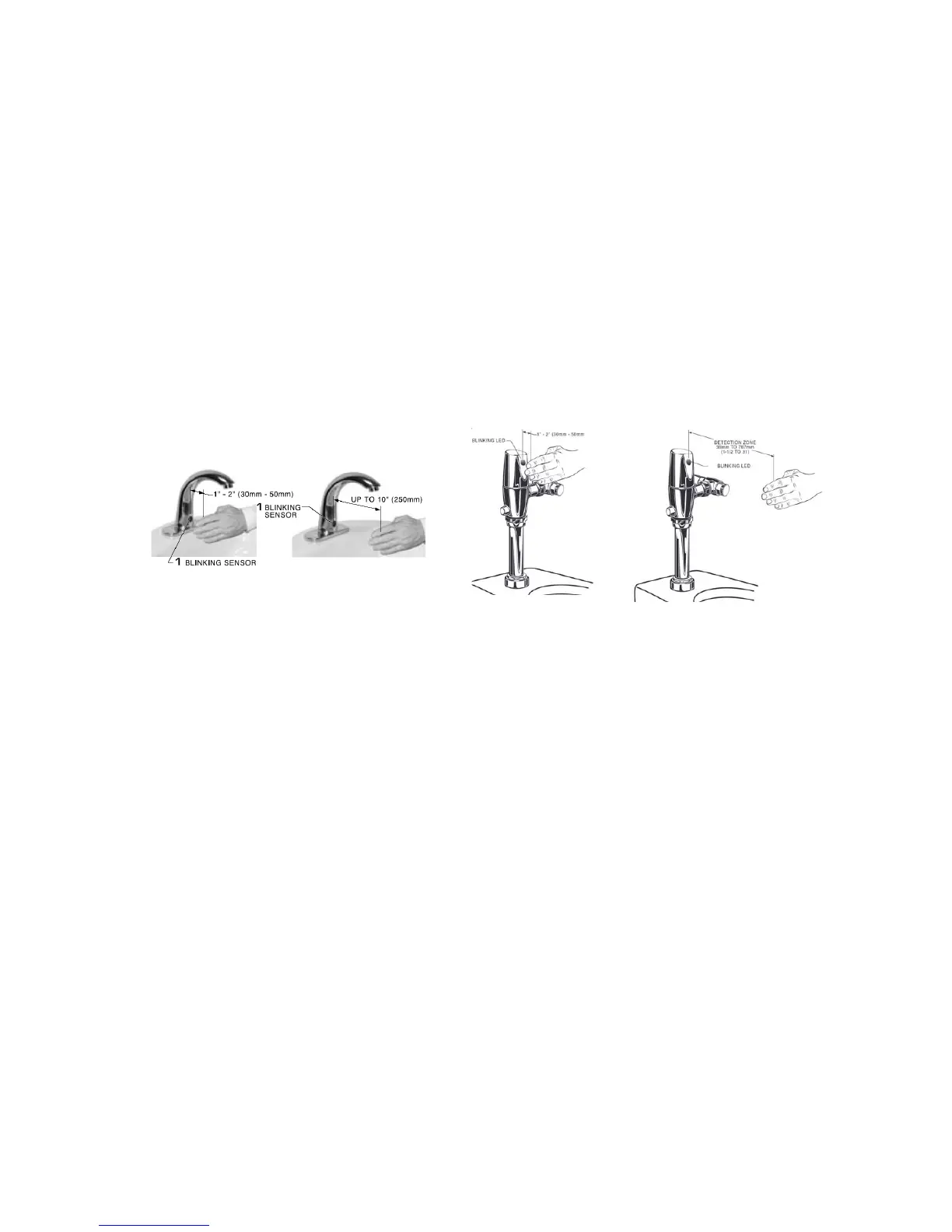
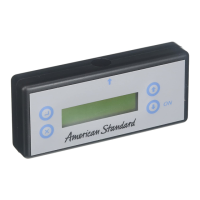
When using the programmer, the sensor will begin blinking for approximately 5
seconds after the “enter” key is pressed and the display shows “TRANSMISSION
OK”. While it is blinking move your finger to within 1 inch of the sensor (nearly
covering it). When the light stops blinking and stays on steady, remove your finger
and, with the palm of your hand facing the sensor, move your hand to the distance
to be set. When the sensor starts to blink again, move you hand away from the
detection area. The flashing will stop and the sensor will now be programmed with
the new setting. The Programmer will now display BACKUP FUNCTION. You can
program the next sensor(s) by pointing the programmer at the sensor and
pressing the “enter” key. The programmer will remember the programmed settings
for approximately 3.5 minutes before turning off.
NOTE: See “Product Settings & Specifications Chart”
Setting The Detection Distance
*** ONLY DONE AFTER SELECTING ALL THE MODE SETTINGS ***






 To Next Page