6
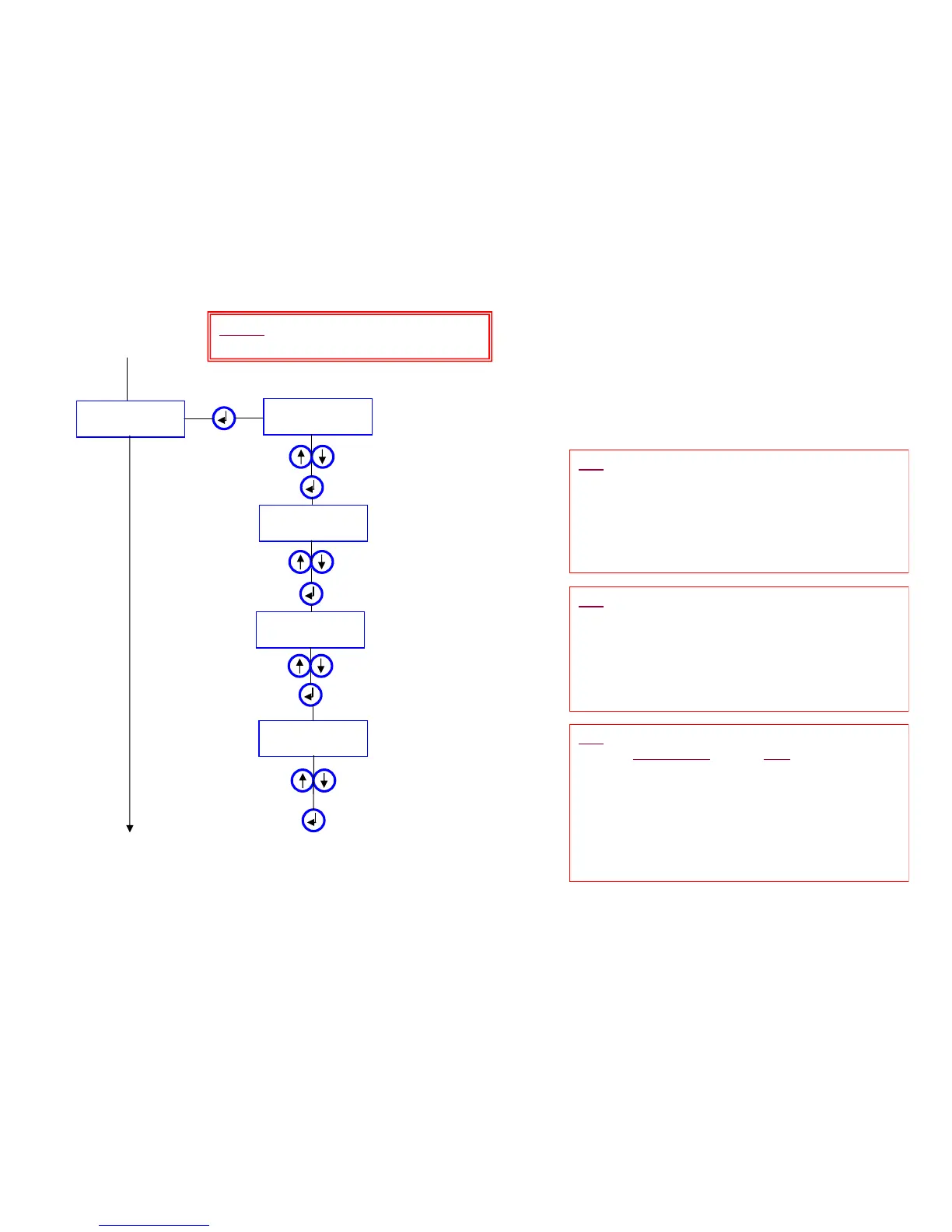
MENU 4.1
HAND-WASHER
COMF. TIMEOUT
= 1 Sec
Press up or down to adjust time
SAFETY Timeout
= 55 s
Press up or down to adjust time
Auto. RINSE
= OFF
To MENU 4.2
Press to set
¾ Hand-Wash -- Faucet
From MENU 4
NOTE: This is the standard ‘instant on /
instant off’ faucet mode.
TIP: The “COMF. TIMEOUT” (Comfort Timeout)
determines how long the water will run after the users'
hands are removed from the detection zone. This
prevents the water from quickly turning On & Off as
the user’s hands move in & out of the detection zone.
Recommended setting: 1.5 sec
• Adjustable from 0 to 10 sec in 0.5 sec increments
TIP: The “Auto. RINSE” (Auto Purge) allows the
faucet to automatically
turn ON after a set time period
of non use, maintaining the trap seal & preventing the
water from becoming stagnant
Default Setting: ‘OFF’
• This time period can be set to activate from 1 to 72
hrs (of non-use) in 1 hr increments.
• The duration of run time can be set from 1 sec. to
240 sec.
Auto. RINSE
= 55 s
Press up or down to adjust time
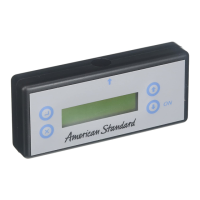
Align the programmer with the sensor
and press to transmit the program, with
the Auto Rinse ON, to the sensor
Press up or down to turn ON
the Auto Rise feature and
adjust frequency
TIP: The “SAFETY Timeout” is sometimes referred to
as the ‘Vandal Timer’. This should be set ON to
prevent someone from intentionally blocking the eye
(chewing gum, tape, etc) to keep the faucet running
and have the sink overflow.
Default Setting: 55 sec
• Adjustable from 5 to 120 sec in 5 sec increments
Setting the sensor to the Hand-Wash faucet mode:
- Set the "Comfort Timeout"
- Set the "Safety Timeout"
-Set "Auto-Rinse" frequency (if the frequency is set to 0,
‘auto-rinsing” (auto-purging) is Off)
- Set the "Duration" (run time) of the auto-rinsing process.






 To Next Page