9
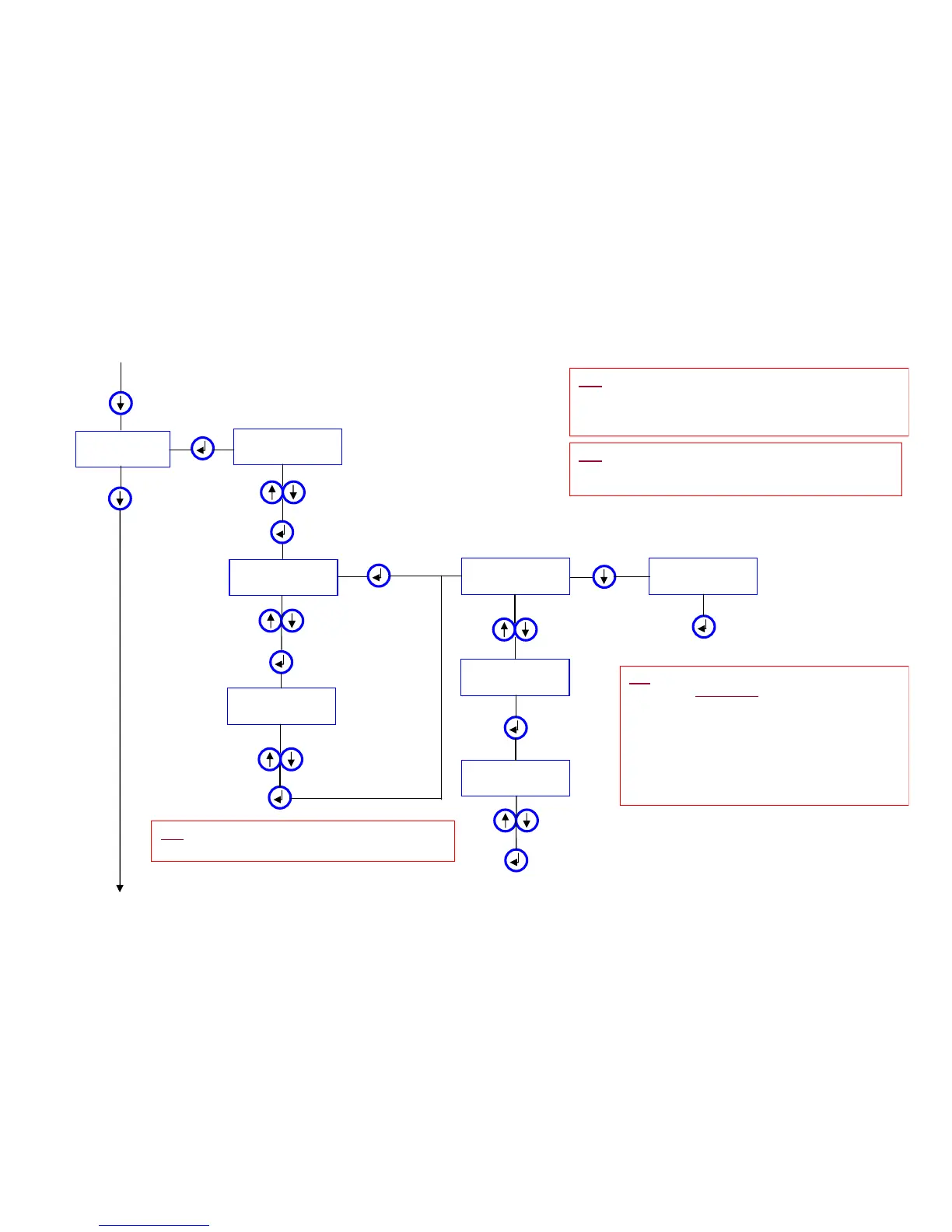
MENU 4.4
URINAL
From MENU 4.3
DETEC. INTERVAL
= 3 Sec
Press up or down to adjust
the required user detection
activation time
RINSE START INT
= 5
Auto. RINSE
= 55 s
Press up or down to adjust
how long to wait after the
user leaves to begin the flush
Press up or down to
adjust the frequency
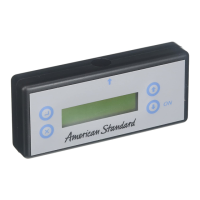
Align the programmer with the sensor
and press to transmit the program, with
the Auto Rinse ON, to the sensor
To MENU 4.5
Auto. RINSE
= 24 h
Scroll down to turn
the Auto Rinse
feature OFF
Auto. RINSE
= 72 h
Auto. RINSE
= OFF
Press up or down to adjust
the Auto Rinse run time
Align the programmer with the
sensor and press to transmit
the program, with the Auto
Rinse OFF, to the sensor
RINSE
= 5 s
Press up or down to
adjust Flush Time
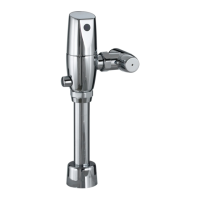
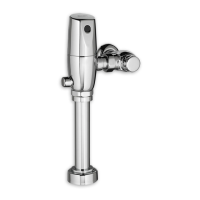
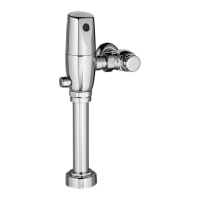
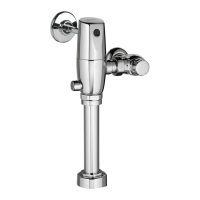
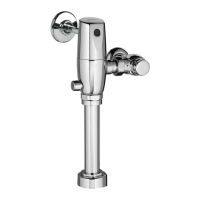
¾ Urinal -- Urinal Flush Valve
TIP: The "DETEC. INTERVAL" (Detection Interval) is how
long a user must be in the detection zone to arm the flush
valve. This eliminates false flushing due to people walking
past the urinals. Recommended setting is 5 sec.
TIP: The "RINSE START INT." (Rinse Start Interval) is
how long after the user leaves the detection zone before
the valve will flush. Recommended setting is 3 sec.
TIP: The "Rinse'" is the Flush Time (Flush Duration).
See Flush Valve Settings Chart
TIP: The "Auto. RINSE'" (Sanitary Flush) allows the
flush valve to automatically
flush, after a set time period
of non-use, to maintain the trap seal . This time period
can be set to activate from OFF to 72 hrs (of non-use) in
1 hr increments. You can set the duration of flush time
from 1 sec. to 240 sec. –never more than the fixture
can drain before overflowing! (Recommended
setting is OFF unless prolonged non-use is
expected – then 2 s should maintain the trap seal).
Default Setting: ‘Off’






 To Next Page