Page 2 of 13
AMG Sicherheitstechnik GmbH Industriepark Straße A-9 39245 Gommern Telefon 039200-7797-0 Freecall 0800-2264264*
Fax 039200-7797-29 www.amg-sicherheitstechnik.de info@amg-sicherheitstechnik.de
Business hours are 8-17 clock, outside this time an answering machine is switched
*) free of charge from the German fixed network and all German mobile networks
Content
1. View / Controls CarPro-Tec® GPS ...................................................................... 2
2. Brief description of the controls ........................................................................... 3
3. Turning Alarm and GPS tracker ON / OFF ........................................................ 3
4. Front of the CarPro-Tec® GPS - LED Indicator ............................................ 4
a. Overview ............................................................................................................... 4
b. LED Explanation ................................................................................................. 4
c. Explanation: Right Green LED ...................................................................... 4
d. Blue LED light when connected to 5V power supply (GPS tacker-
Module) .............................................................................................................................. 4
7. Settings for Siren (Time) ........................................................................................ 6
8. Adjusting the CarPro-Tec® GPS Infrasound-Sensor .................................... 7
9. What happens when the alarm is triggered? .................................................. 8
11. Position monitoring on the Website (Online-Platform) ............................. 8
Programming additional sensors ............................................................................... 9
Push button (programming sensors) ................................................... 9
LED Explanation ............................................................................................................. 9
12. App GPS tracking ................................................................................................... 10
13. GeoFence-Area and Smart- Live-Tracking................................................... 10
14. Support ...................................................................................................................... 12
15. Questions and answers (FAQ) .......................................................................... 12
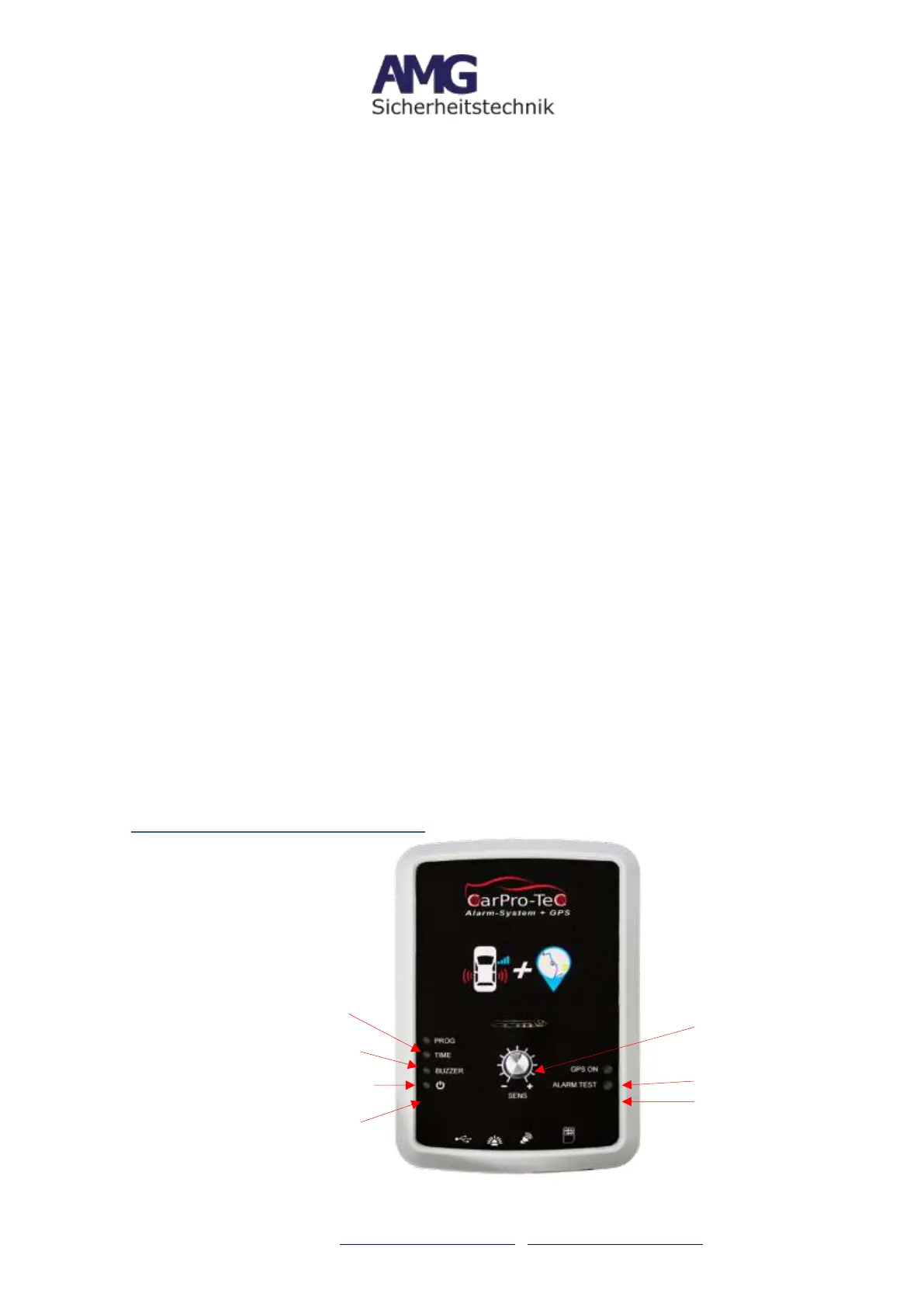
1. View / Controls CarPro-Tec® GPS


 To Next Page