Page 3 of 13
AMG Sicherheitstechnik GmbH Industriepark Straße A-9 39245 Gommern Telefon 039200-7797-0 Freecall 0800-2264264*
Fax 039200-7797-29 www.amg-sicherheitstechnik.de info@amg-sicherheitstechnik.de
Business hours are 8-17 clock, outside this time an answering machine is switched
*) free of charge from the German fixed network and all German mobile networks
2. Brief description of the controls
With this button the radio components can be programmed. i.e. if
you want to add additional sensors to your system. Protect your RV,
vacation home, etc. with knockout gas, heat sensor, CO2, etc.
This button sets the time on how long the external siren will work
Switch on and off, the individual signal transmitter
This button can be used to switch the alarm module on and off
This button can manually trigger an alarm on the GPS / GSM module
to test the connection
With this button, the GPS / GSM module can be switched on, if the
device is not connected to power supply. GPS turns on automatically
when connected to power supply.
This knob adjusts the sensitivity of the integrated room volume
sensor, clockwise increasing the sensitivity
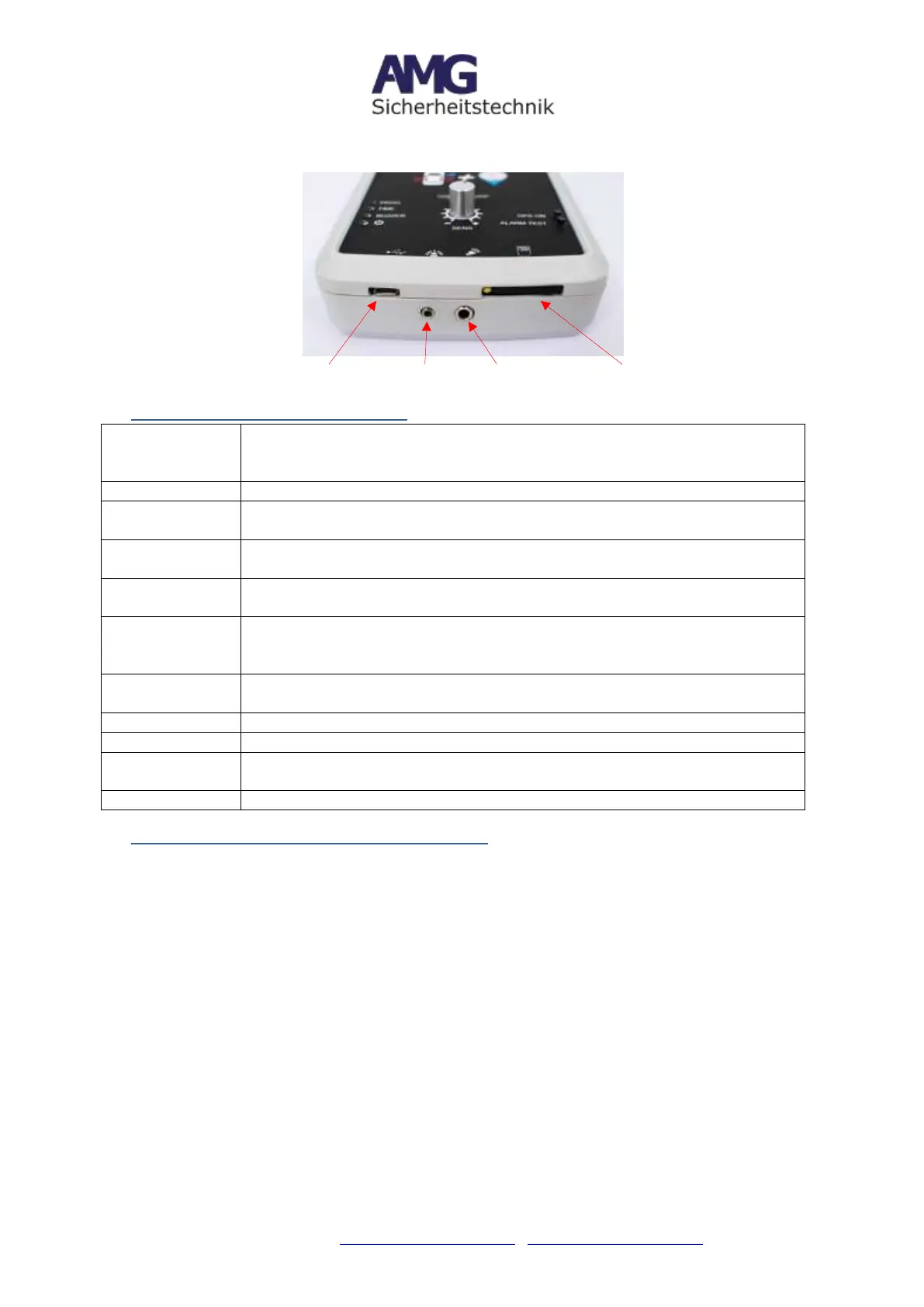
Connect the 5V power via micro USB plug
If desired, connect here the external arming LED display
Here you can connect a wired siren, or a wireless siren radio
transmitter (sold separately)
Insert SIM card for receiving text message, email and GPS inform.
3. Turning Alarm and GPS tracker ON / OFF
Note: The CarPro-Tec® GPS housing has 2 modules, an alarm module (infrasound
module) and a GPS tracker / GSM module. The alarm and GPS modules are switched
on and off separately. Both components have separate functions. To maintain all the
functions of the CarPro-Tec® GPS, both components must work together and be powered
up.
Turn ON Alarm
After the power supply is established, please turn on the alarm module.
To do this, briefly press the on / off button with a pointed object (such as a ballpoint
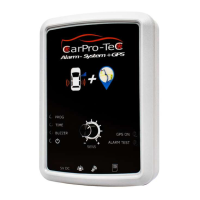
pen). (see picture 1)
Turn OFF Alarm
To turn off the alarm module, simply press the on / off button again. (see picture 1)
Turn ON GPS tracker
The GPS tracker starts automatically when connected to power supply.


 To Next Page