Page 6 of 13
AMG Sicherheitstechnik GmbH Industriepark Straße A-9 39245 Gommern Telefon 039200-7797-0 Freecall 0800-2264264*
Fax 039200-7797-29 www.amg-sicherheitstechnik.de info@amg-sicherheitstechnik.de
Business hours are 8-17 clock, outside this time an answering machine is switched
*) free of charge from the German fixed network and all German mobile networks
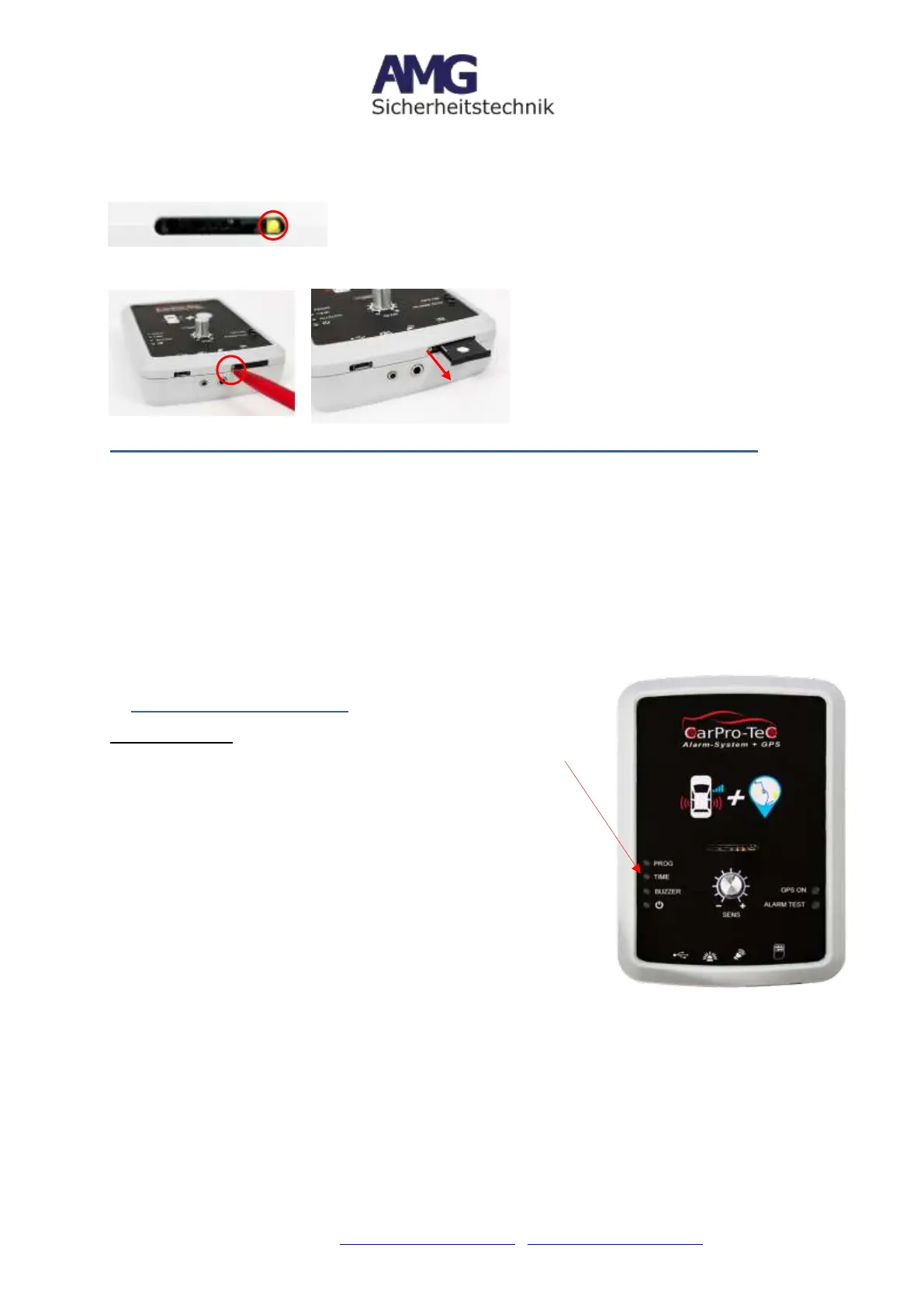
Installation SIM Card
Open the SIM slot by pressing with a pointed object on the yellow button next to the SIM
slot. Pull out SIM slot and place SIM Card as described below.
Important: SIM has to face down when inserted!
6.1 Set up (only when you purchased a SIM Card from a different provider
Notes:
1. Deactivate the PIN request of your SIM card before using it in the CarPro-
Tec® GPS (tip: inserting SIM into a mobile phone and switch off PIN query under
Settings -> to make sure the phone deactivated the PIN request, please restart
the phone!)
2. Please note that a prepaid card will be disabled after a period of
inactivity. Contact your GSM network provider/ SIM card provider for more
information. The deactivation takes place depending on the provider after 3, 6 or
12 months.
7. Settings for Siren (Time)
Siren Settings
To set the siren running time, press the corresponding button
labeled "Time".
The first press activates the setting mode.
The second press sets the run time to 0 seconds
The third, and so forth increases the run time by 10 seconds
while the device is in setting mode.
Example:
10 seconds siren run = press 3 times
60 seconds siren run = press 8 times
2 minutes siren run = press 14 times
(Press the time button twice in quick succession, to have the
system not activate the siren in the event of an alarm).
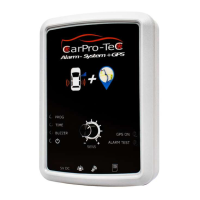
After inserting the SIM card, slide the
SIM slot back into the CarPro-Tec®
GPS as shown in picture 2.


 To Next Page