Page 8 of 13
AMG Sicherheitstechnik GmbH Industriepark Straße A-9 39245 Gommern Telefon 039200-7797-0 Freecall 0800-2264264*
Fax 039200-7797-29 www.amg-sicherheitstechnik.de info@amg-sicherheitstechnik.de
Business hours are 8-17 clock, outside this time an answering machine is switched
*) free of charge from the German fixed network and all German mobile networks
9. What happens when the alarm is triggered?
The infrasound sensor of the CarPro-Tec® GPS triggers an alarm
CarPro-Tec® GPS turns on the siren
CarPro-Tec® GPS sends text message with current position to all programmed
telephone numbers
Current GPS-position will be transferred to the online portal – live tracking of
vehicle
CarPro-Tec® GPS calls all (max.3) programmed telephone numbers one after the
other
If a call is answered, it can be heard inside the vehicle.
ATTENTION: The AMG World SIM card cannot make calls, it can only send
SMS and email and provide GPS tracking!
10. Remote Control Features
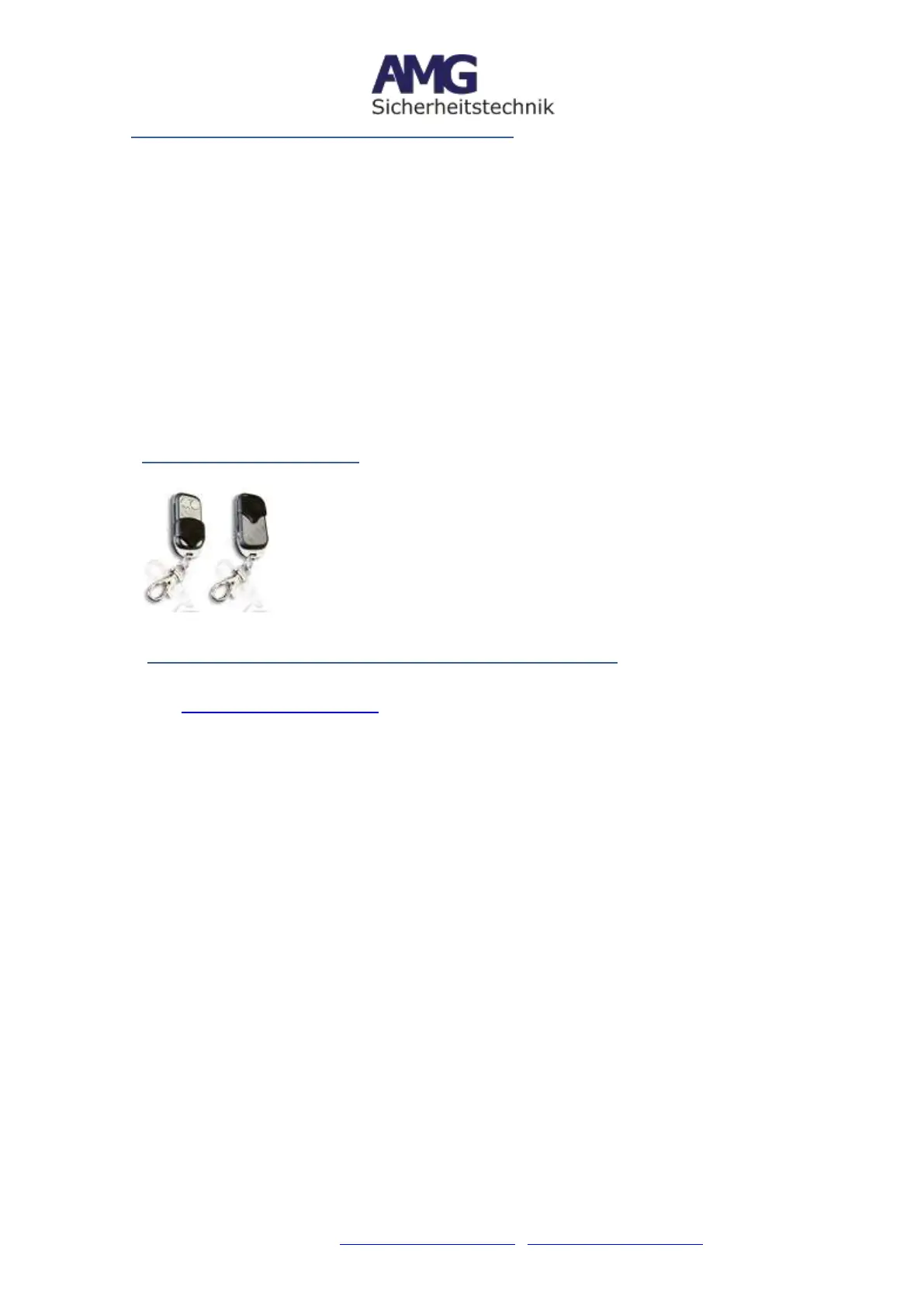
Remote controls are supplied with 2 or 4 buttons (depending
on availability). Important and relevant are only the following
keys:
Lock opened = Alarm system is disarmed
Lock closed = Alarm system is armed
11. Position monitoring on the Website (Online-Platform)
If you use a SIM card with data volume in the CarPro-Tec® GPS, then you can log on the
website: www.smart-tracking.com with the access data that you find on the back of your
device and see online the position. The username usually consists of 6 digits and the
default password is 123456.
The device allows live tracking of your vehicle.
Under the input field for logging in you can set the language of the page, by default this
is set in English. A checkmark next to "Save settings on this computer" will save the
language for future visits.
If you are logged in on the page, you will see the navigation bar on the left side
consisting of the following:
Location list: Query the last known position of your CarPro-Tec®
History: Query and display of the stored position data of your CarPro-Tec ®
Reports: Download various movement data of your CarPro-Tec® GPS as PDF or Excel
file
Map: manual entry for longitude and latitude and display on the map
Chart: Statistics on the motion profile of your CarPro-Tec® GPS
Manage: Possibility to change the password for website access.
Attention! We recommend changing this as soon as possible to prevent external access
to your data.


 To Next Page