DRIVER INSTALLATION
50
MI987 User’s Manual
Intel® Management Engine Interface
Follow the steps below to install the Intel Management Engine.
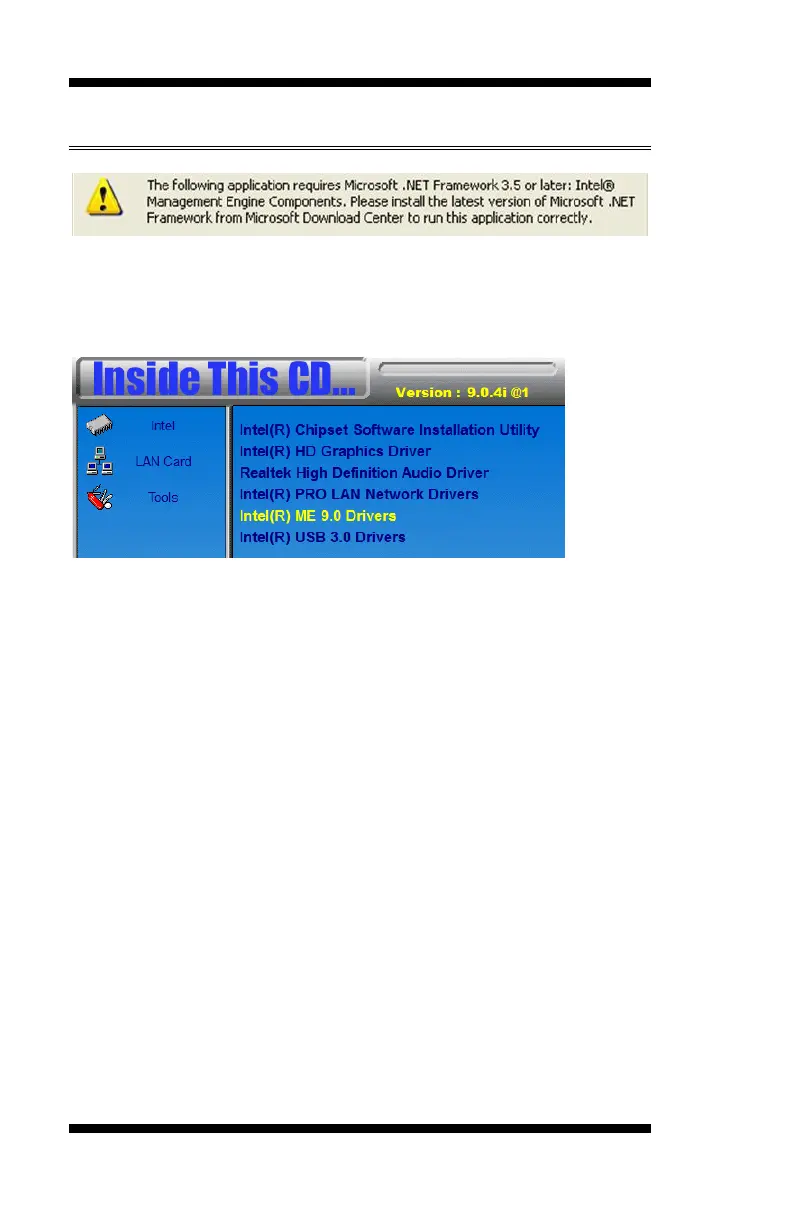
1. Insert the DVD that comes with the board. Click Intel and then
Intel(R) 8 Series Chipset Drivers and then Intel(R) ME 9.0 Drivers.
2. When the Welcome screen to the InstallShield Wizard for Intel®
Management Engine Components, click the checkbox for Install Intel®
Control Center & click Next.
3. Click Yes to to agree with the license agreement.
4. When the Setup Progress screen appears, click Next. Then, click
Finish when the setup progress has been successfully installed.


 To Next Page