16 Amico Pipeline
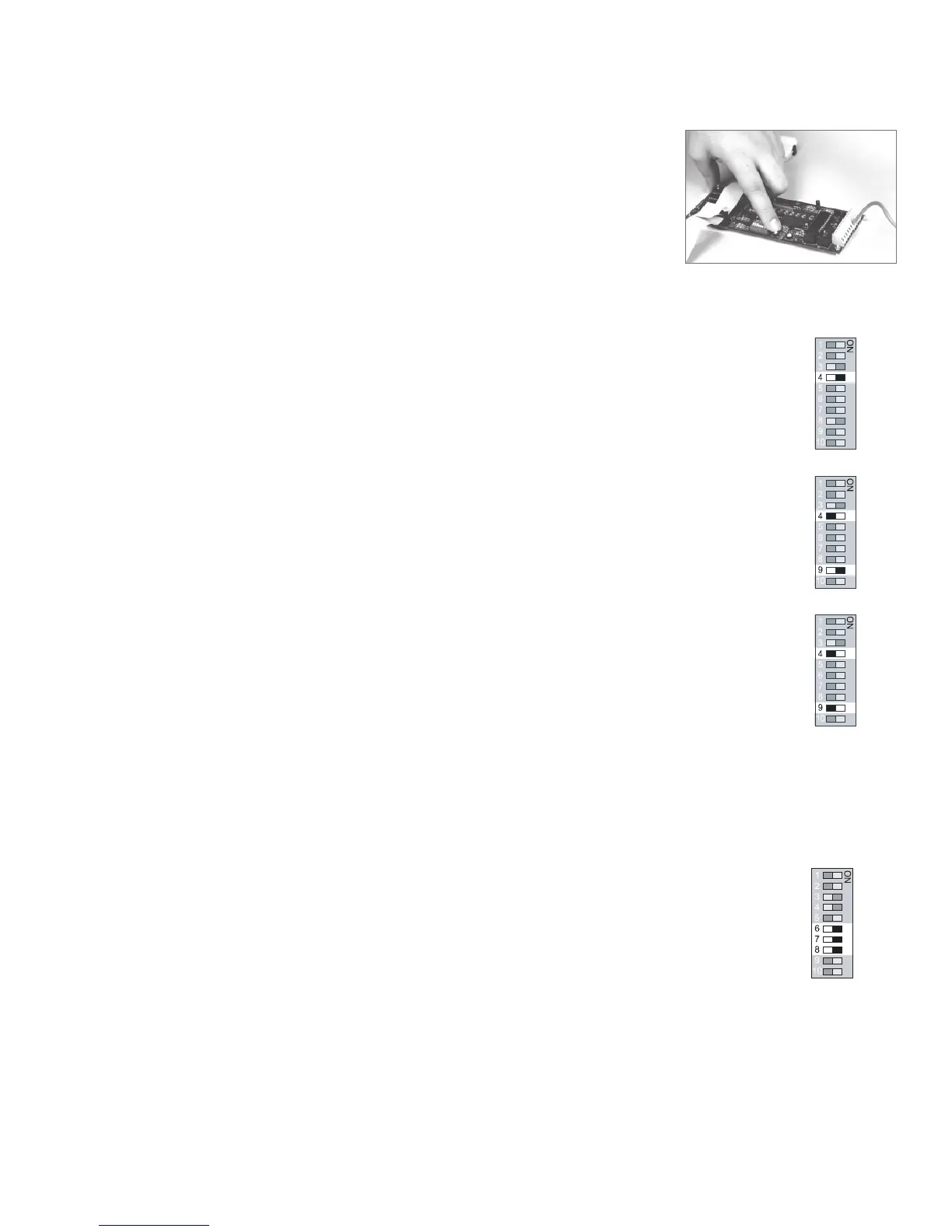
When you have completed step #7, the display module
will automatically go into a “RESET” mode. This will store the
data that you had entered.
PSI / kPa / BAR selection
Factory Default - PSI
For PSI mode, set the switch #4 to the ON position. The LED PSI indicator located next to the GAS
pressure reading will illuminate.
For kPa mode, set the switch #4 to the OFF position and switch #9 to the ON position. The LED kPa
indicator located next to the GAS pressure reading will illuminate.
For BAR set the switch #4 to the OFF and the switch #9 to the OFF position. The LED kPa indicator
located next to the GAS pressure reading will illuminate. (There is no separate indicator for BAR).
VACUUM ONLY
Vacuum alarm set-point adjustment
Factory Default:
High = 30”Hg, Low = 12”Hg
Repeat time = 30 min.
During programming, the “Trend Bar” will Flash!
1. Set switch #6, #7 and #8 to the ON position.
2. The LED will display (HI-), followed by the current set point. Indicating the system is ready to
accept a new High set point. Do not adjust this set point since the High set point is not used.
3. Set switch #7 to the OFF position.
4. The LED will display (LO-), followed by the current set point. Indicating the system is ready
to accept a new Low set point. Adjust set point, using the “UP” and “DOWN” push buttons, to
the desired value.
5. Set switch #8 to the OFF position.
6. The LED will display (I-I-), followed by the current set point. Indicating the system is ready to
accept a new Repeat time set point. Adjust set point using the “UP” and “DOWN”push buttons,
to the desired value. [(Display dd=Disabled) Range from 1 to 60 Minutes]
7. Set switch #6 to the OFF position.
When you have completed step #7, the display module will automatically go into a “RESET” mode.
This will store the data that you had entered.
KPA
BAR
Alert - 2 Series
Page: 17
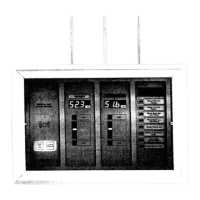
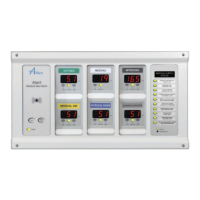
THE AREA/2 IN 1 DISPLAY MODULE
A dip switch is located on the back of the display module
which is used to identify the gas of the display module. The
dip-switch contains ten switch settings.
PRESSURE ONLY
Factory Default:
High = 60 Psi, Low = 40 Psi
Repeat time = 30 min.
HIGH PRESSURE/NITROGEN
Factory Default:
High = 195 Psi, Low = 140 Psi
Repeat time = 30 min.
During Programming the
“Trend Bar” will Flash!
1. Set switch #6, #7 and #8 to the ON position.
2. The LED will display (
HI-HI-
HI-HI-
HI-
), followed by the current set point.
Indicating the system is ready to accept a new High set point.
Adjust set point, using the “UP” and “DOWN” push buttons, to the
desired value.
3. Set switch #7 to the OFF position.
4. The LED will display (
LO-LO-
LO-LO-
LO-
), followed by the current set point.
Indicating the system is ready to accept a new Low set point.
Adjust set point, using the “UP” and “DOWN” push buttons, to the
desired value.
5. Set switch #8 to the OFF position.
6. The LED will display (
I-I-I-I-
I-I-I-I-
I-I-
), followed by the current set point.
Indicating the system is ready to accept a new Repeat time set
point. Adjust set point using the “UP” and “DOWN” push buttons,
to the desired value. [(Display dd=Disabled) Range from 1 to 60
Minutes]
7. Set switch #6 to the
OFF position.
2 in 1 Alarm
Board
Area Alarm
Board
When you have completed
step #7, the display module
will automatically go into a
“RESET” mode. This will store
the data that you had entered.


 To Next Page