www.amico.com 19
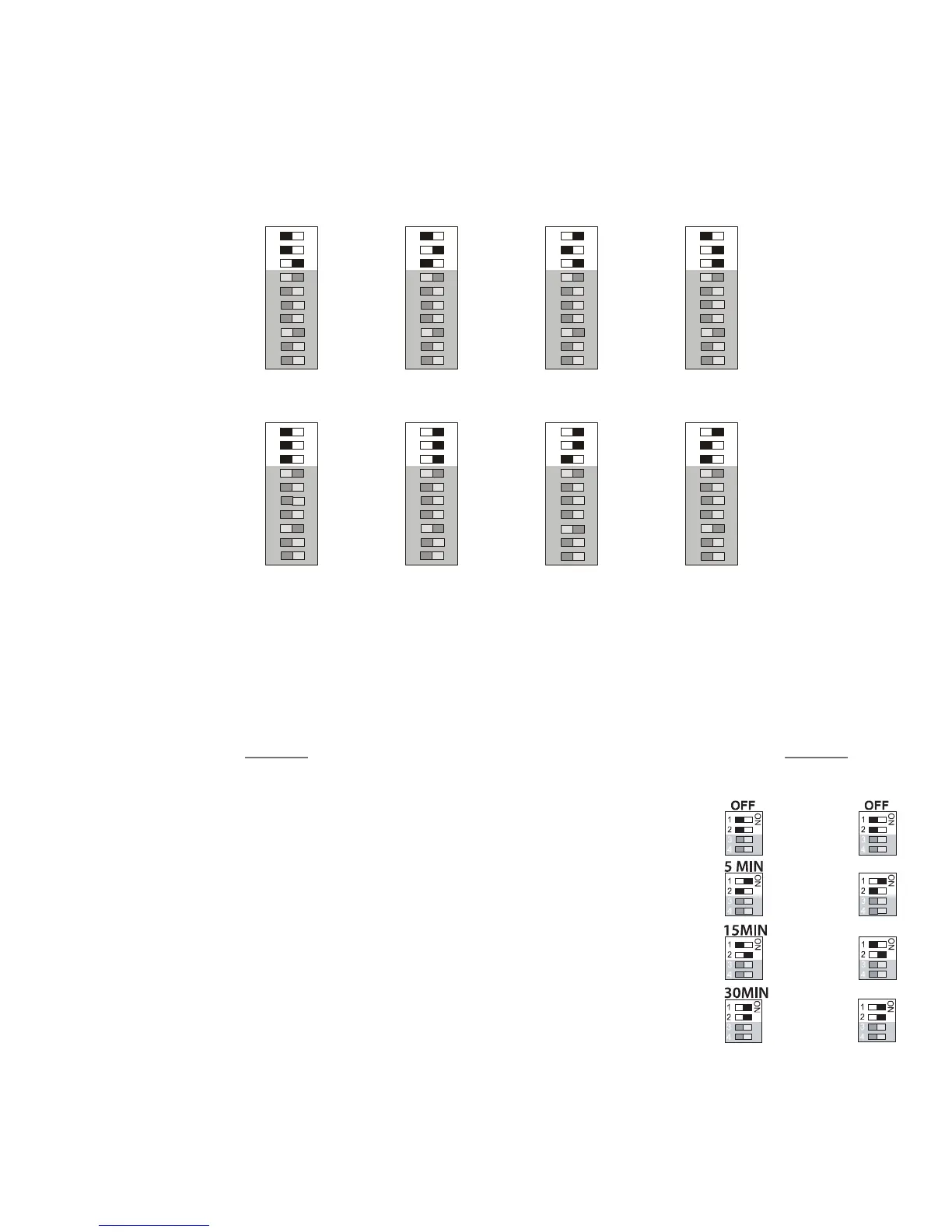
CHART OF GAS SPECIFIC SETTINGS OF DIP-SWITCHES
Alert - 2 Series
Page: 21
SETTING GAS IDENTIFICATION SWITCHES
NOTE: DO NOT TAMPER WITH SWITCHES #1, 2 AND 3
ON THE DIP-SWITCH. TAMPERING WITH THESE
POSITIONS WILL RESULT IN AN ERROR MESSAGE
BEING DISPLAYED (EO2) AND WILL DISABLE THE
ELECTRICAL INTERLOCK FROM THE GAS SPECIFIC
SENSOR.
CHANGES TO THESE SWITCHES SHOULD ONLY BE
DONE BY PROPERLY TRAINED PERSONNEL, WHEN
CIRCUIT BOARDS HAVE TO BE CHANGED IN THE FIELD.
Switches # 1, 2 and 3 are used for the gas identification of the
display module. These will be set at the factory and should not
be tampered with in the field.
CHART OF GAS SPECIFIC SETTINGS OF DIP-SWITCHES
10
10
#1 - off
#2 - off
#3 - on
#1 - off
#2 - off
#3 - off
#1 - off
#2 - on
#3 - off
#1 - on
#2 - on
#3 - on
#1 - on
#3 - on
#1 - on
#2 - on
#2 - on
#3 - on
#1 - on
Nitrogen
Carbon Dioxide
WAGD
HP Air
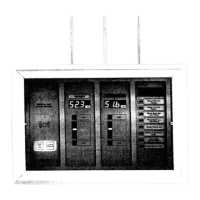
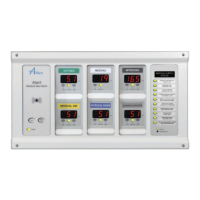
Master/NEMA 4 Status Module
REPEAT ALARM
Factory Default - Disable
Disable Set switch #1 to the OFF position.
Set switch #2 to the OFF position.
Enable Set switch #1 to the ON position.
Set switch #2 to the OFF position.
Enable 12 HR Set switch #1 to the OFF position.
Set switch #2 to the ON position.
Enable 24 HR Set switch #1 to the ON position.
Set switch #2 to the ON position.
PLEASE NOTE: The above repeat alarm only applies to the Master/NEMA 4 alarm, for the 2 in 1 please
refer to page 17.
1 HR
12
HR
24
HR
Version
3 4
5 min 1 HR
15 min 12 HR
30 min 24 HR
Version
3 4


 To Next Page