EasyManua.ls Logo

Amiga 1000 - Drive Removal

Default Icon
45 pages
Print Icon
To Next Page IconTo Next Page
To Previous Page IconTo Previous Page
Loading...
AMIGA
1000
ASSEMBLY
LEVEL
REPAIR
NOTE:
The Printed Circuit
Board
(PCB)
in
the
AMIGA is mapped
with
letters
along the
front edge
of the
PCB
and
numbers up
the left
side. Map
locations
for items
described in
the
text are
listed as
the
intersections
of these
points.
An
indication of
C2,
for
instance,
indicates the
board area
where a
line,
running
vertically
from the 'C
marked
on
the
PCB edge
and
horizontally
across
from the
'2'
printed
on
the
left
of the
PCB,
intersects.
The
map
points
in
this
text
are
estimates
of the
PCB
area
in which
a
connector
or
screw
may be
found.
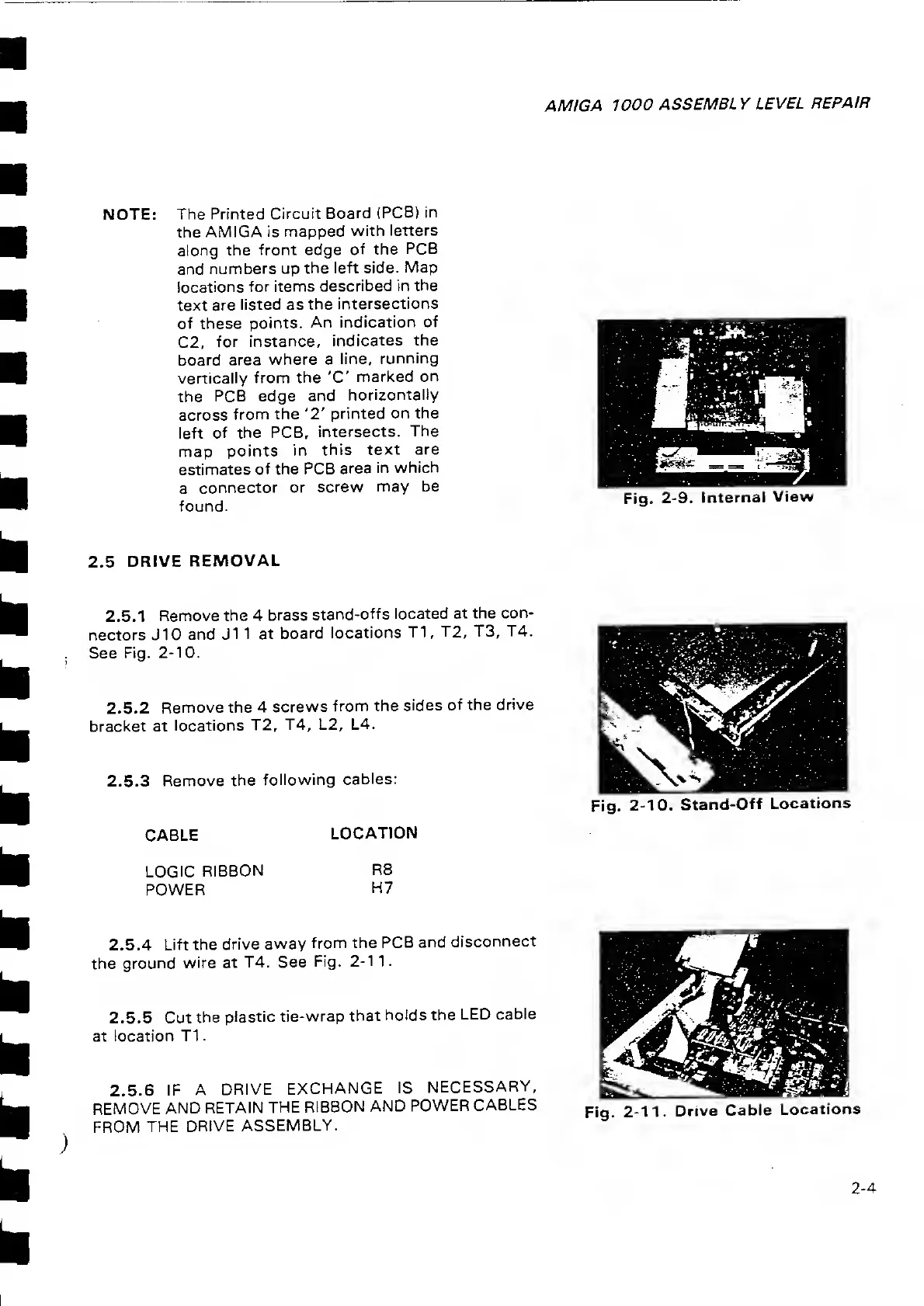
Fig.
2-9.
Internal
View
2.5
DRIVE
REMOVAL
2.5.1 Remove
the
4
brass
stand-offs
located at the
con-
nectors J10
and J1
1 at
board
locations
T1
,
T2, T3,
T4.
See
Fig.
2-10.
2.5.2
Remove the
4
screws
from the
sides
of the
drive
bracket at
locations
T2,
T4,
L2, L4.
2.5.3 Remove
the
following
cables:
Fig.
2-10,
Stand-Off
Locations
CABLE
LOCATION
LOGIC
RIBBON
POWER
R8
H7
2.5.4
Lift the
drive
away
from
the PCB
and
disconnect
the
ground
wire at
T4. See
Fig.
2-1
1.
2.5.5
Cut
the
plastic
tie-wrap
that
holds
the
LED
cable
at location
T1
.
2.5.6 IF
A DRIVE
EXCHANGE
IS
NECESSARY,
REMOVE
AND
RETAIN
THE
RIBBON
AND
POWER
CABLES
FROM
THE
DRIVE
ASSEMBLY.
Fig.
2-11. Drive
Cable
Locations
2-4

Related product manuals