AMIGA
1000 ASSEMBLY
LEVEL
REPAIR
3.3 DRIVE INSTALLATION
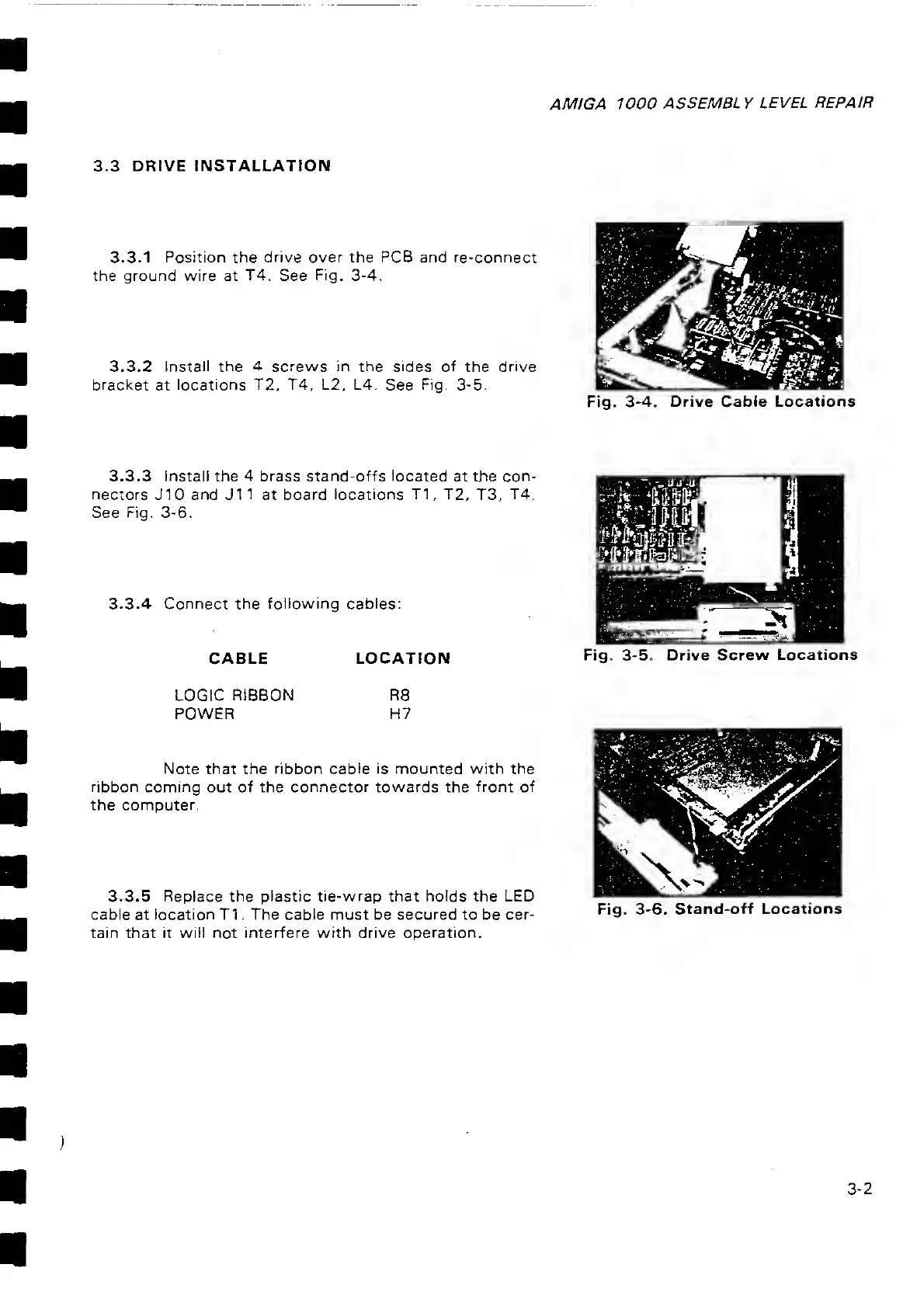
3.3.1 Position the drive over the PCB and re-connect
the ground wire at
T4,
See
Fig.
3-4.
3.3.2 Install the 4 screws in the sides of
the
drive
bracket
at
locations T2, T4, L2, L4.
See
Fig. 3-5.
Fig.
3-4. Drive
Cable Locations
3.3.3
Install
the
4
brass
stand-offs located
at the con-
nectors
J10 and J1
1
at board
locations T1, T2,
T3,
T4.
See
Fig.
3-6.
3.3.4 Connect the
following
cables:
CABLE LOCATION
Fig. 3-5. Drive Screw
Locations
LOGIC
RIBBON
POWER
R8
H7
Note that the ribbon cable is mounted with the
ribbon coming
out of the
connector towards
the
front of
the computer.
3.3.5 Replace the plastic tie-wrap that holds the LED
cable
at location T1 . The cable
must
be
secured to
be cer-
tain
that it
will not interfere
with
drive operation.
Fig.
3-6. Stand-off Locations
3-2



 To Next Page