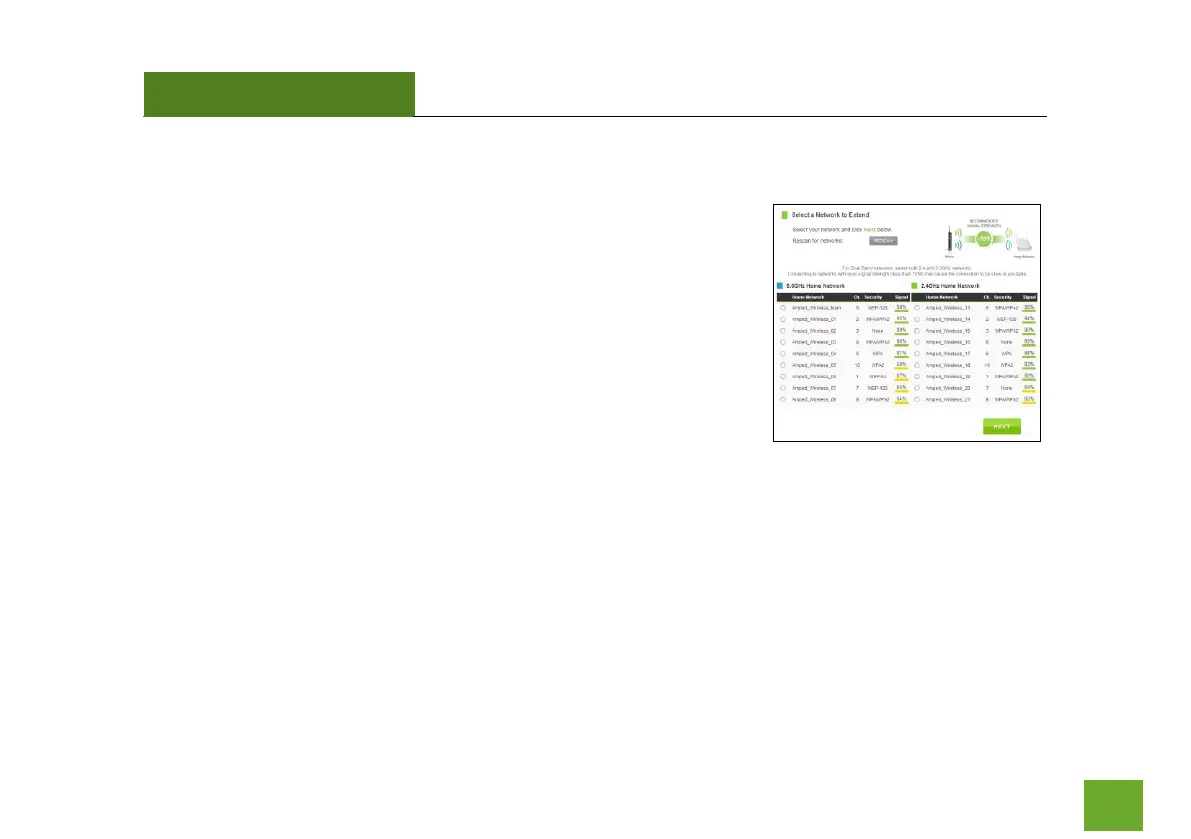
Scan for a Wireless Network
The Scan result will list all available 2.4GHz and 5.0GHz wireless networks
detected by the Range Extender – including each network name (SSID), the
operating channel, the type of security and the signal strength.
If you are extending a dual band router, you will need to select the SSID of
your 2.4GHz network and the SSID of your 5.0GHz network.
The signal strength indicates the wireless connection between that
network and the Range Extender. It is important to choose networks that
are greater than 70%. A wireless network with a signal strength of less
than 70% may create a poor connection which results in slower throughput and frequent dropped
connections.
If you fail to find any wireless networks, or your signal strength is below 70%, try moving the Range Extender
closer to the wireless network that you are trying to repeat and click SCAN again.
Once you have selected your wireless network(s), click Next to continue. If you are only connecting to one
network, simply select that 2.4 or 5.0GHz network and click Next to continue.













 To Next Page