USB STORAGE
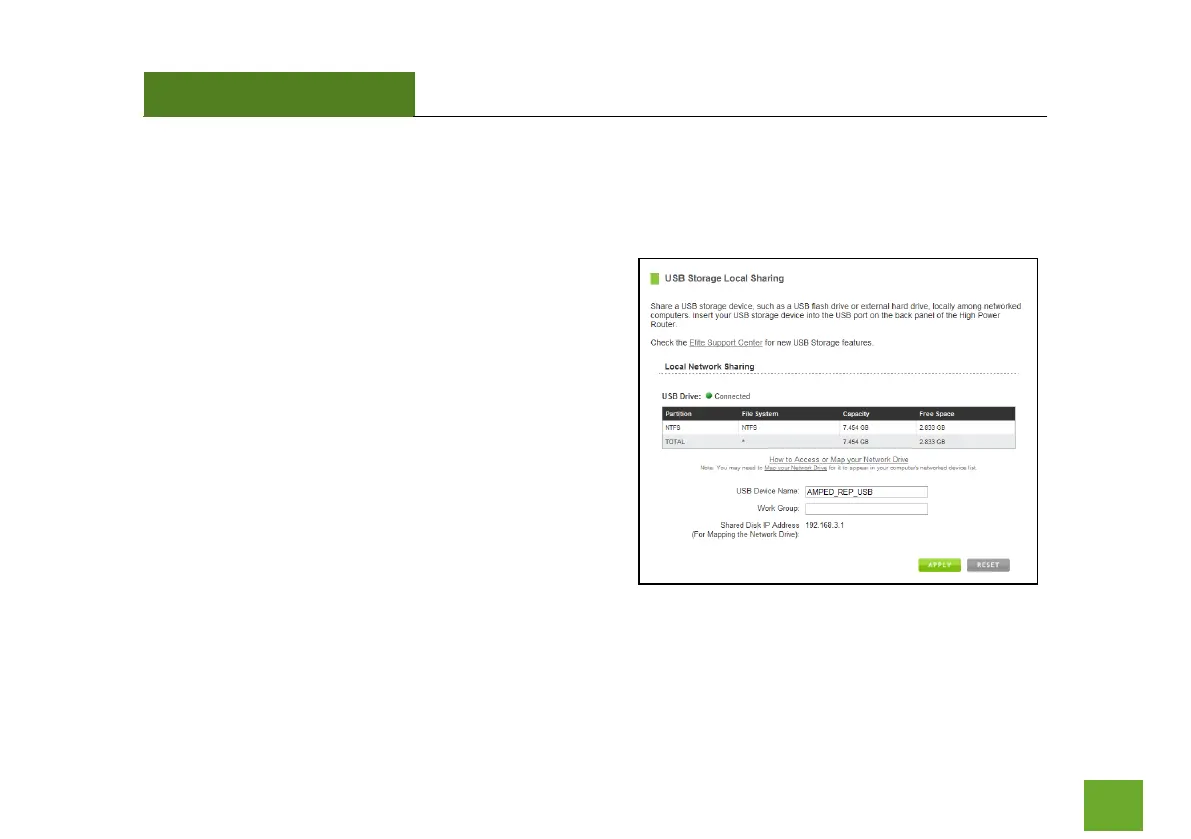
USB Storage: Local Sharing
Share a USB storage device with computers on the local
network of the High Power Range Extender.
Insert a USB storage device, such as a flash drive or
external hard drive, to the USB port on the back of the
Range Extender and follow the directions below for your
operating system. The computer must be connected to
your Home Network or Extended Network to access the
storage device. You may also want to Map the Network
Drive so it shows up as a standard drive on your computer
for easier access.













 To Next Page