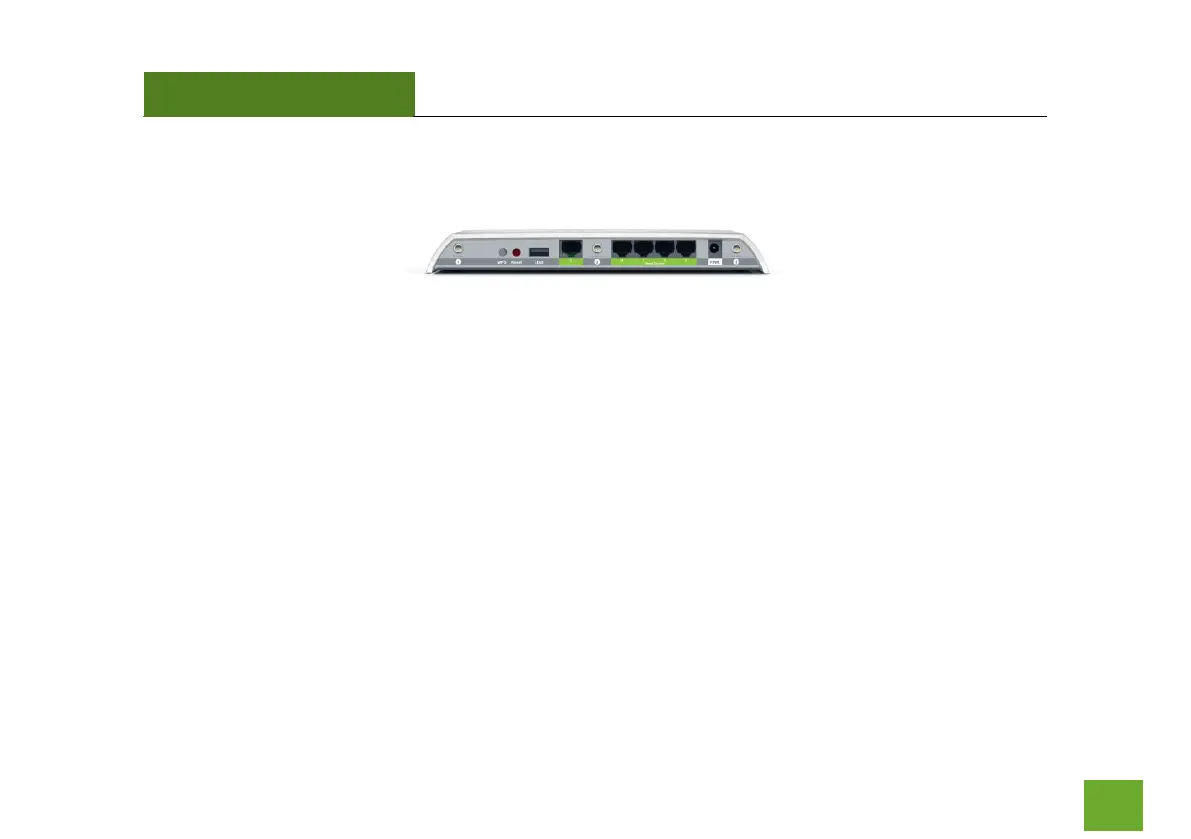
Back Panel Description
Antenna Connectors (1-3): RJ-SMA antenna connectors. Attach the included high gain antennas to
these connectors according to their respective numbers. (Mismatching the antennas with the wrong
antenna connector port will negatively impact wireless performance.)
USB Port: Attach USB storage devices, such as USB flash drives and external hard drives, for file
sharing.
Reset: Push down once to reboot the Range Extender. Hold down for 5-10 seconds to reset the
Range Extender back to factory settings.
WPS: Hold down for 3 seconds to enable WPS push button configuration.
Wired Devices: Gigabit RJ-45 ports for connecting to wired computers or network devices.
Power: Power adapter port. Output: 12V 1A, Input: 100-240v.













 To Next Page