2.4GHz Wi-Fi Settings: Extended Network Settings (2.4GHz)
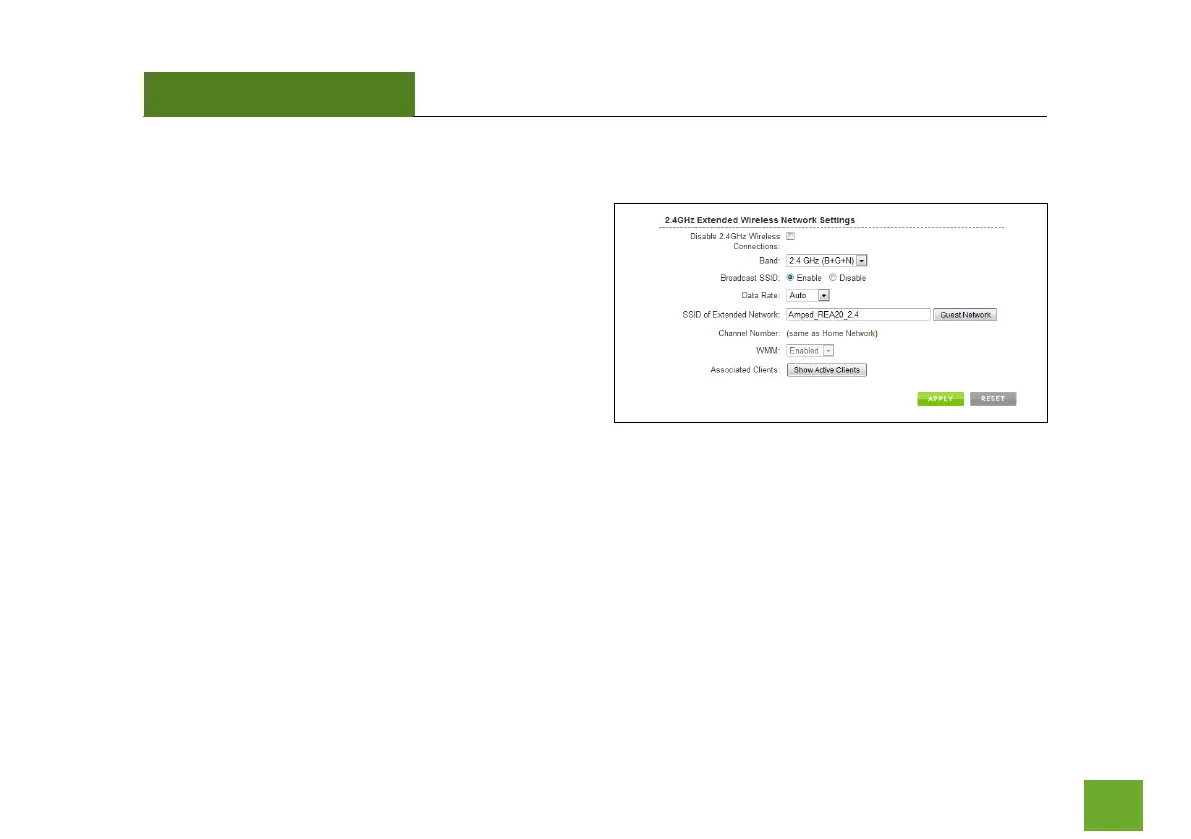
The Extended Network Settings page allows you to
adjust settings for your Extended Network.
SSID of Extended Network: The name used to identify
your Extended Network. This is the name that appears
when a user scans for available Wi-Fi networks.
Band: Allows you to setup access under a specific
combination of Wi-Fi speed standards.
Broadcast SSID: Selecting Disable Broadcast SSID will hide the visibility of the Range Extender’s SSID. Users
must manually enter the SSID to connect.













 To Next Page