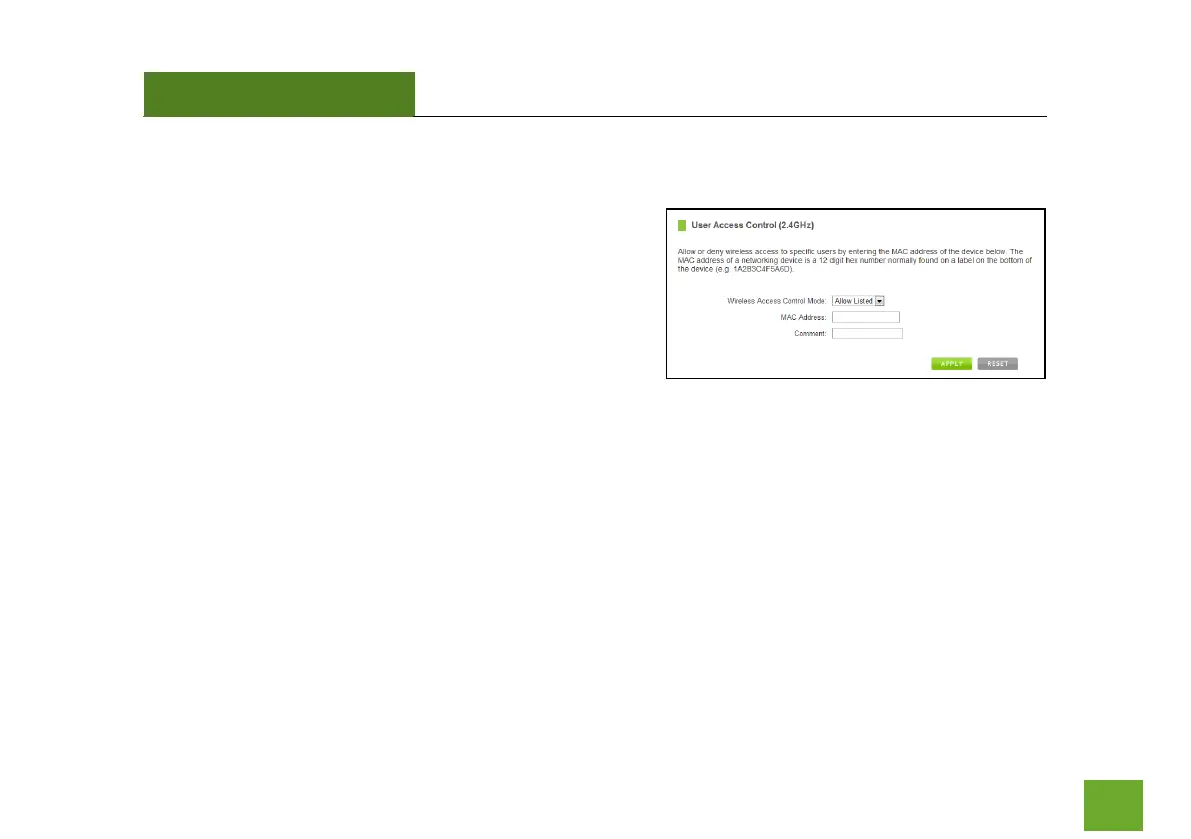
2.4GHz Wi-Fi Settings: User Access (2.4GHz)
User Access allows you to deny access or allow access to
specific users connecting to the network. Each networking
device has a unique address called a MAC address (a 12 digit
hex number).
By inputting the MAC address into the field, you can define
whether that device is allowed into your network or not
allowed.
A MAC Address may sometimes be referred to as a Physical Address. Most networking devices have their MAC
Address located on a label on the actual device.
For Windows computers with internal networking adapters, the MAC Address can be found by viewing the
Network Connection Details of the network adapter. The MAC Address will be listed as the Physical Address.
Be sure to enter the MAC Address without any symbols. For example, a MAC Address of 78-DD-78-AA-78-BB
would be entered as 78DD78AA78BB.













 To Next Page