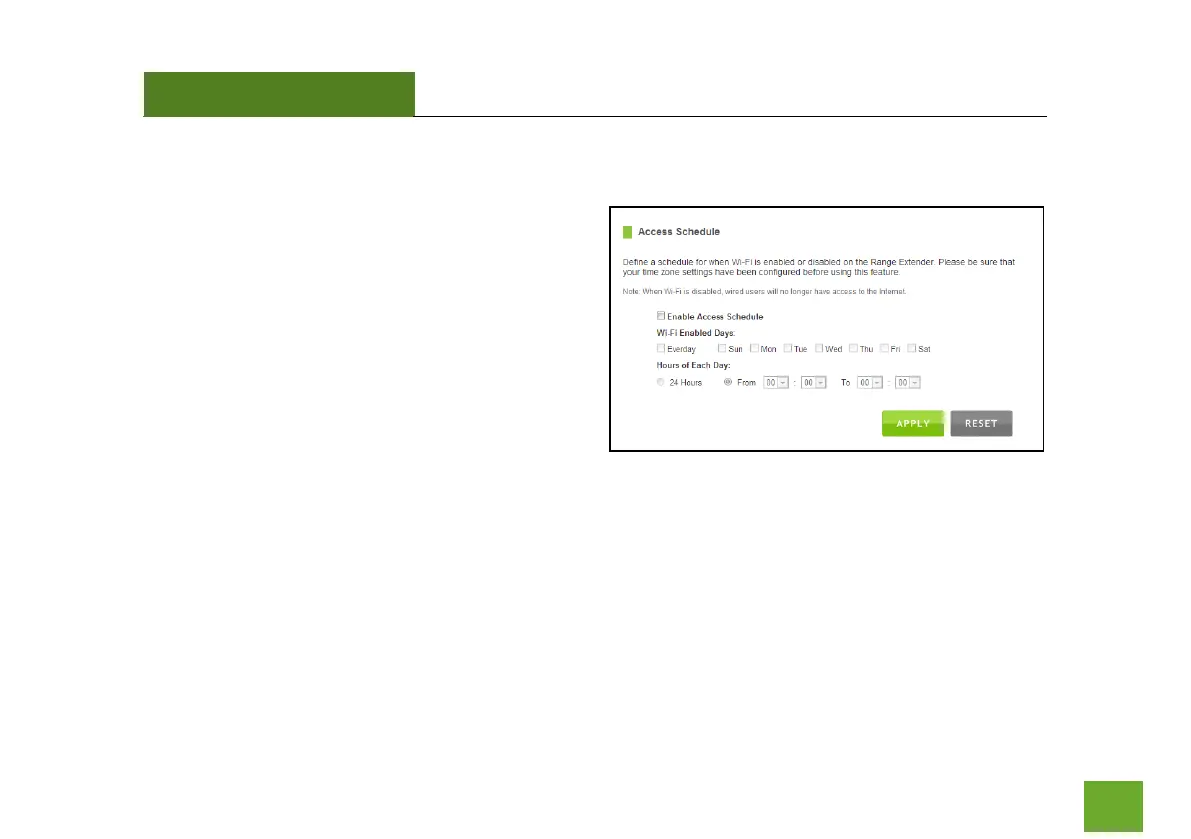
Wi-Fi Settings: Access Schedule
You can set a schedule for when your Wi-Fi is enabled
or disabled (both Home Network and the Extended
Network) through the Access Schedule feature. To do
so:
a. Enable Access Schedule.
b. Select which days you wish for your Wi-Fi to
be available.
c. Select the time frame during that day that
you wish for Wi-Fi to be available.
d. Apply Changes.
Enabling Access Schedule will also disable internet access for wired connections on specified days.
Note: Make sure you have already configured your System Clock in order for your schedule to work correctly.
Time Zone Settings can be adjusted from the web menu under Management > Time Zone Settings.













 To Next Page