Management: Save and Reload Settings
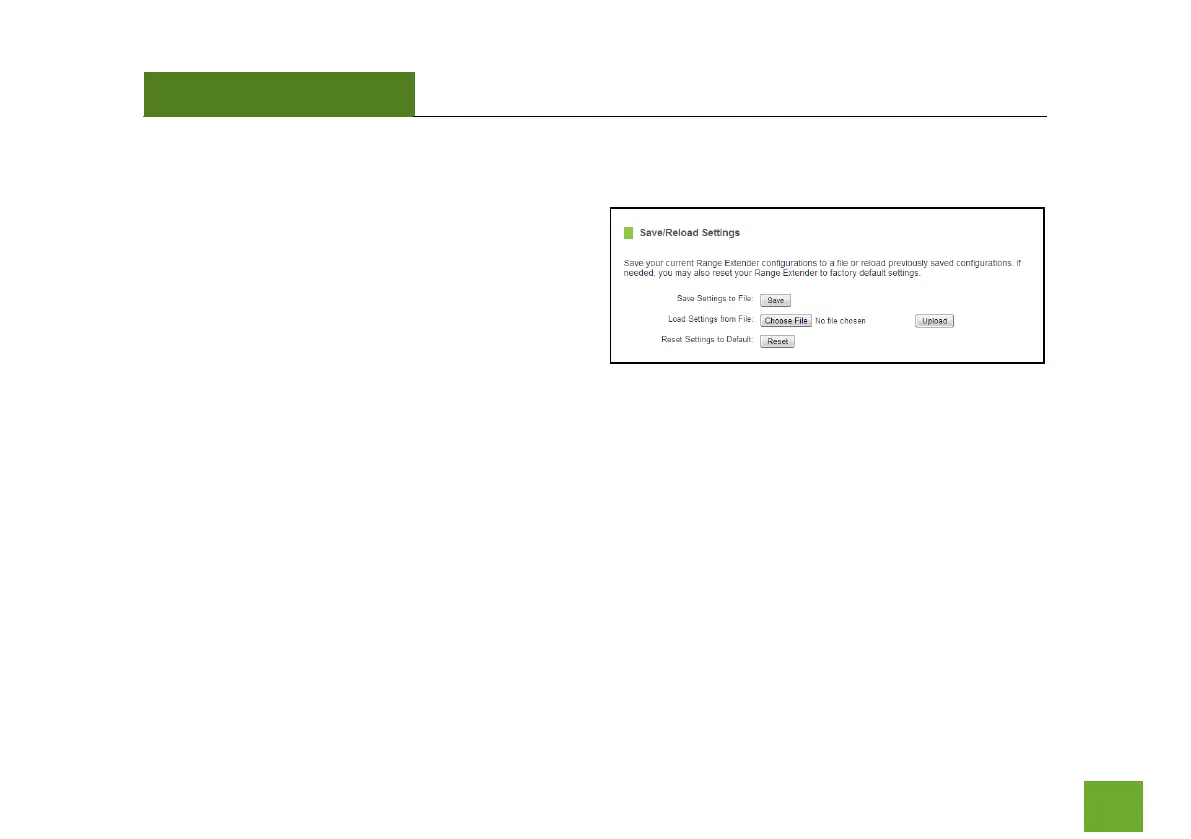
Saving your current settings allows you to back-up
your current settings which may be reloaded at a later
time. This feature may be useful for testing new
features and settings without having to worry about
returning to a stable platform.
To save current settings:
a. Click Save
b. Select a file name and location
To load previously saved settings:
a. Click Browse
b. Locate the previously saved settings file
c. Click Upload to restore the settings to the
saved file.
You may also reset the Range Extender’s settings to factory settings by pressing Reset. By resetting the Range
Extender, you will lose all previous configurations and will need to run the Wizard again to reconnect to a
Home Network.













 To Next Page