Wi-Fi Settings: Wi-Fi Coverage Controls
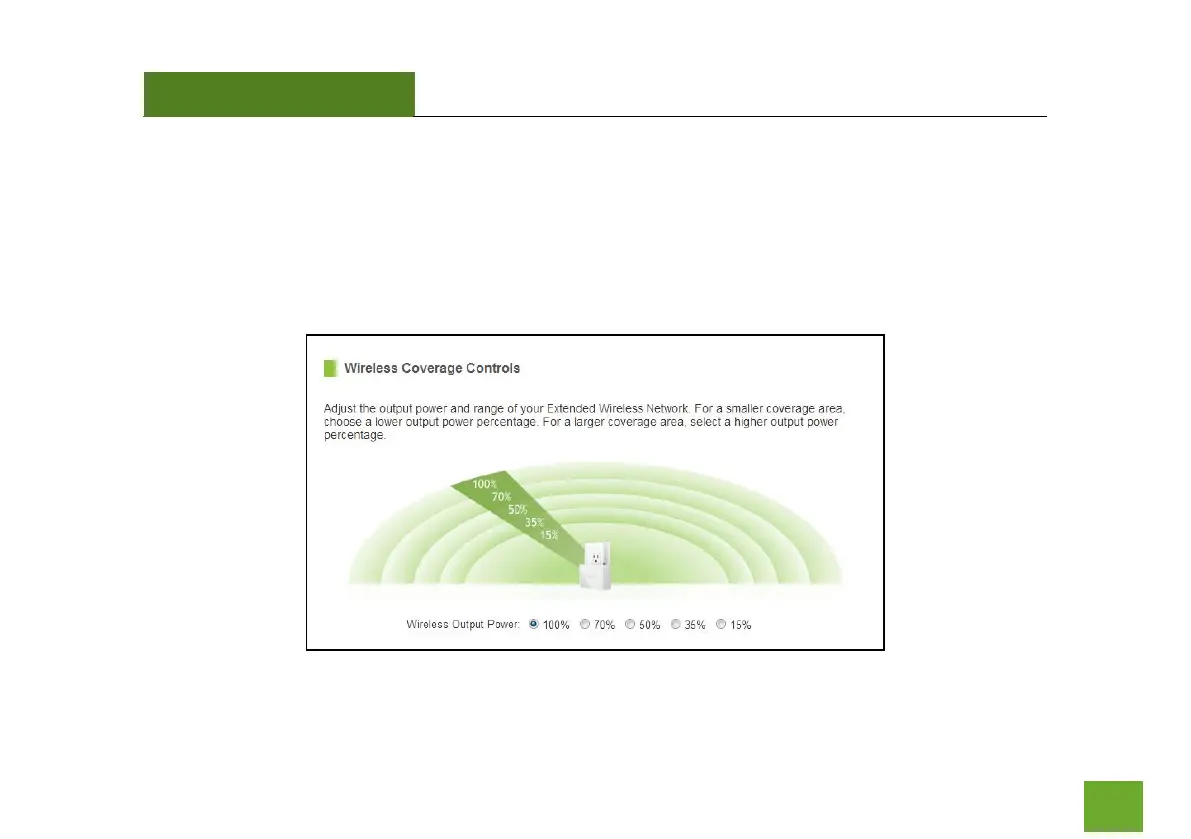
Adjust the output power of the Range Extender to control the coverage distance of your Extended Wi-Fi
Network. For a smaller coverage area you can select a lower output power. For the maximum Wi-Fi coverage
select the 100% selection. Note that if you select a lower output power, your connection to your Home
Network will also decrease in range. So be careful and test your signal strength after each adjustment.













 To Next Page