Open your Web Browser to Access the Setup Wizard
a. Open your web browser.
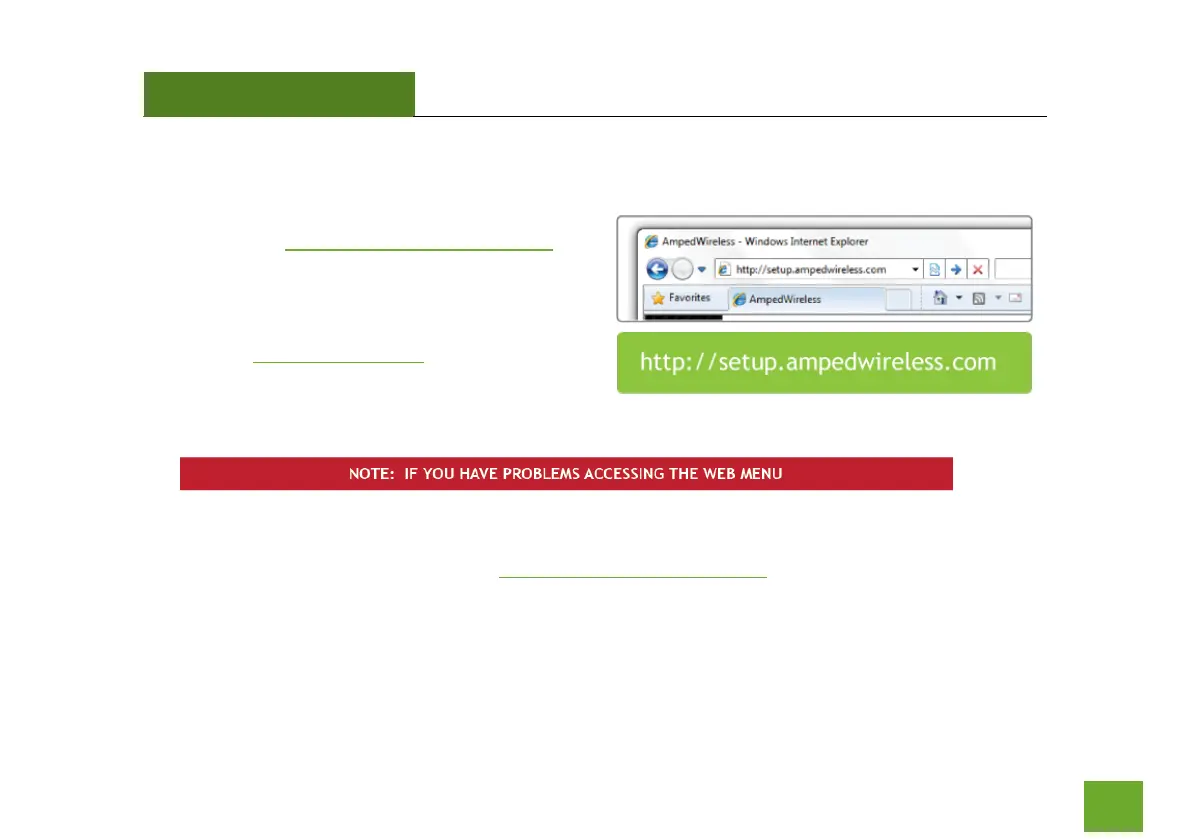
b. Type in: http://setup.ampedwireless.com into
the web address bar
c. If the web menu fails to open, type in the
following IP address into your web address
bar: http://192.168.1.240
a. Disconnect your PC from all Wi-Fi networks
b. Attach an Ethernet cable between the PC and the Range Extender
c. Open your web browser and go to http://setup.ampedwireless.com again.













 To Next Page