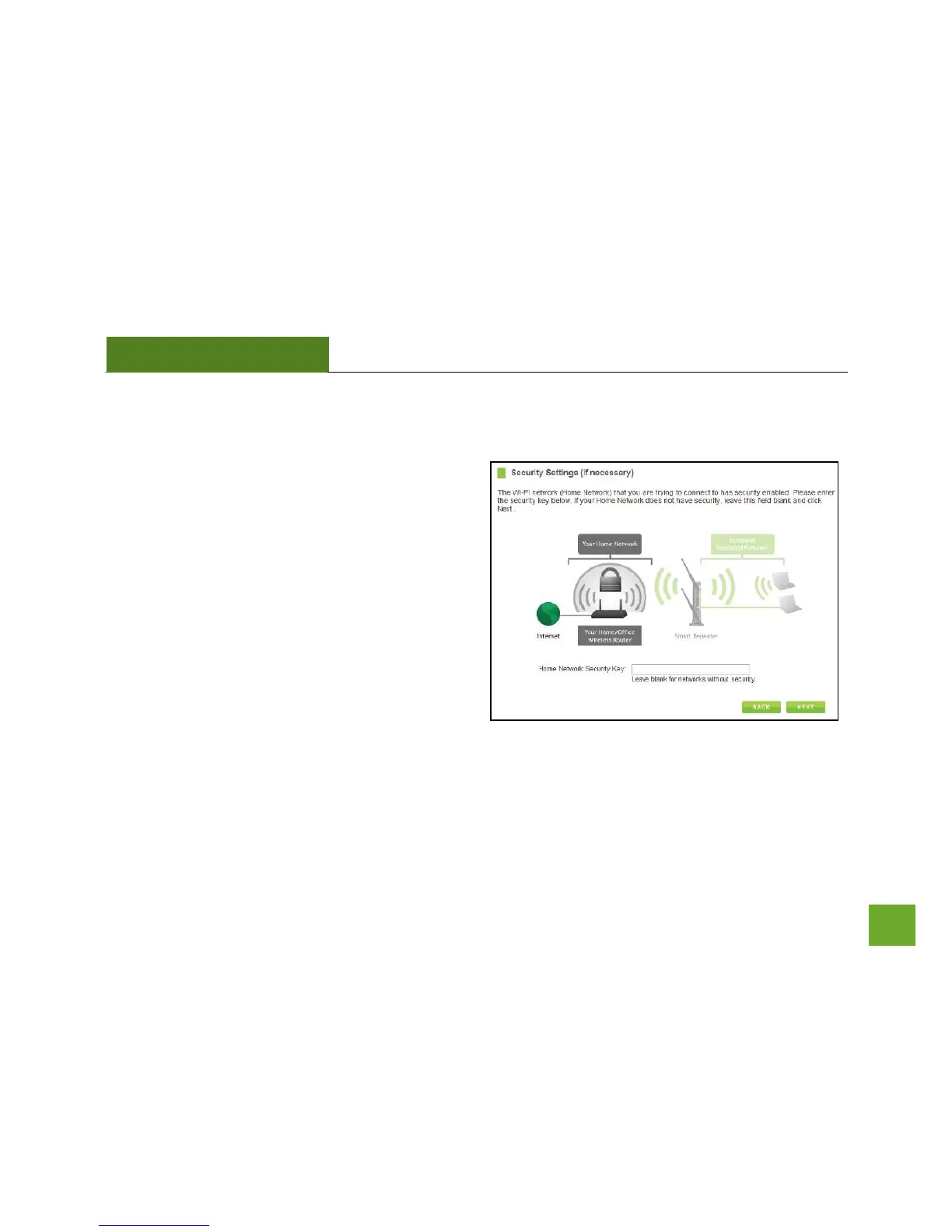
Connecting to a Secure Network
If the wireless network you are trying to repeat has
wireless security enabled, you will be prompted to
enter a security key. If you did not select a secure
network, continue to the next step.
Enter the security key in the space provided. You do
not need to select what type of security it is, just
simply type in the key and click Next.
The Smart Setup Wizard will automatically detect your
home network’s security settings. If you do not know
the key to the network you are trying to repeat, then
click Back and select another network.


 To Next Page