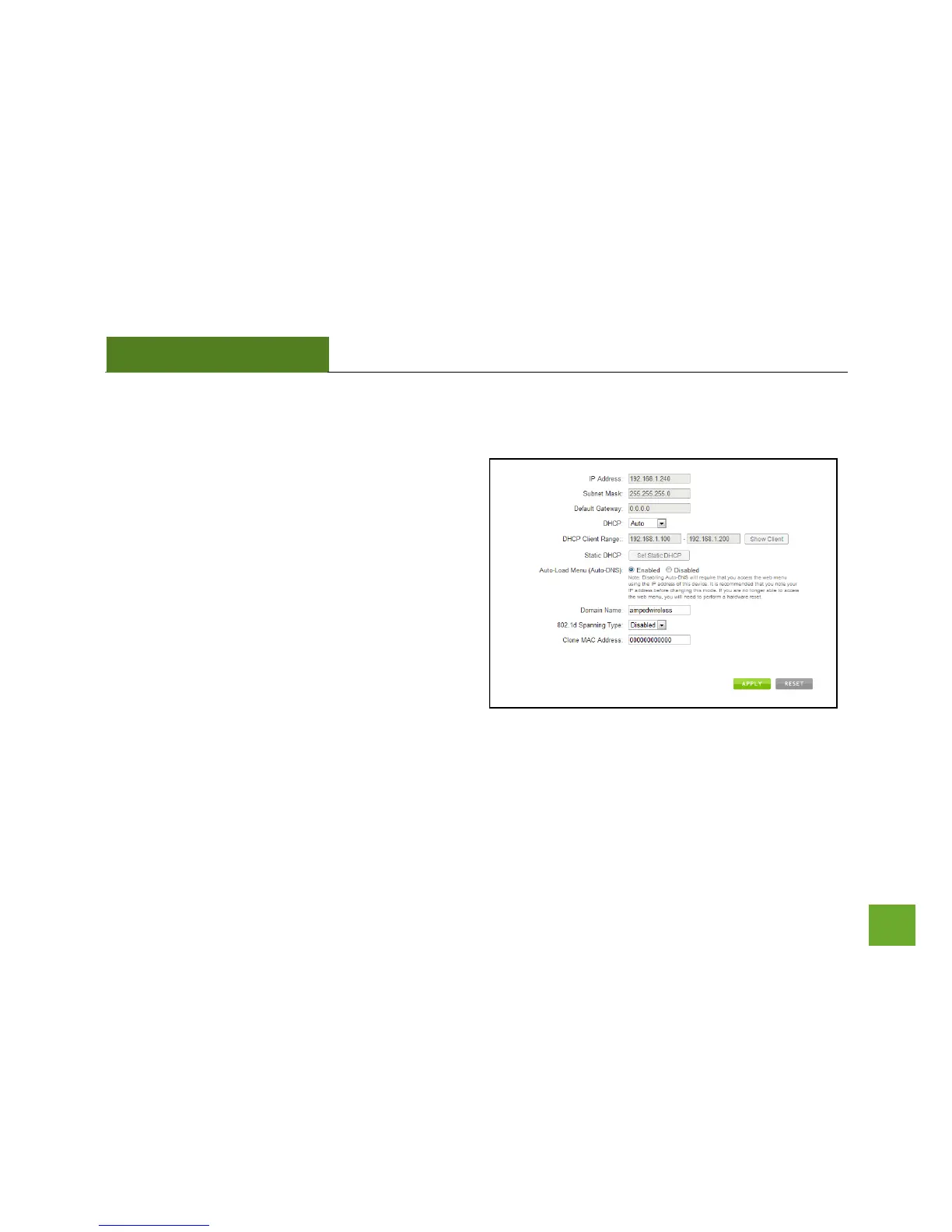
IP SETTINGS
IP Address: The IP address of the Smart Repeater.
Subnet Mask: The subnet of the Smart Repeater.
Default Gateway: The access point to another
network, normally the Smart Repeater or your router.
DHCP: The Smart Repeater includes a complex AUTO
DHCP feature to help manage the IP addresses within
your Extended network and with your Home Network.
When connected to a Home Network, the Repeater
will obtain an IP address from your Home Network’s
router and act as a DHCP Client. However, when there
is no connection available, the Repeater will act as a
DHCP Server. You may also manually control the IP settings of the Smart Repeater by choosing Client, Server
or Disabled from the DHCP drop down menu. This is only for advanced users.


 To Next Page