WIRELESS SETTINGS
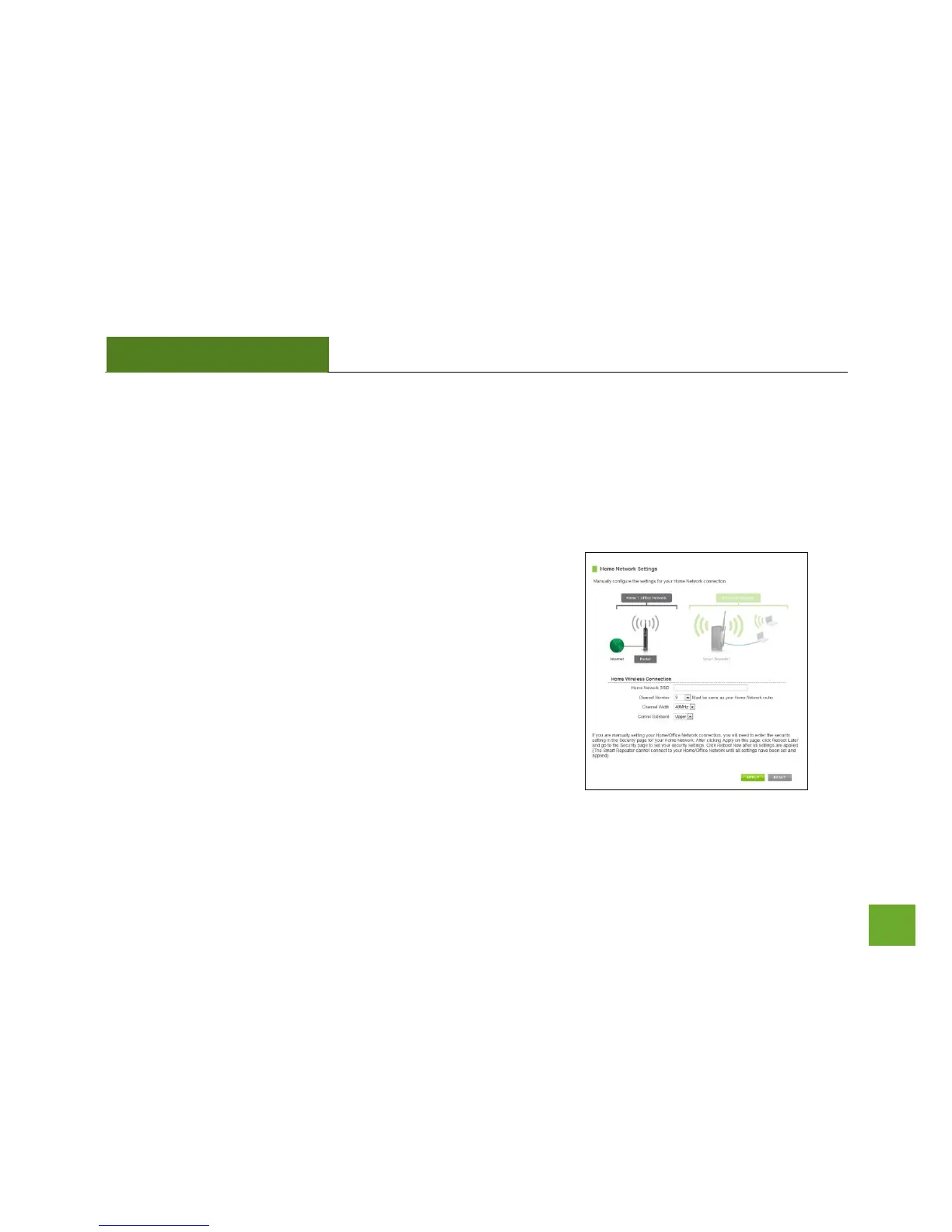
Home Network Settings
The Home Network Settings page allows you to adjust settings for your Home Network connection. These
settings are for adjusting the Smart Repeater after you have already gone through the Smart Setup Wizard and
wish to adjust your current configurations.
Home Network SSID: Manually enter the Identification name of the
Home Network you wish to connect to.
Channel Number: Enter the channel number of the Home Network.
If the channel number does not match, a connection will not be
established.
Channel Width: Wi-Fi operates in two separate channel widths, 20Hz
and 40Hz. 20Hz allows operation on channels 1-11, while 40Hz is 5-
11. 40Hz allows for faster speeds. Select the channel width you wish
to use for your network. This setting must match that of your Home
Network for a successful connection.


 To Next Page