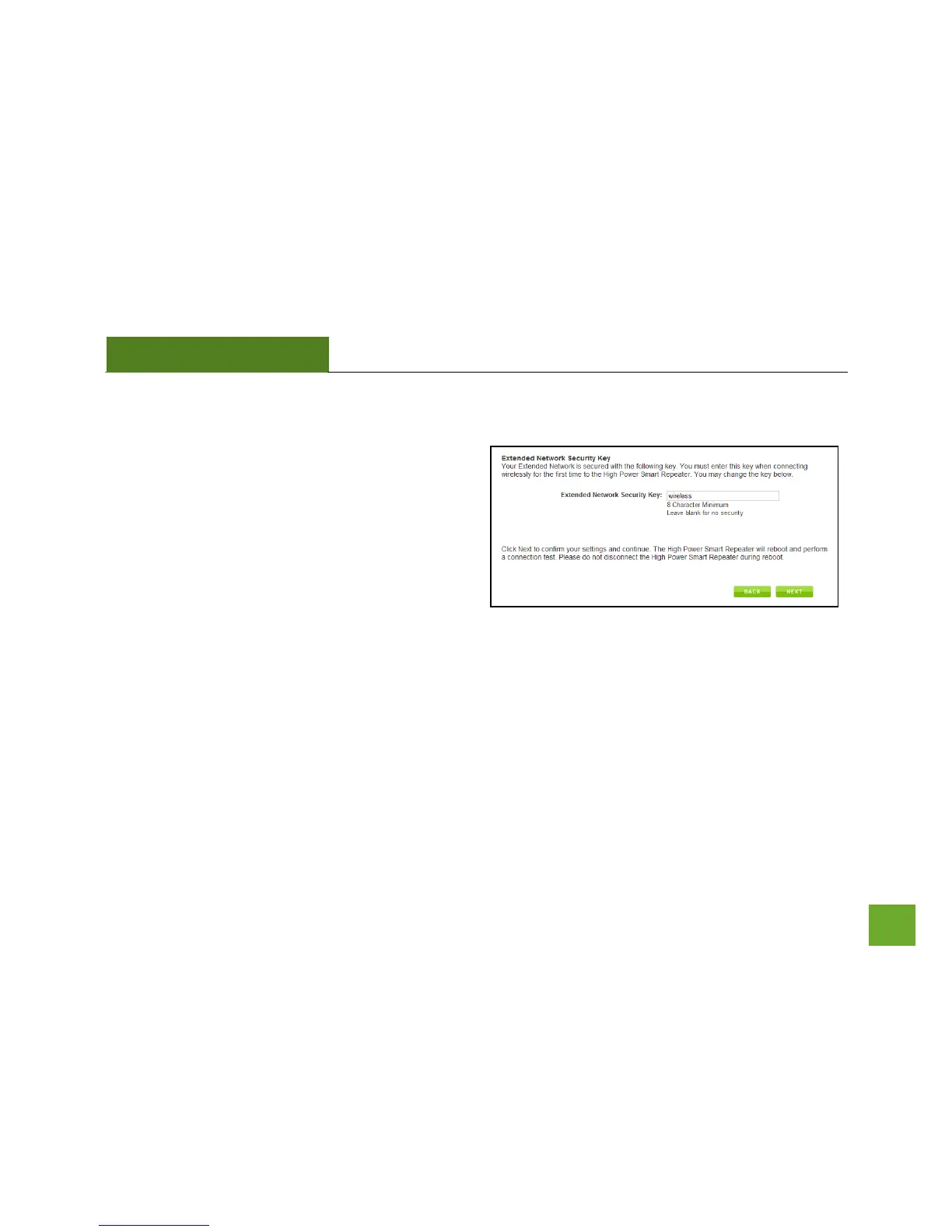
Repeater Settings (Security)
By default, the Extended Network has security
enabled. The WPA security key is “wireless.” Users
trying to connect to the Smart Repeater wirelessly will
be prompted to enter this key.
It is recommended that you use the default settings for
the wireless security key.
To change the security key, simply retype your new
key in the field and click Next. Write your security key down somewhere safe for future reference.
No security key is necessary for computers connecting to the Smart Repeater using a wired connection to the
LAN ports.
After clicking Next, the Smart Repeater will reboot and apply your settings. Be patient and do not make any
changes or adjustments to the Smart Repeater at this time.


 To Next Page