Chapter 3 Hardware
36 Reference Manual CoreModule 420
Utility Interface (J5)
The Utility interface consists of the 10-pin, 0.1” header on the module and is used as the interface for
various utility signals. The Super I/O chip drives most of the device interfaces on the Utility interface.
Table 3-15 shows the meaning of the interface signals for the utility interface.
• Keyboard and PS/2 Mouse
• Battery
• Reset Switch
• Speaker
Keyboard
The signal lines for an AT or PS/2 keyboard are provided through the Utility interface (J5) to the Super
I/O controller (U13). Refer to Table 3-15 for pin-signal information.
Mouse
The signal lines for a PS/2 mouse are provided through the Utility interface (J5) to the Super I/O
controller (U13). Refer to Table 3-15 for pin-signal information.
Battery
An external battery input connection is provided through the Utility interface (J5) to support a battery
backup for the CMOS RAM and the RTC (Real Time Clock). Refer to Table 3-15 for pin-signal
information.
Reset Switch
An external reset switch provides the reset signal through the Utility interface (J5) to a reset circuit,
which drives the STPC ATLAS CPU (U14). Refer to Table 3-15 for pin-signal information.
Speaker
The speaker signal provides sufficient signal strength to drive a 1W 8 Ω “Beep” speaker through the
Utility interface (J5) at an audible level. The speaker signal is driven from an on board amplifier and the
STPC ATLAS CPU (U14). Refer to Table 3-15 for pin-signal information.
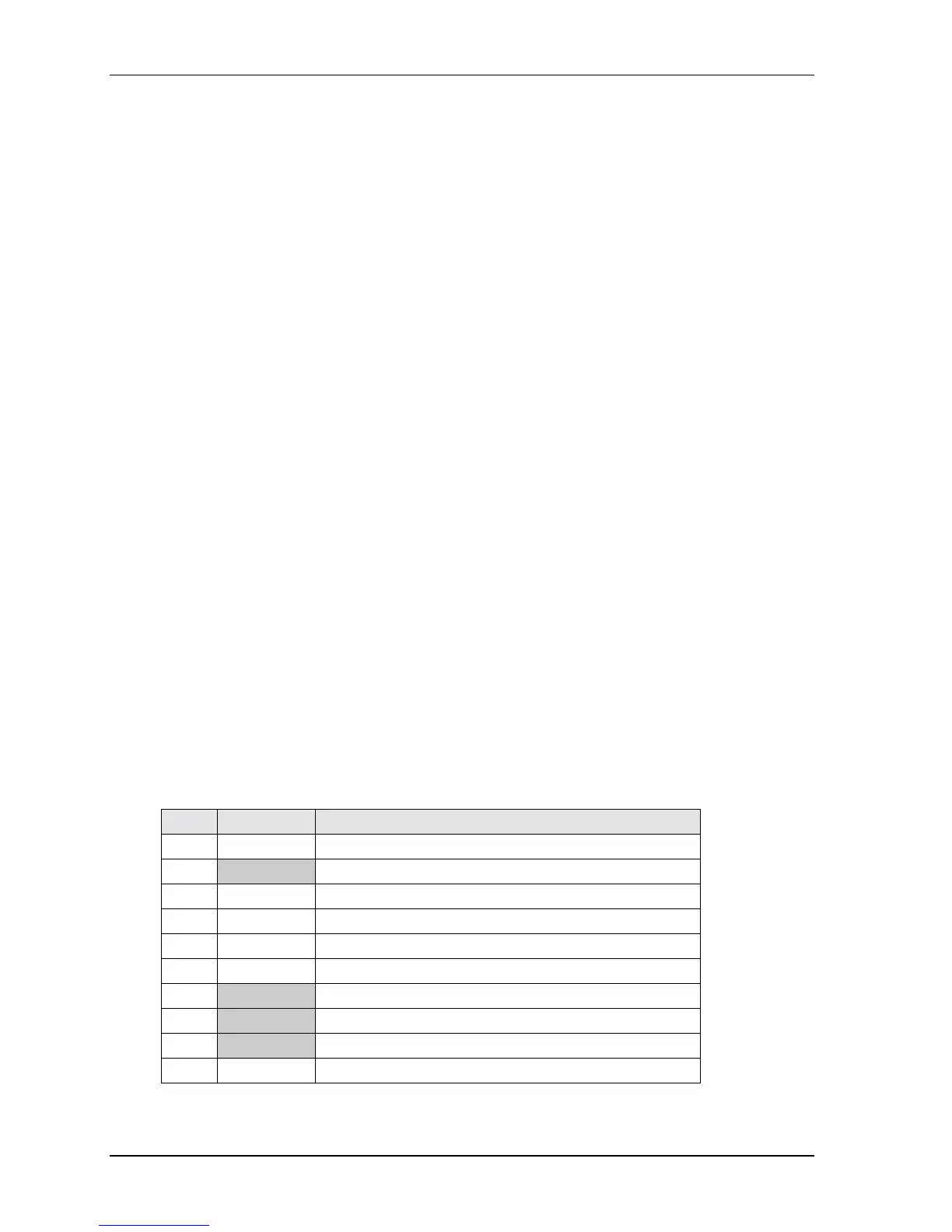
Table 3-15. Utility Interface Pin/Signal Descriptions (J5)
Pin # Signal Description
1 SPKR Speaker Output
2 BATV- Ground return
3 RESETSW* External Reset Switch signal
4 MDATA Mouse Data input
5 KBDATA Keyboard Data input
6 KBCLK Keyboard Clock input
7 GND Digital Ground
8 KMPWR Keyboard /Mouse power (+5V) output
9 BATV+ Real time battery voltage (3.6V Type/ 4.0V Max) input
10 MCLK Mouse Clock input
Notes: The shaded area denotes power or ground. The signals marked with * indicate active low.



 To Next Page