Chapter 4 BIOS Setup
48 Reference Manual CoreModule 420
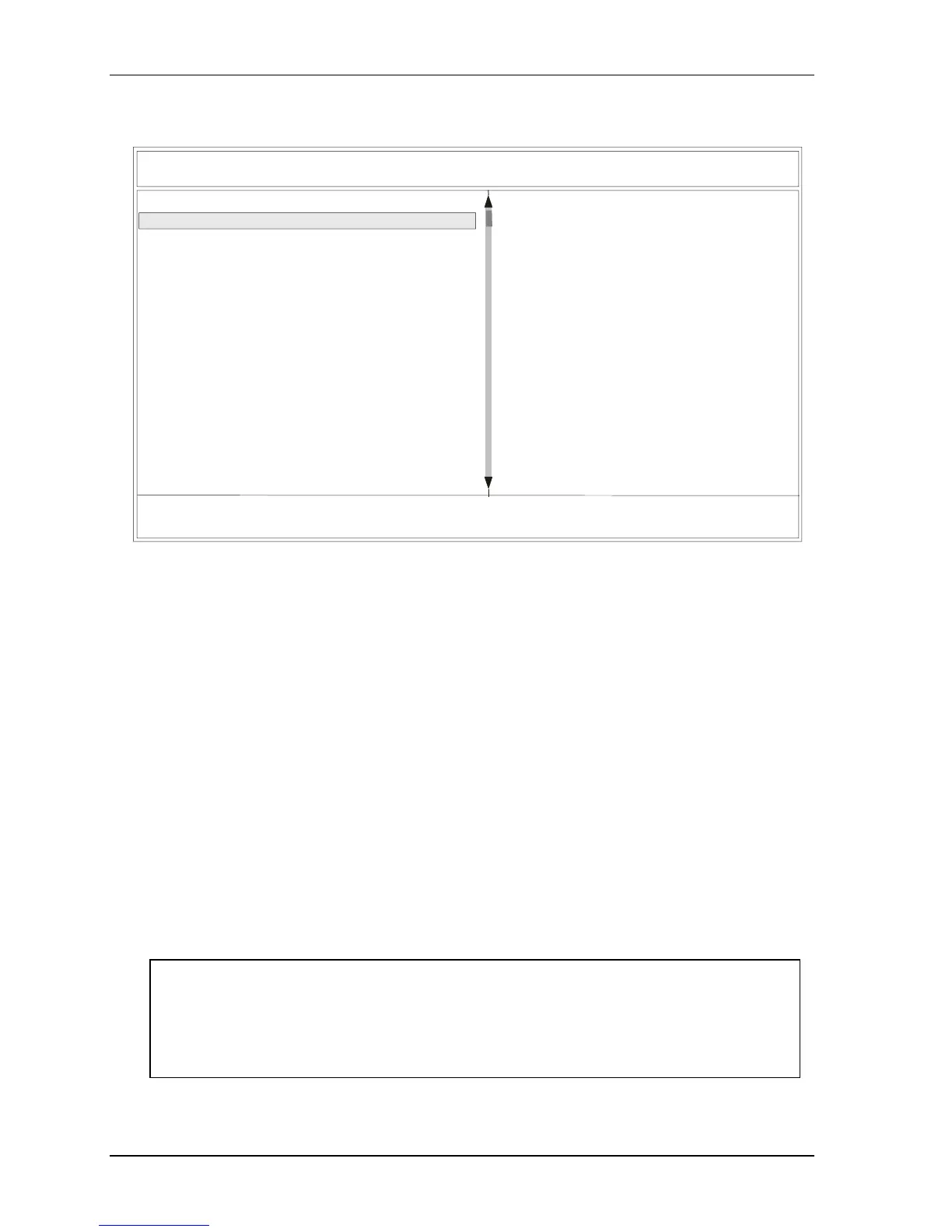
BIOS Configuration Screen
Ampro Setup Utility for CoreModule 420, SWxxxxxx
Use Arrow keys to change menu item, use Page Up/Down to mofiy. Esc to exit.
(C) Copyright 2004, Ampro Computers, Inc. - http://www.ampro.com
[Date & Time]
> Date 16 Feb 2004<
Time 10:24:34
[Drive Assignment]
Drive A 1.44 MB, 3.5”
Drive B (none)
Drive C HDD on Pri Master
Drive D
Drive E
CDROM
Boot 4th
Boot 5th
(none)
(none)
[Boot Order]
Boot 1st Drive A:
Boot 2nd Drive C:
Boot 3rd
(none)
(none)
Boot 6th (none)
[Drive and Boot Options]
Help for Date
The Date & Time fields are updated
in real-time.
When you make a change, the CMOS
is updated immediately.
Any changes made to Date & Time
fields will be saved even if you
discard changes at exit.
Figure 4-2. BIOS Configuration Screen
• Date & Time
♦ DATE (dd:mmm:yyyy) – This feature sets the numeric entry of the day of the month,
calendar month, and all 4 digits of the year, indicating the century plus year (17 Feb 2004).
♦ Time (hh:mm:ss) – This feature sets the 24 hour Clock, in hours, minutes, and seconds
• Drive Assignment
♦ Drive A – [none], [360kB, 5.25”], [1.2MB, 5.25”], [720kB, 3.5”], [1.44MB, 3.5”], or
[2.88MB, 3.5”]
♦ Drive B – [none], [360kB, 5.25”], [1.2MB, 5.25”], [720kB, 3.5”], [1.44MB, 3.5”], or
[2.88MB, 3.5”]
♦ Drive C – [none], [HDD on Pri Master], [CDROM on Pri Master], [HDD on Pri Slave],
[CDROM on Pri Slave], or [CF on Sec Master]
♦ Drive D – [none], [HDD on Pri Master], [CDROM on Pri Master], [HDD on Pri Slave],
[CDROM on Pri Slave], or [CF on Sec Master]
♦ Drive E – [none], [HDD on Pri Master], [CDROM on Pri Master], [HDD on Pri Slave],
[CDROM on Pri Slave], or [CF on Sec Master]
NOTE If a CompactFlash is used to boot the system, it is always configured as [CF on Sec
Master] on Drive C or D, but not Drive E, even though it appears under Drive E options.
The DiskOnChip (DOC) is not listed as a drive and is not in the boot order. Refer to the
software instructions provided with your specific DiskOnChip device for more
information concerning booting the device.



 To Next Page