It’s not possible to enter the MENU during a recording or a Real Time Energy
measurement.
11.1. SAFETY TEST MEMORY
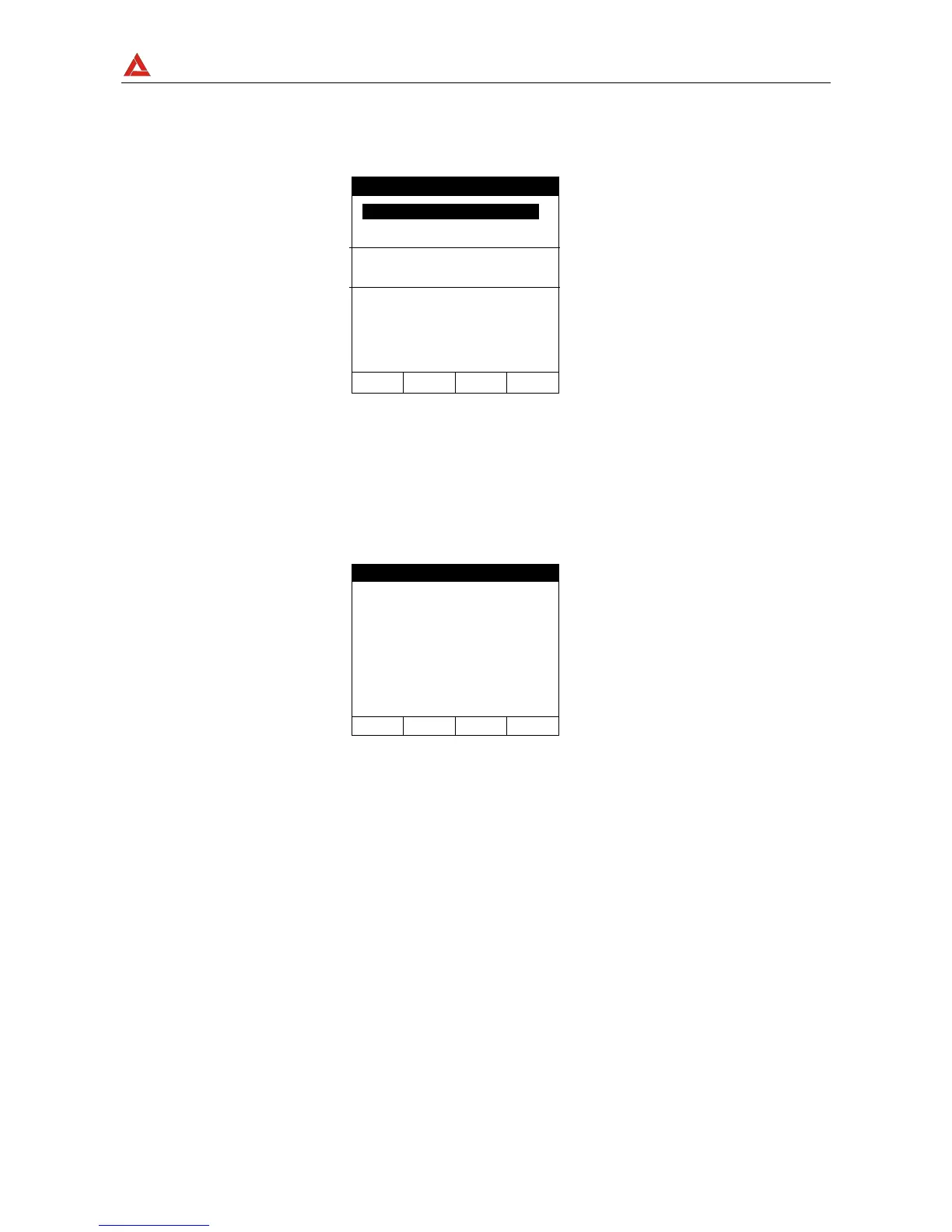
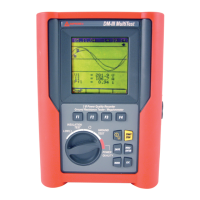
Selecting the SAFET YEST MEMORY item and pressing ENTER the instrument display
the following screen:
MEM: Order Number of the mesurement
TYPE: Measurement TYPE
PLACE: Mnemonic parameter associated by User to Measurement
TOT: Total Number of Measurement
FREE: Available Memory Location
Following keys are enabled:
F1, F2: (to select the Measurement).
F3: to cancel the last recording effected.
F4: to cancel all the recordings effected.
ENTER: to see the measurement results of the selected test
ESC: to quit this mode


 To Next Page