Control CV
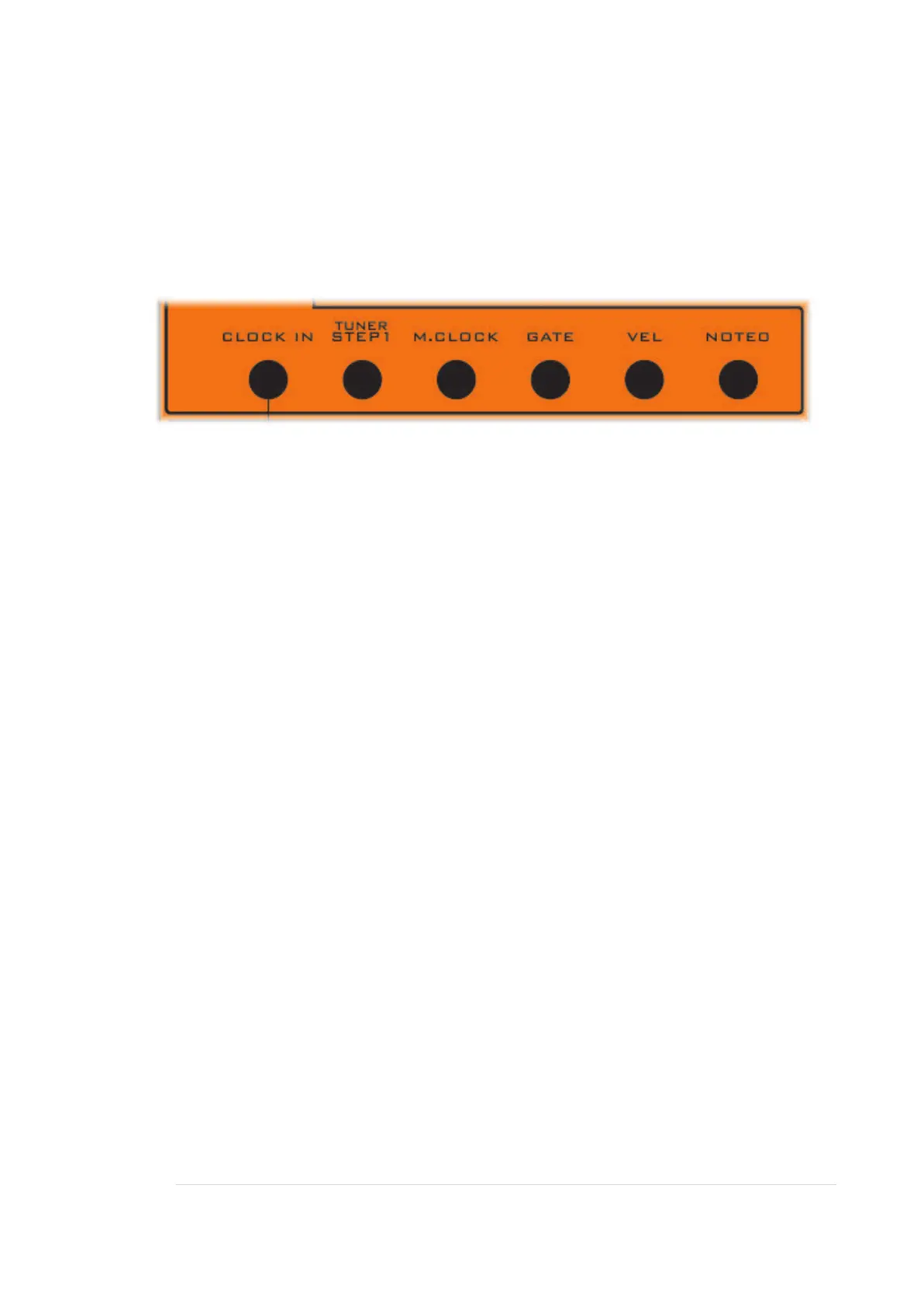
CLOCK IN
A trigger or gate in here will advance the Interval Generator one step to the right.
It only uses the first four positions. So it will loop from four to one and keep going.
This is so you can set up automatic transposition.
Patch the output of STEP1 here, and each time the MIDI note sequencer loops, the
Interval Generator will step one place.
That way, you can have your Sequencer transposed four times - once per loop of
the sequencer.
Patch other clocks and triggers to CLOCK IN as desired, for example, you could
also patch the Patternator Gate out into here.
Like patching in general, there are no rules.
TUNER / STEP1
TUNER
This can be activated to give out a 440Hz tuning note. To hear it, you’d need to
patch it to one of the mixer inputs.
To turn it on:
Ensure the Sequencer is Off.
Turn on by pressing TRANSPOSE (440HZ TUNER)
Push button again to turn it off.


 To Next Page