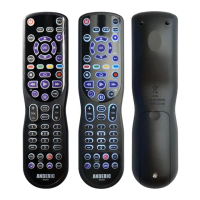
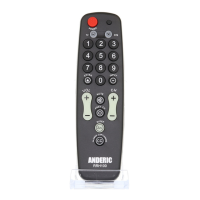
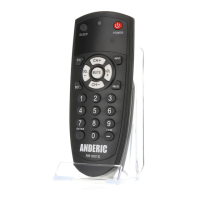
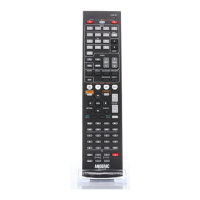
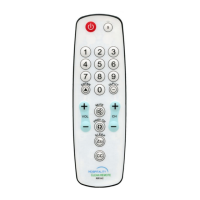
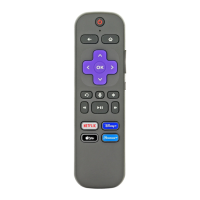
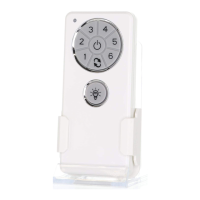
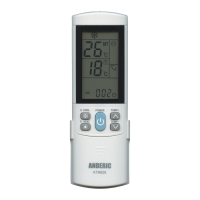
• After successfully programming your remote, try pressing SLEEP button first and make sure
on screen sleep option DOES NOT appear before continuing. If it does appear then you do
not have to continue with the following steps.
1. Press and hold the SLEEP button until the indicator light remains on. Then release the button.
2. Using the numerical pad, press numbers 01 - 99 depending on the number of minutes you
would like before the TV turns off. If you press 01 the TV will turn off in 1 minute.
3. If digits are entered correctly then indicator light will turn off.
4. TV Sleep Timer is now set.
5. Leave the remote pointing towards the TV with an unobstructed path.
To Cancel sleep timer – Press and hold SLEEP or POWER button for 3 seconds.


 To Next Page