English - 53 -
TV - Features
• Remote controlled colour LCD TV.
Fully integrated digital/cable TV (DVB-T/C)•
HDMI connectors for digital video and audio.This •
connection is also designed to accept high defi nition
signals.
• USB input.
• 10000 programmes.
• OSD menu system.
Scart socket for external devices (such as video, •
video games, audio set, etc.).
• Stereo sound system.
• Teletext, fastext, TOP text.
• Headphone connection.
• Automatic programming system.
• Forward or backward manual tuning.
• Automatic power down after up to six hours.
• Sleep timer.
• Child lock.
• Automatic sound mute when no transmission.
• NTSC playback.
• AVL (Automatic Volume Limiting).
• PLL (Frequency Search).
• PC input.
• Plug&Play for Windows 98, ME, 2000, XP, Vista, Windows 7.
• Game Mode (optional).
• Picture off function.
• Ethernet (LAN) for Internet connectivity and service
• DLNA
100Hz frequency scan•
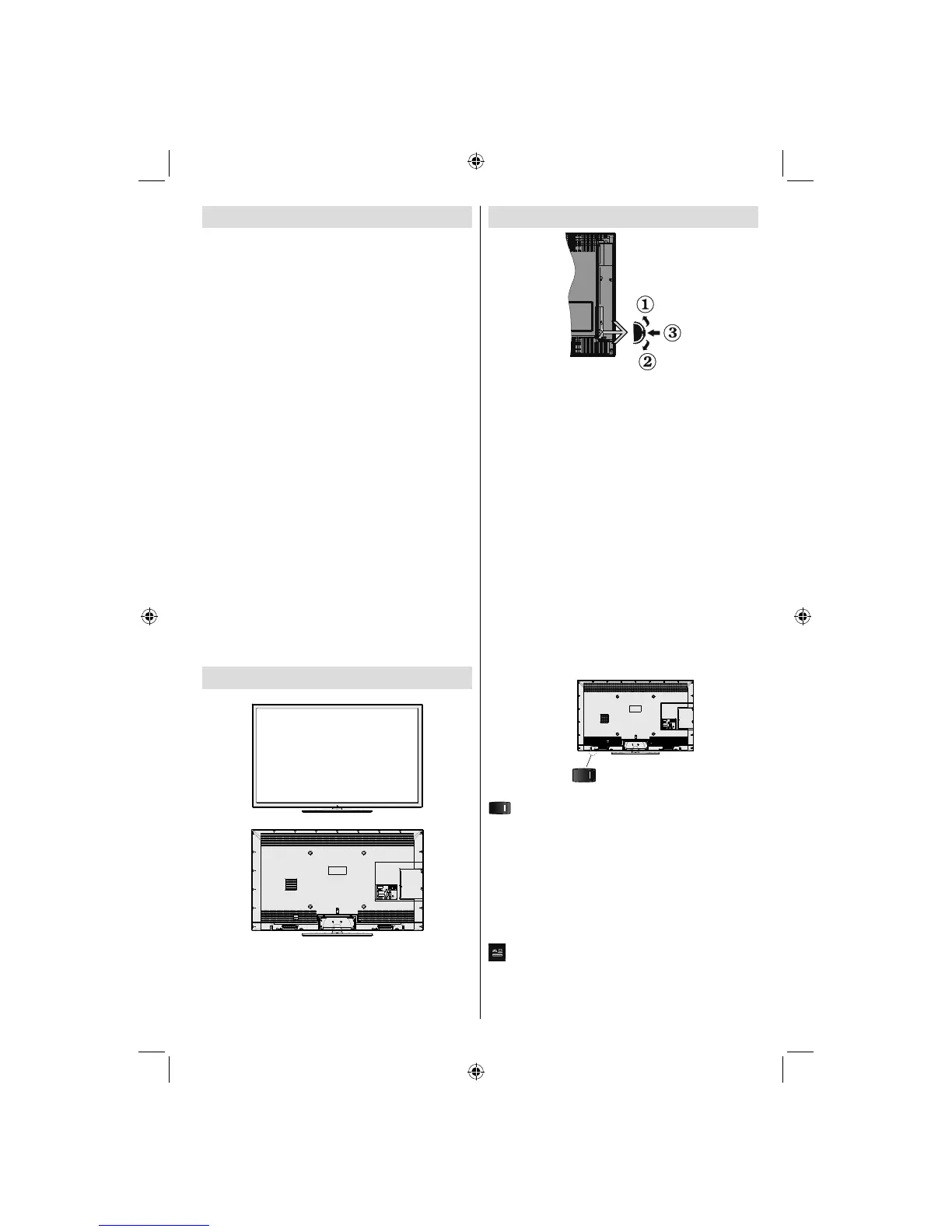
Viewing the TV
TV Control buttons & Operation
Up direction1.
Down direction2.
Programme/Volume / AV / Standby-On selection 3.
switch
Operation with the Buttons on the TV
Volume Setting
You can move the control switch upward or •
downward for changing the volume. To increase
volume, please move the switch upward. Move the
switch downward to decrease the volume. A volume
level scale (slider) will be displayed on the screen.
Programme Selection
First press the control switch once to change •
channel. You can move the switch upward to select
the next programme or move it downward to select
the previous programme.
Viewing Main Menu
Menu screen cannot be displayed by using the •
control switch.
AV Mode
Press the control switch consecutively until the •
source OSD is displayed on the screen.
(Standby Switch)
, switch is used for turning the TV on or off.
Operation with the Remote Control
Press MENU button on your remote control to display
main menu screen. Use Left or Right button to select
a menu tab and press OK to enter. Use Left / Right /
Up / Down to select or set an item. Press BACK/EXIT
or MENU button to quit a menu screen.
Input Selection
Once you have connected external systems to your
TV, you can switch to different input sources. Press
button on your remote control consecutively to
select the different sources.
Changing Channels and Volume
You can change the channel and adjust the volume by
using the V+/- and P+/- buttons on the remote.
A03_[GB]_MB90_4836UK_DVBT_C_PVR_MMH_DLNA_100HZ_BASIC IB_55985LED_GOLD18_10079836_50229710.indd 53A03_[GB]_MB90_4836UK_DVBT_C_PVR_MMH_DLNA_100HZ_BASIC IB_55985LED_GOLD18_10079836_50229710.indd 53 24.08.2012 15:38:3424.08.2012 15:38:34



 To Next Page