English - 66 -
Internet Portal
You can access PORTAL mode using your TV. To do
this, an active internet connection is required. Follow
the steps on Connecting to a Wired/Wireless(optional)
Network section to connect your TV to internet. After
the connection is established, you can select or view
portal options.
Note: Broadband internet connection is required
for high quality viewing. Ensure that the internet
connection is made properly. You must set the
Country and Language data correctly in the First
Time Installation for the proper operation of internet
portal.
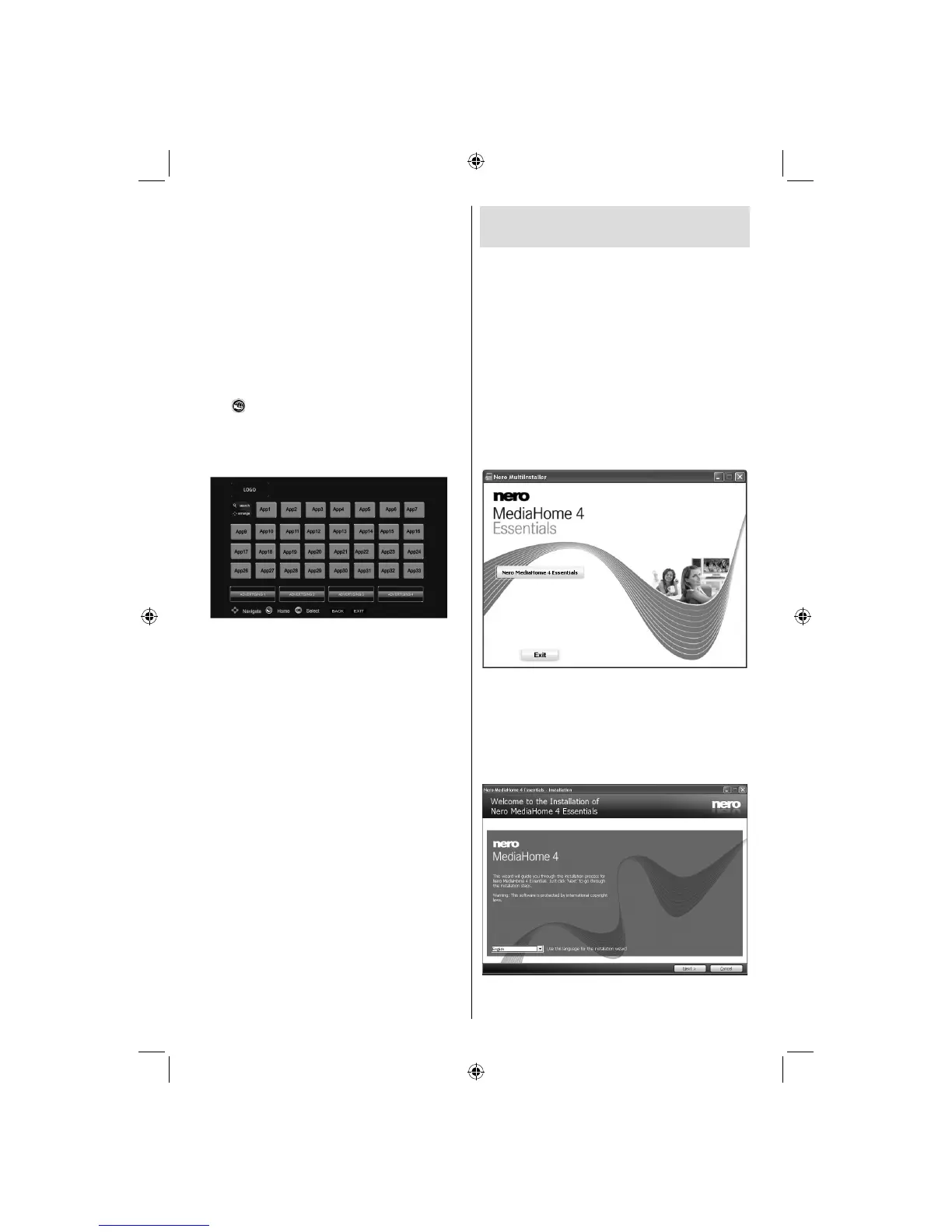
Press “
” button on your remote control and portal
application options will be displayed. Application
options will be displayed as the template below.
Available applications’ contents may change
depending on the application content provider.
Select a link or application using the Left and Right or
Up or Down buttons and press OK to activate.
Use Up/Down and Left/Right buttons to navigate •
between the items on Portal screen.
Press • OK button to confi rm your selection.
Press • BACK to go to the previous screen.
Press • EXIT to quit internet portal mode.
Note: Possible application dependent problems may
be caused by the content service provider.
Not: Virtual remote controller application could be
available to be downloaded from your smartphone
application provider.
Not all smartphones are supported by this
application.
Appendix A: Nero MediaHome
Installation
This software is compatible with Windows XP and
Windows 7.
To install Nero MediaHome, please proceed as
follows:
Note: To use DLNA function, this software should be installed
to your PC.
Insert the Nero MediaHome installation disc in 1.
your optical disc drive.
The Nero MultiInstaller screen with a button to start •
the installation process will open automatically.
If below window is not displayed automatically, •
double-click on the fi le SetupX located on
the Nero MediaHome installation disc.
Click on the button labeled Nero MediaHome 2.
Essentials to start the installation process.
The Nero MediaHome installation wizard is •
displayed.
If necessary change installation language from the •
language selection menu before continuing.
A03_[GB]_MB90_4836UK_DVBT_C_PVR_MMH_DLNA_100HZ_BASIC IB_55985LED_GOLD18_10079836_50229710.indd 66A03_[GB]_MB90_4836UK_DVBT_C_PVR_MMH_DLNA_100HZ_BASIC IB_55985LED_GOLD18_10079836_50229710.indd 66 24.08.2012 15:38:4924.08.2012 15:38:49



 To Next Page