English - 66 -
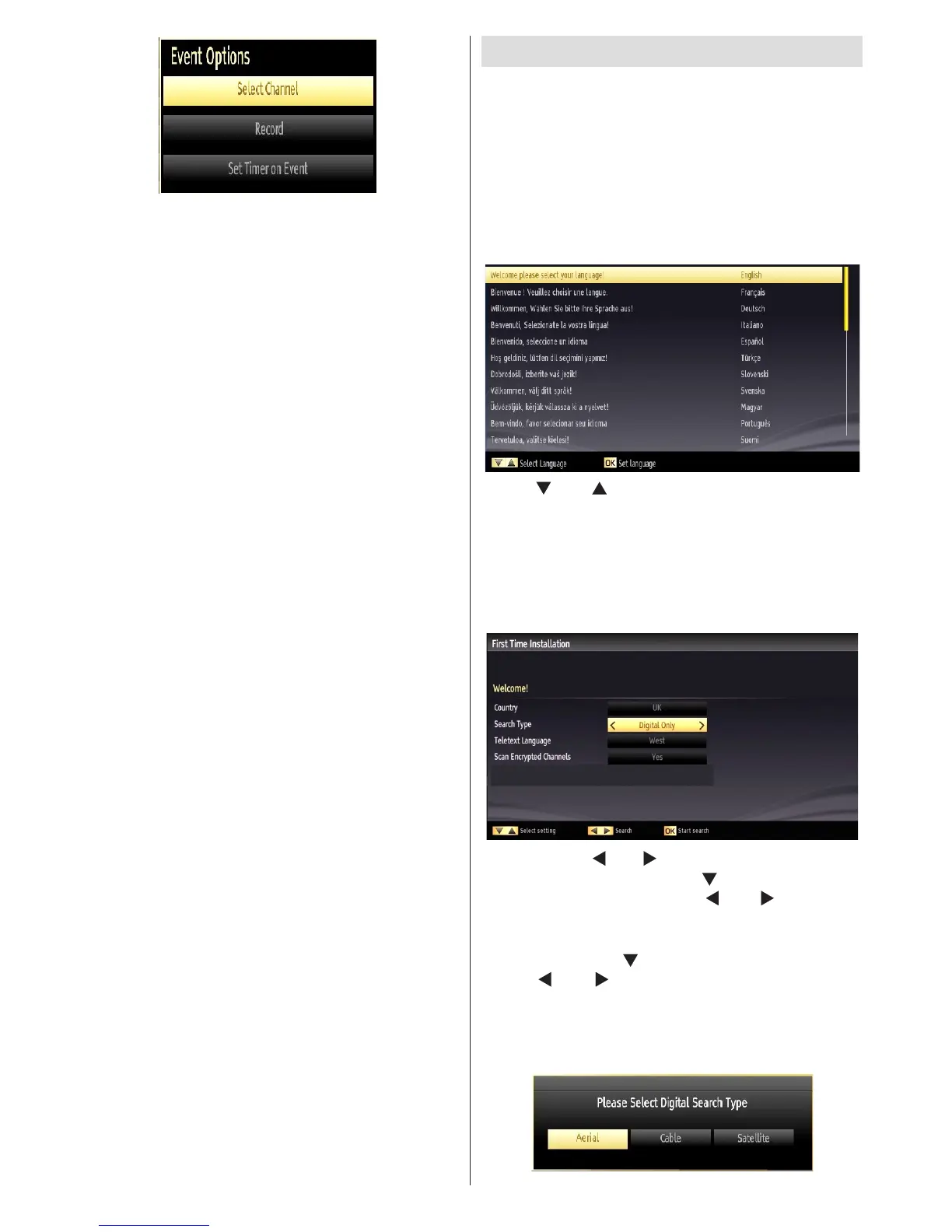
Select Channel
In EPG menu, using this option, you can switch to the
selected channel.
Record / Delete Record Timer
IMPORTANT: To record a programme, you should
rst connect a USB disk to your TV while the TV is
switched off. You should then switch on the TV to
enable recording feature. Otherwise, recording feature
will not be available.
• After you have selected a programme in EPG menu,
press the OK button and and Options screen will
be displayed. Select “Record” option and press the
OK button. After this operation, a recording becomes
set to the selected programme.
• To cancel an already set recording, highlight that
programme and press the OK button and select
the option “Delete Rec. Timer”. The recording will
be cancelled.
Note: You cannot switch to any other channel or
source while there is an active recording on the
current channel.
Set Timer / Delete Timer
After you have selected a programme in EPG menu,
press the OK button and and Options screen will
be displayed. Select “Set Timer on Event” option
and press OK button. You can set a timer for future
programmes.
To cancel an already set reminder, highlight that
programme and press the OK button. Then select
“Delete Timer” option. The timer will be cancelled.
Note: It is not possible to record or set timer for two or
more individual events at the same time interval.
First Time Installation
IMPORTANT: Ensure that the aerial, cable or
satellite is connected and a Common Interface
module is not inserted before switching on the
TV for the rst time installation.
Do not insert a common interface module during the
search process.
• When the TV is operated for the rst time, installation
wizard will guide you through the process. First,
language selection screen will be displayed:
• Use “ ” or “ ” buttons to select your language
and press OK button to set selected language and
continue.
• After selecting the language, “Welcome!” screen will
be displayed, requiring you to set Country, Search
Type, Teletext Language and Scan Encrypted
options.
• By pressing “ ” or “ ” button, select the country
you want to set and press “ ” button to highlight
Search Type option. Use “ ” or “ ” to set the
desired search type. Available search types are
digital only, analog TV only and full.
• When set, press “ ” to select Teletext Language.
Use “ ” or “ ” to select the desired Teletext
Language.
• Press OK button on the remote control to continue
and the following message will be displayed on the
screen:



 To Next Page