English - 79 -
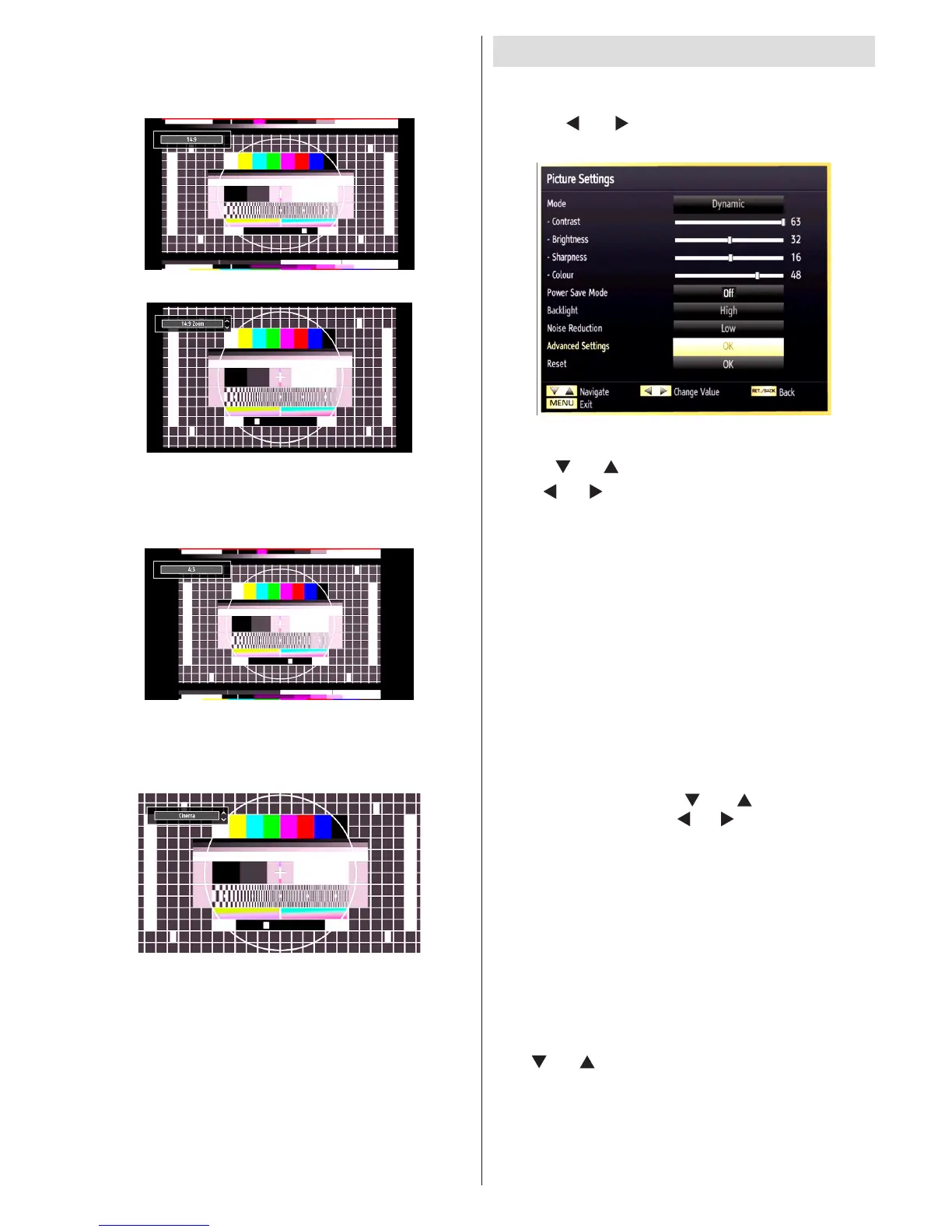
14:9
This zooms up the wide picture (14:9 aspect ratio) to
the upper and lower limits of the screen.
14:9 Zoom
This option zooms to the 14:9 picture.
4:3
Use to view a normal picture (4:3 aspect ratio) as this
is its original size.
Cinema
This zooms up the wide picture (16:9 aspect ratio) to
the full screen.
Conguring Picture Settings
You can use different picture settings in detail.
Press “MENU” button and select the Picture icon
by using “ ” or “ ” button. Press OK button to view
Picture Settings menu.
Operating Picture Settings Menu Items
• Press “ ” or “ ” button to highlight a menu item.
• Use “ ” or “ ” button to set an item.
• Press “MENU” button to exit.
Picture Settings Menu Items
Mode: For your viewing requirements, you can set
the related mode option. Picture mode can be set to
one of these options: Cinema, Game, Dynamic and
Natural.
Contrast: Sets the lightness and darkness values of
the screen.
Brightness: Sets the brightness value for the screen.
Sharpness: Sets the sharpness value for the objects
displayed on the screen.
Colour: Sets the colour value, adjusting the colors.
Power Save Mode: Use “ ” or “ ” button to select
Power Save Mode. Press “ ” or “ ” button to set Power
Save Mode as Eco, Picture Off and Disabled. See the
section, “Environmental Information” in this manual for
further information on Power Save Mode.
Backlight: This setting controls the backlight level and
it can be set to Low, Medium, High and Auto.
Noise Reduction: If the broadcast signal is weak and
the picture is noisy, use Noise Reduction setting to
reduce the noise amount. Noise Reduction can be set to
one of these options: Low, Medium, High or Off.
Advanced Settings
Use “ ” or “ ” button to select advenced settins.



 To Next Page