Playback & manage files
Use button “M” to get into Playback mode, press “up” or “down” to browse files.
In order to play videos, press “OK” to play it, “OK” to pause, “M” to stop
* In playback mode the microscope can not take photos or videos
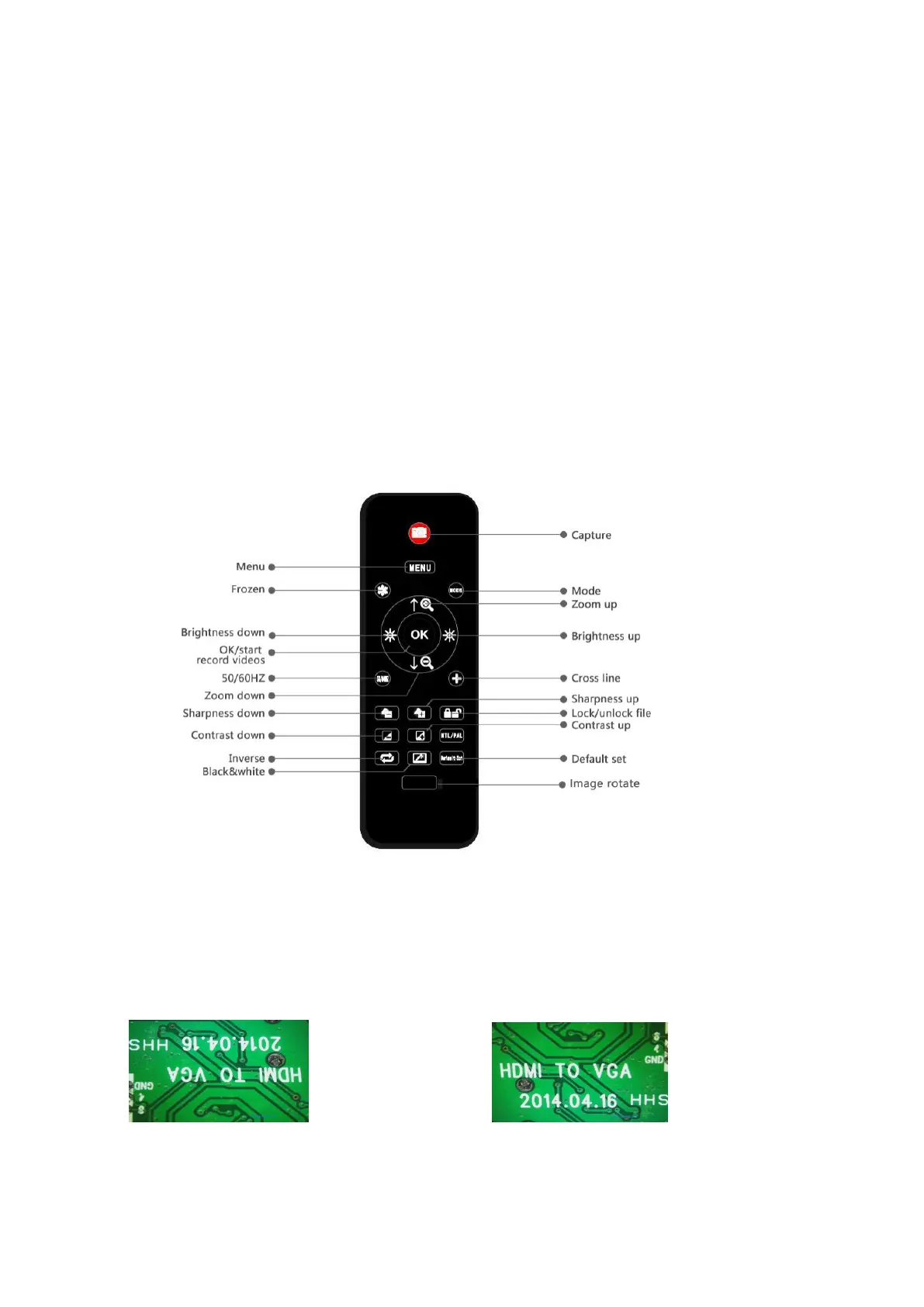
Remote
*Freeze: Stop the image on the display, works in video mode, photo mode and while recording.
*Illumination+ & -: exposure compensation from +2.0 to -2.0.
*Sharpness up&down: three levels of sharpness: Soft/Normal/Strong. Those two buttons are both used
to switch the levels, but in different orders.
*Contrast up&down: same principle as Sharpness
(Pic 8 Remote)
*Upside down:refer to pic as follow
Normal Upside down
*Inverse: refer to pic as follow
Normal Inverse



 To Next Page