Quick Start
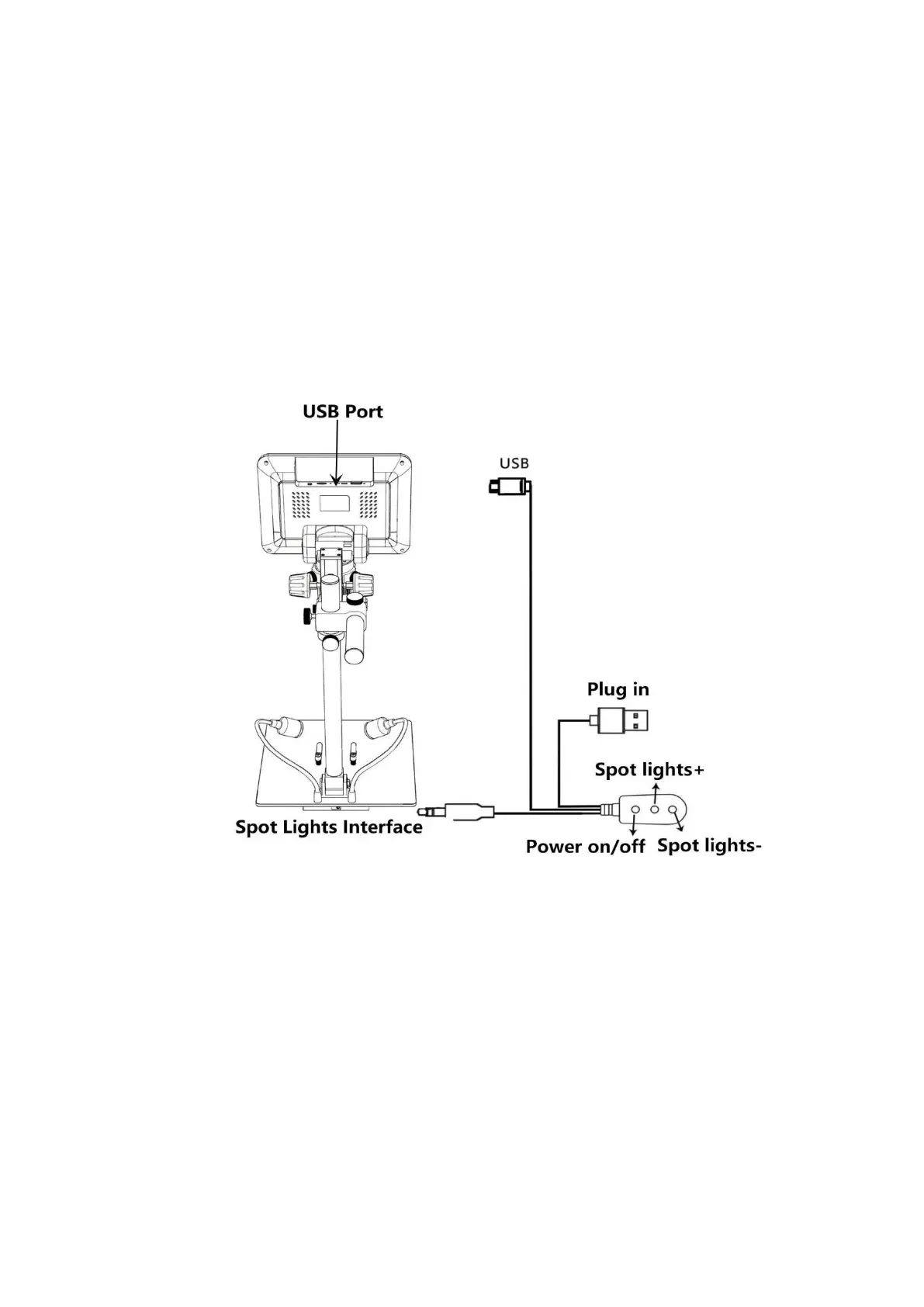
1. Connect the device to power supply (5V 2A& above) as followed pic 4 to power on the microscope.
2. Press and hold the Power button (pic 2 # ① ) until the monitor lights up. (device may switch on
automatically when you power it on, and its totally normal)
*Trouble shooting
When the monitor image stops or freezes, please pin the Reset hole (pic 2 #⑩) to reset the device first,
then power on the device again. (Reset hole is very tiny, located at the back of the monitor. You may
need to use the help of other tools with this process. All settings of the microscope will be back to
factory setting after this, but it won’t delete any files saved in memory card).
(Pic 4 Connection)



 To Next Page