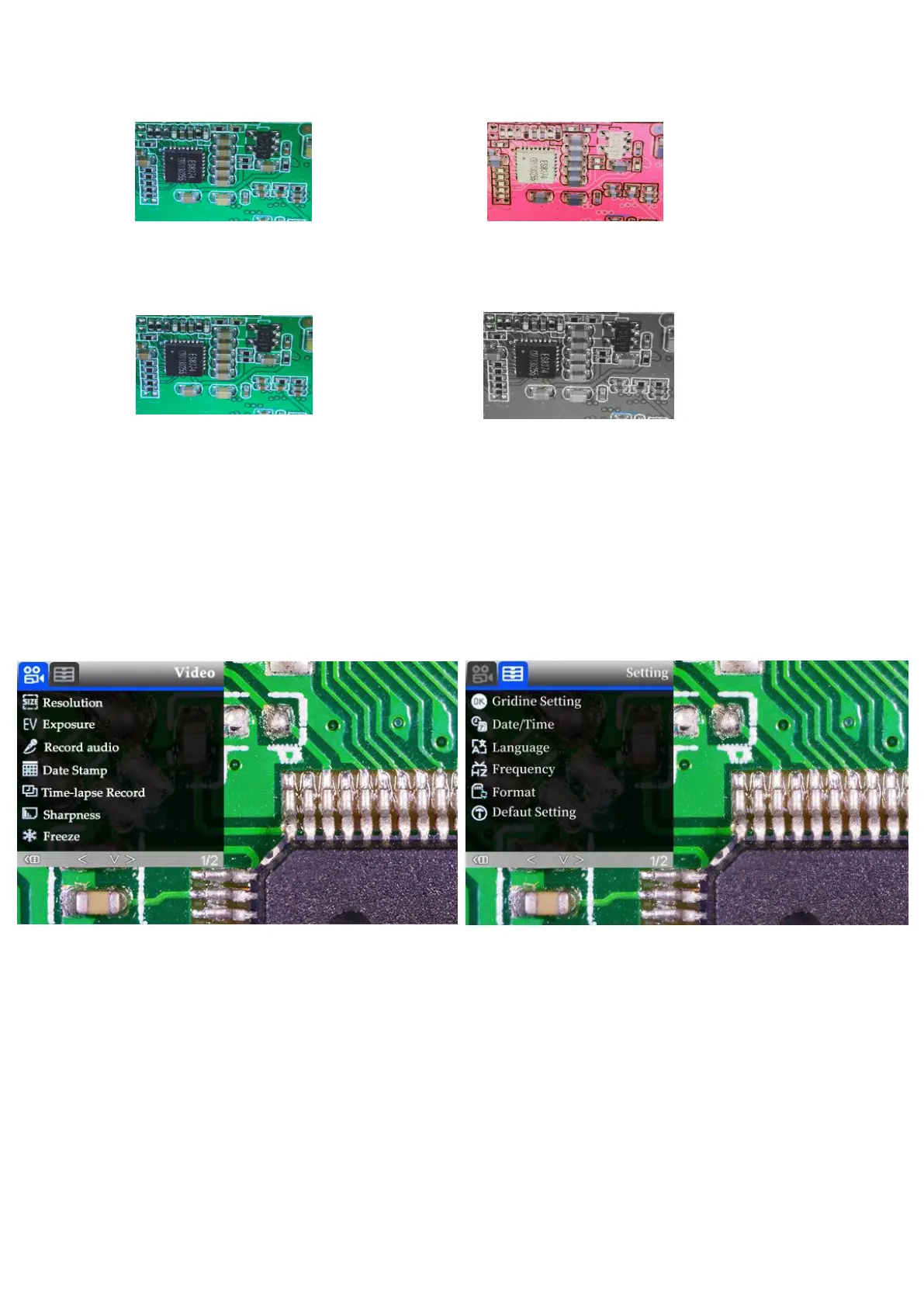
*Black&white: refer to pic as follow
Normal Black&white
Settings
In any mode, press and hold M button until it shows video/photo/playback menu, press M again, get
into Setting menu.
For example. In video mode, press and hold M button, it would show video menu as left below:
And then, press M again to get into settings menu,as right below:
(pic 9 video menu) (pic 10 setting menu)
Gridline Settings (remote needed)
Use “Up” and “Down”to choose among “Cross Line” “Line” “Direction” “Location”
“Color”and “Wide”. Use “Left”and “Right”(marked as a brightness +&- in pic 8) to change
settings. The microscope can’t do this mission stand along, The remote is needed.
Cross line as its name says, it’s a pair of vertical and horizontal lines located in the very middle in the



 To Next Page